
DNS Monitoring 101: Catching Unauthorized Record Changes Early
Learn how DNS monitoring helps IT teams spot unauthorized record changes before they cause downtime or hijacking incidents. Practical setup tips insid
DNS Monitoring: How to Detect Unauthorised DNS Record Changes Early
Meta description: Learn how DNS monitoring detects unauthorised record changes before they cause downtime, email outages, or DNS hijacking — and how to build a practical response plan.
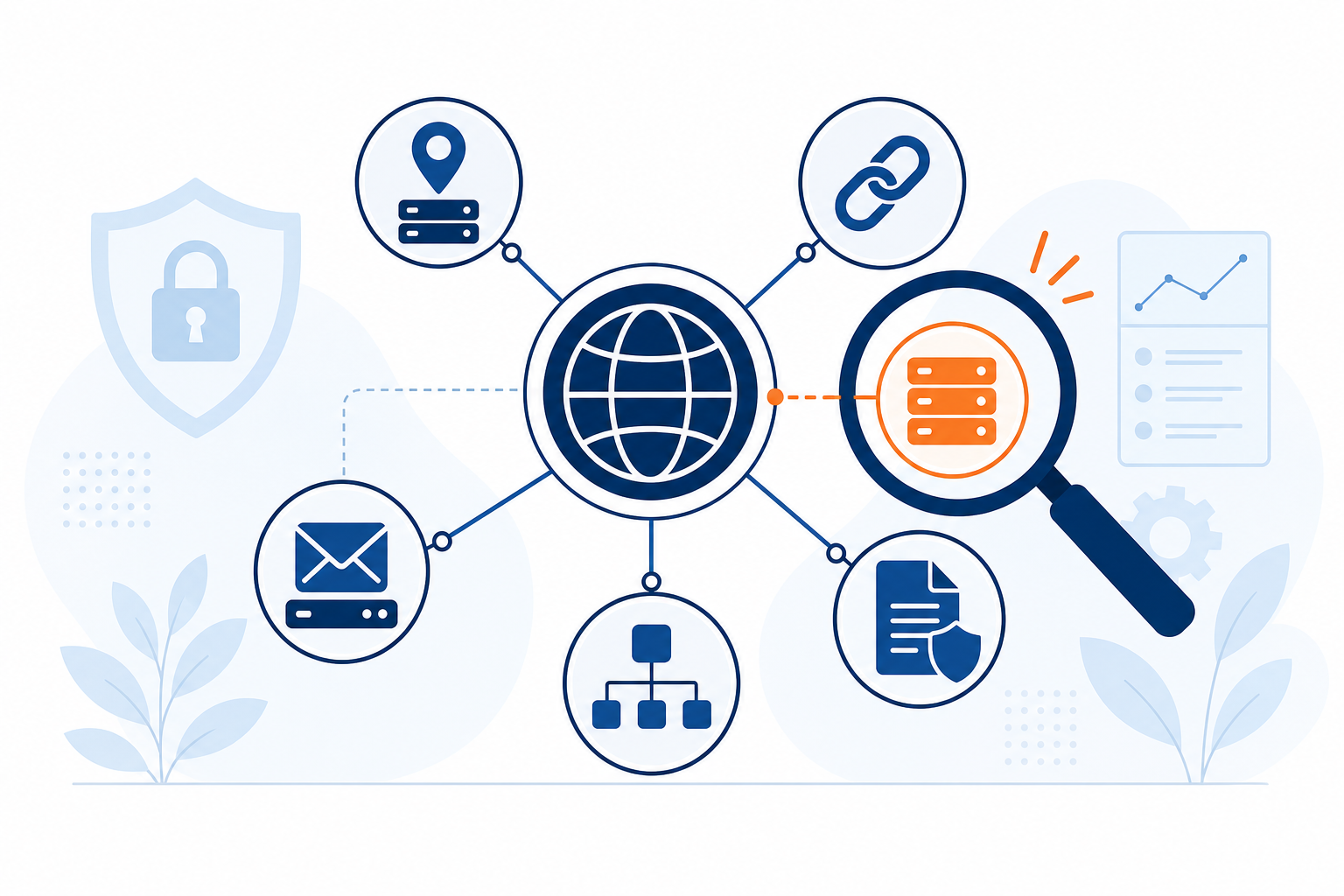
Here's the simple version: DNS monitoring checks your domain's records against a known-good baseline at set intervals, then alerts you when something changes unexpectedly. That's the whole idea. It helps you catch traffic redirection, email interception, and outages that would otherwise stay invisible until a customer tells you something's wrong.
I've had that stomach-drop moment — a site down for no obvious reason, nothing in the error logs, everything "should" be fine. Nine times out of ten in that scenario, the problem isn't the server. It's a DNS record that quietly changed underneath you, hours before anyone noticed.
One thing worth flagging early: DNS monitoring tells you what changed at the record level. It doesn't automatically tell you who changed it or exactly when, unless you also pull your registrar's audit log. We'll come back to that distinction — it matters during an actual incident.
Let's get into why DNS monitoring matters, how attackers actually pull it off, and what you can do about it today.
Why DNS Record Changes Are a Hidden Domain Security Risk
Most teams already track SSL certificate expiry and keep domain renewal reminders set months out. Nobody wants to explain to leadership why the company site is suddenly flagged as insecure. That instinct is good — it means you already understand that infrastructure has dependencies worth watching.
Here's what usually gets missed: the DNS records themselves go completely unwatched. We track when a certificate expires, but rarely check whether the records pointing to that certificate's server have quietly changed underneath us. A single unauthorised A record or nameserver change can redirect traffic or intercept email without tripping a typical uptime alert — because from a network perspective, everything still "resolves." It's just resolving to somewhere else. An A record pointed at a phishing host can still return an HTTP 200 and sail straight past a basic uptime check that only confirms the site is reachable.
Attackers who compromise a registrar account or DNS provider dashboard can make changes that look completely legitimate at a glance. There's no "hacked" banner — just a record update indistinguishable from the routine changes your team makes every month, unless you're actively comparing what's live against what should be there.
For UK organisations, this can carry a legal dimension too. If a DNS hijack exposes customer data — say, via a phishing page hosted on your redirected domain — that may trigger UK GDPR breach-notification obligations to the ICO, depending on the nature and risk of the exposure. Not every DNS incident meets that bar, but it's worth knowing where the line sits before you're deciding under pressure. Registrar and DNS-account compromise is a recognised risk pattern in the security community for exactly this reason, which is why Nominet, which runs the .uk registry, publishes its own guidance on securing domain and registrar access.
If you're already watching SSL expiry and domain renewal, think of DNS monitoring as the natural next layer — the same habit of vigilance, extended to the layer where a lot of real damage actually starts.
Common DNS Attack Vectors and Failure Modes
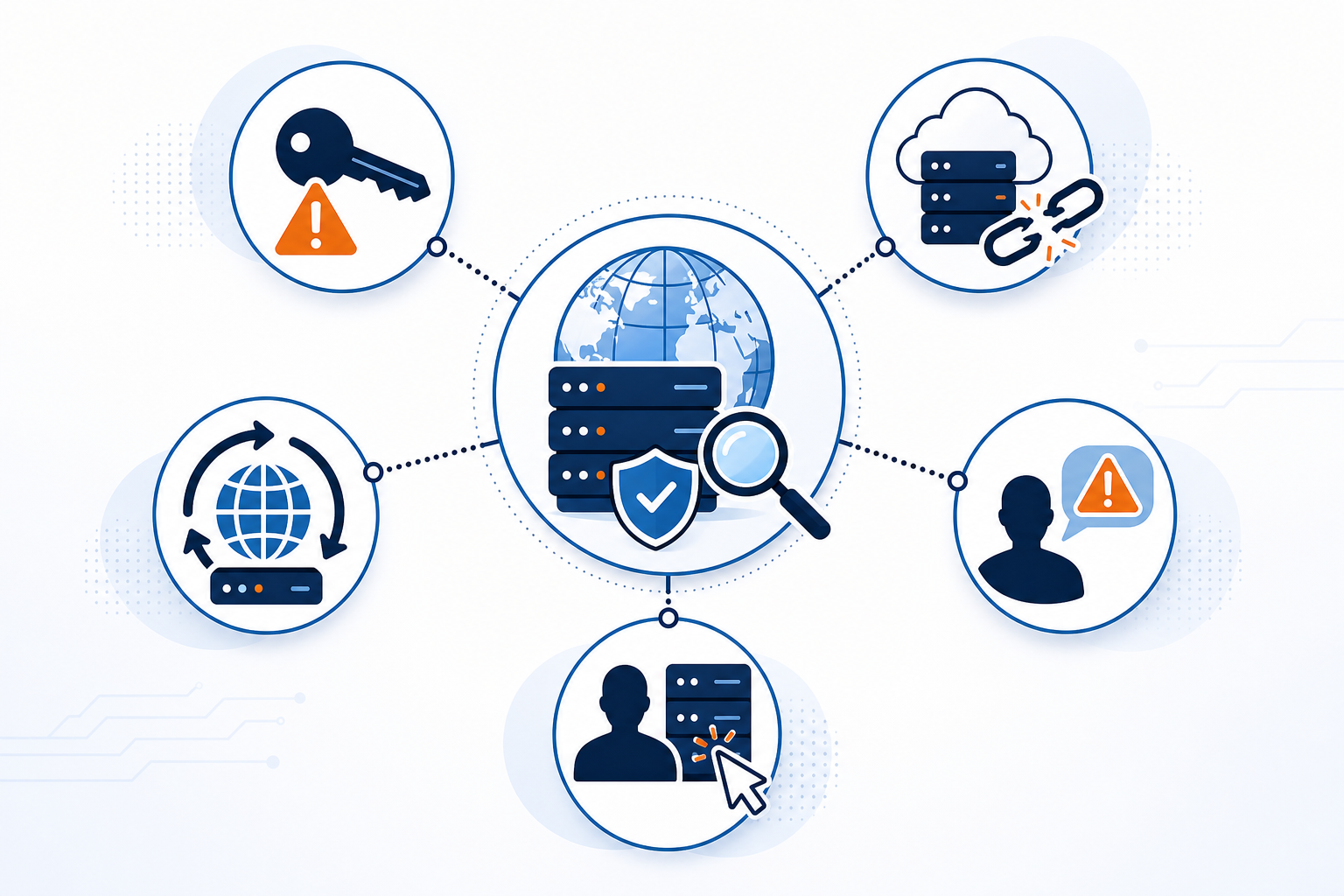
These aren't all the same kind of problem. Some involve someone editing your authoritative records directly. Others involve a resolver being tricked between the user and your domain, with your actual records never touched. And some involve an old record pointing at a resource you no longer control. Each needs a different defence — and record-change monitoring only directly catches some of them.
| Threat or failure mode | What actually happens | Likely impact | What DNS monitoring catches | Defensive control |
|---|---|---|---|---|
| Compromised registrar or DNS provider credentials | Records are edited directly by someone with legitimate-looking access | Traffic redirection, email interception, full outage | Yes — this is exactly what baseline comparison is built to flag | MFA on registrar/DNS accounts, record-change monitoring, account lock |
| Stale or dangling records | An old record still points to a deleted or released cloud resource (an old S3 bucket, a decommissioned load balancer) | Subdomain takeover, phishing hosted on your own domain | No, not on its own — the record itself may never change | Regular cloud-asset inventory audits paired with record monitoring |
| DNS cache poisoning / on-path resolver manipulation | A resolver's cache is fed false responses, sending users to attacker infrastructure without your authoritative records changing | Users silently redirected; your own DNS looks normal | No — this happens downstream of your authoritative nameservers | DNSSEC validation, using trusted resolvers |
| Social engineering of registrar support staff | Support staff are tricked into approving unauthorised access or changes | Same impact as credential compromise | Yes — the resulting record change is still detectable | Vendor security vetting, extra verification steps with your registrar |
| Insider changes (accidental or malicious) | A teammate edits a record incorrectly during a migration, or misuses legitimate access | Misconfiguration, outages, or intentional redirection | Yes | Change approval workflows, access logging, baseline comparison |
A quick note on DNSSEC, since it comes up a lot here: it cryptographically signs DNS responses so validating resolvers can verify they haven't been tampered with in transit. That's a real defence against cache poisoning. What it does not do is stop someone with valid (or stolen) credentials from making an authorised-looking change at the source — that's a different problem, and it's the one record-change monitoring is built to catch.
Two documented incidents show how this plays out:
- MyEtherWallet, April 2018. Attackers exploited a BGP route hijack that intercepted traffic destined for Amazon's Route 53 DNS infrastructure, redirecting users to a malicious clone site that harvested private keys (reported by Ars Technica). It's worth being precise here: this wasn't someone editing MyEtherWallet's own DNS records — it was a routing-level attack upstream of the DNS provider itself. Losses were estimated around $150,000. The lesson: even infrastructure as trusted as AWS's DNS service sits inside a routing ecosystem that can be manipulated above your own account.
- "Sea Turtle," documented by Cisco Talos in 2019. This campaign compromised DNS registrars, telecom providers, and government-linked organisations across more than a dozen countries, redirecting DNS traffic to attacker-controlled infrastructure to enable credential theft at scale. This one is the kind of authoritative record compromise that baseline monitoring is built to catch. The lesson: DNS compromise can be a patient, long-running espionage tool, not just a smash-and-grab.
The common thread: the web server was fine in both cases. The DNS layer — or the routing beneath it — was the point of failure.
How DNS Monitoring Detects Record Changes in Near Real Time
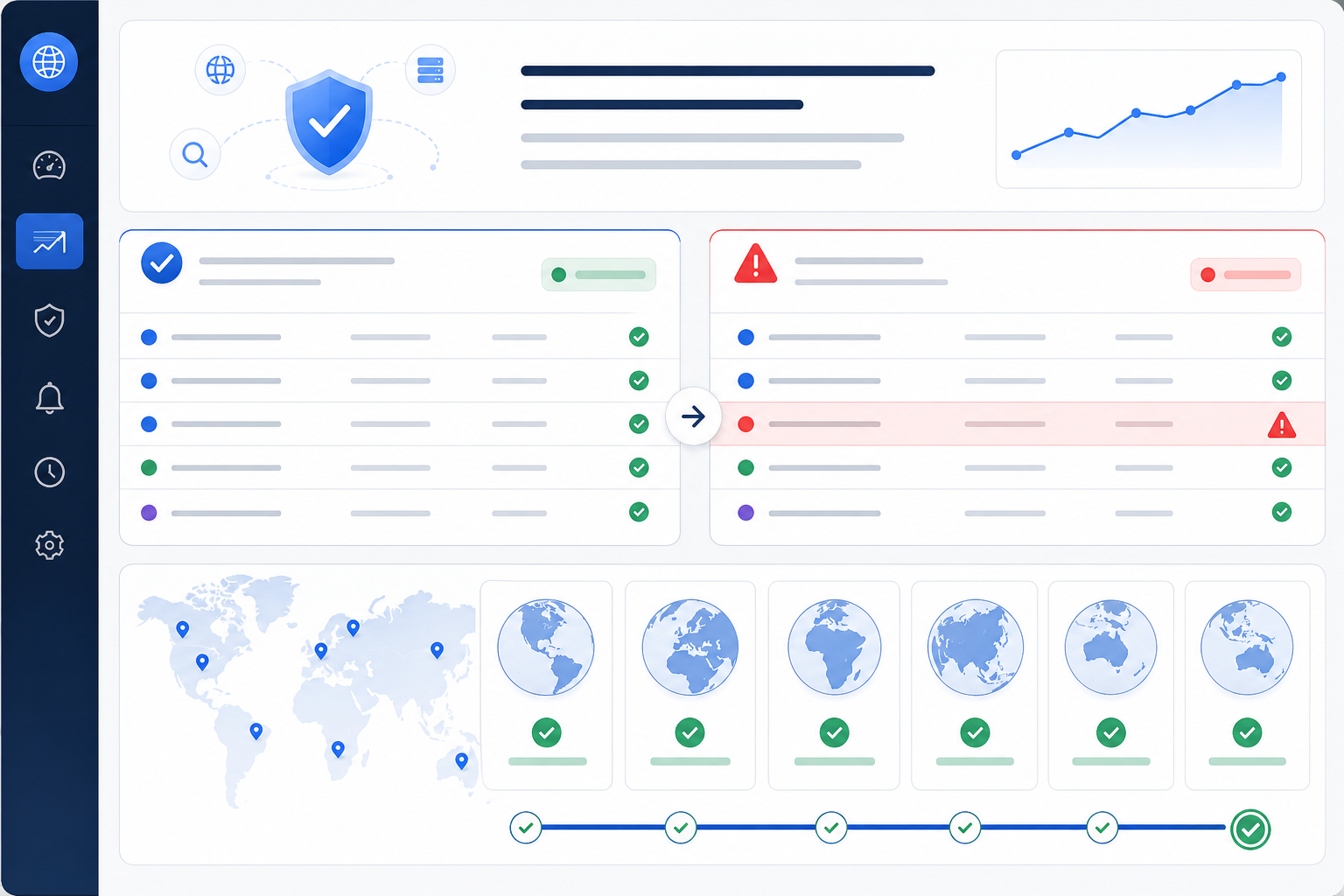
The mechanics here are refreshingly straightforward. A DNS monitoring tool takes a baseline snapshot of your current, verified-correct records — A, AAAA, CNAME, MX, NS, TXT, and where relevant, SOA, CAA, and DNSSEC DS records. From there, the sequence looks like this:
- It queries your authoritative nameservers directly, on a defined interval — often every few minutes, depending on the tool.
- It cross-checks the result from multiple geographic locations, so a single resolver's stale cache doesn't trigger a false alarm.
- It compares what it finds against the baseline.
- On a mismatch, it sends a record change alert.
- From there, checking your registrar's audit log (where available) fills in who made the change and when — the monitoring alert tells you what changed.
This is near-real-time detection based on polling, not an instantaneous tripwire. Your actual detection lag is roughly your check interval plus alert-delivery time — dramatically faster than waiting for a customer to notice, but not instant.
A note on false positives. DNS propagation and caching are real, and a naive setup will drown you in false alarms. A record can briefly look different from one location because of TTL timing, or because a resolver somewhere is still serving a cached older value. That's a propagation artefact, not an attack — but from a single vantage point, it can look identical to one. Good monitoring handles this by querying multiple locations directly against your authoritative nameservers, and by giving you a way to handle expected changes — a planned migration, a new SPF entry — through a maintenance window or an explicit re-baseline step, taken only after you've independently verified the new values.
DNS monitoring works best alongside HTTP/S monitoring (confirms the site is reachable and returning expected content), port and ping monitoring (catches network-layer issues), and SSL/domain expiration monitoring (makes sure certificates and registrations don't lapse). No single layer proves the endpoint you're reaching is the one you actually authorised — together, they cover far more ground as part of an infrastructure monitoring strategy.
At Moonitor, DNS record change detection sits in the same dashboard as your uptime, SSL, and domain expiration checks, so you get one baseline and one place to see when something's off, instead of juggling separate tools.
How to Set Up DNS Record Change Alerts
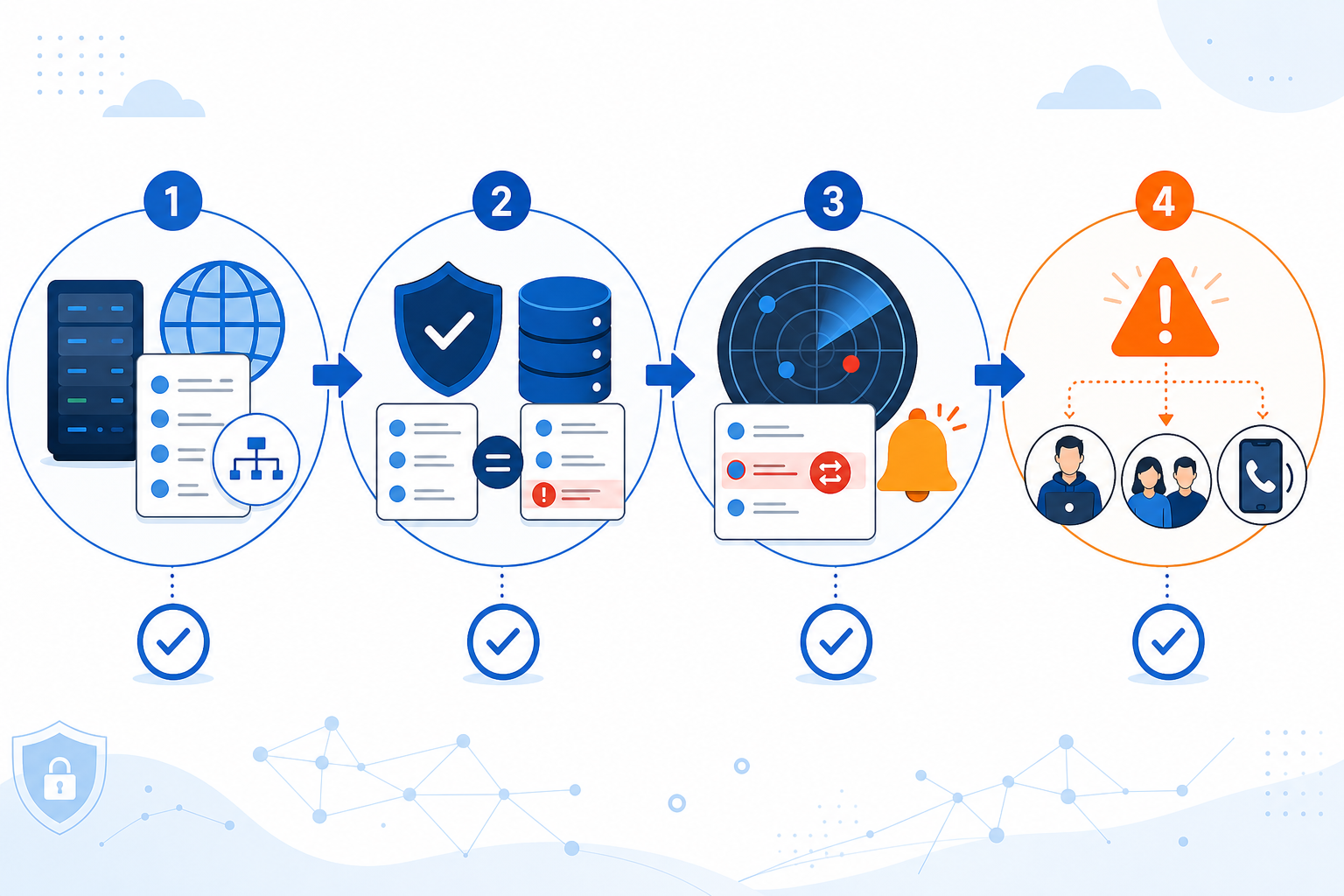
Identify which DNS records are critical to monitor. Start with NS, apex A/AAAA, MX, and CNAME records — these carry the highest blast radius if changed. Then add TXT records, including the SPF, DKIM selector, and DMARC entries buried inside them. Don't forget critical subdomains (like an app or API subdomain on its own CNAME) and any wildcard records — a compromised wildcard can quietly cover far more ground than a single subdomain change.
Set a baseline snapshot of current, verified-correct records. Confirm — really confirm, not assume — that what's live right now is what should be live. Document nameservers, DNSSEC/DS records if you use them, TTLs, and registrar/account-lock status alongside the records themselves. If your DNS is managed through Terraform or another infrastructure-as-code workflow, treat your baseline as a check against the deployed state, not just the config file — drift between the two is exactly what you're trying to catch.
Configure alerting, and account for expected changes. Route alerts to where your team actually lives — email, Slack, Discord, Telegram, or a webhook into your existing incident tooling. Set up maintenance windows or a change-approval step for planned migrations so legitimate updates don't trigger unnecessary noise, and only re-baseline after you've independently verified the new values.
Decide on alert thresholds and escalation. Changes to NS, DS, MX, CNAME, TXT, and apex A/AAAA records can affect email delivery, certificate validation, or your entire customer-facing application — these deserve immediate escalation. A TTL-only change or a minor subdomain update can usually wait for business-hours review. Decide in advance who gets pinged first.
Pair DNS monitoring with your existing SSL and domain expiration monitors. These are complementary layers of the same domain security strategy, not competing priorities.
Use a public status page to keep stakeholders informed if a DNS incident causes visible downtime. Host it independently of the domain that might be affected, and be careful not to disclose sensitive incident details while a compromise is still active.
Building a DNS Hijacking Incident Response Plan
Monitoring tells you that something changed. A response plan tells you what to do next — and this is the part teams skip most often, right up until they wish they hadn't. Treat what follows as a starting runbook, not the final word.
What to Do in the First Minutes After a DNS Alert
Not every alert deserves the same pace. If multiple vantage points confirm an NS, DS, or MX record changed and nobody on your team made that change, escalate immediately and investigate in parallel — don't wait for full confirmation before looping in whoever owns the registrar account. If the discrepancy shows up from only one location or resolver, it's more likely a propagation artefact, and a quick second check is reasonable before raising the alarm.
- Validate from a second source — query the record independently from a different resolver or tool.
- Compare against your known-good reference document, not memory.
- Check registrar and DNS provider audit logs, if available, to see who made the change and when.
- Contact your registrar or DNS provider through a trusted channel (not a link in an email) if you suspect the change wasn't made by your team.
- Preserve evidence — screenshot the current record, the audit log entry, and the alert itself before you revert anything.
- Revert the record and freeze further edits. Note that a transfer lock (which prevents your domain moving to another registrar) is different from an edit freeze on DNS records — check which one you actually have.
Containment and Recovery After a DNS Incident
- Rotate credentials — and go wider than just the password. Revoke active sessions, check whether MFA was actually enforced at the time of the change, and review API keys, delegated access, recovery email/phone settings, and any provider-side automation that could re-apply a malicious change after you revert it.
- Review DNSSEC and lock settings to confirm they're still configured the way you expect.
- Assess downstream impact — was email affected? Could customer data have been exposed via a redirect or phishing page? A confirmed exposure may need reporting to the ICO under UK GDPR, depending on risk and scope.
- Communicate through a channel outside the affected domain where possible, since the compromised domain's own email or site may not be trustworthy yet.
Prepare for DNS Hijacking Before It Happens
- Document who has registrar and DNS provider access, and enable phishing-resistant MFA wherever possible rather than SMS-based codes.
- Create a "known-good" record reference document so you're comparing against a trusted source, not scrambling to remember what the MX record was supposed to say.
- Define response roles in advance — who investigates, who communicates with stakeholders, and who actually executes the fix.
Review and Improve Your Response
- Review incident history and response times to see how quickly you caught the issue and how long resolution took.
- Run periodic tabletop exercises. Simulate a DNS hijacking scenario and walk through the response — it's remarkable how many gaps surface the first time you actually rehearse this.
- Close the loop. If a change went unnoticed longer than it should have, ask why, and fix it.
DNS Monitoring FAQ
How do I know if my DNS records were changed without permission?
The most reliable way is DNS monitoring that queries your authoritative nameservers at a set interval and compares the results against a known baseline, alerting you on a mismatch. Without this, you're usually relying on downstream symptoms — a site going down, emails bouncing — which means you find out well after the change happened.
Is DNS monitoring different from SSL and domain-expiration monitoring?
Yes, and they answer different questions. SSL monitoring checks whether your certificate is valid and not about to expire. Domain-expiration monitoring checks whether your registration itself is about to lapse. DNS monitoring checks whether the live records pointing to all of that — your servers, your mail, your certificates — still match what you actually authorised. You want all three, because each one covers a gap the others don't.
Which DNS records should I monitor first?
If you can't monitor everything at once, start with NS, apex A/AAAA, MX, and CNAME records, since changes here carry the widest blast radius. Add CAA records if you use them to restrict certificate issuance, and your SPF, DKIM, and DMARC entries to catch email-authentication changes early.
What is DNS hijacking?
DNS hijacking is when an attacker gains unauthorised control over your DNS records, typically by compromising your registrar or DNS provider account, and redirects your domain's traffic to malicious servers. It can intercept email, serve phishing pages, or take your site offline, and it often goes unnoticed for hours because the domain still "resolves" — just to the wrong place.
Can DNS monitoring prevent downtime?
Not entirely — monitoring can't stop an attacker from making a change in the first place. What it does is shorten the gap between the change happening and your team knowing about it, which limits how long the damage lasts before you revert it.
If you're already keeping an eye on SSL expiry and domain renewals, adding DNS record change detection is a small step with an outsized payoff. Start with your five highest-risk records — NS, apex A, MX, CNAME, and your SPF/DKIM entries — set a baseline, and you'll have real alerting in place without much friction. Moonitor brings DNS monitoring together with SSL, domain expiration, uptime, and several other monitor types in one dashboard, if you'd rather not stitch several tools together. [See how it works on our pricing page.]