
The True Cost of Downtime for SaaS Businesses in 2025 (And How to Calculate Yours)
Calculate the true cost of downtime for SaaS businesses, from lost revenue and customer churn to SLA penalties—and see why uptime monitoring pays.
The Real Cost of Downtime for SaaS Businesses: How to Calculate Yours
SaaS downtime costs far more than the revenue lost during an outage. It can trigger customer churn, support overload, SLA penalties and reputational damage that compounds for months afterwards. For a mid-sized SaaS company, one hour of downtime can cost tens of thousands of pounds once you factor in lost transactions, incident response labour, service credits and customer trust erosion.
Much of that cost is manageable with effective uptime monitoring and honest, timely communication through a public status page. By the end of this guide, you'll have a practical formula for calculating the potential cost of downtime for your own SaaS business.
I've spent a lot of time talking to founders and engineering leads who are trying to convince their boards that monitoring isn't optional. In many cases, uptime monitoring is insurance against an incident that can materially affect revenue and customer retention. This guide breaks down the business impact of SaaS downtime and explains how to build a defensible cost estimate using UK-relevant assumptions.
I'll flag where figures are illustrative rather than measured, because the worst thing you can do in a board conversation is present a made-up number as fact.
How SaaS Downtime Directly Impacts Revenue
Let's start with the obvious part, because even the direct revenue impact of downtime is bigger than many businesses assume.
When your SaaS platform goes down, you lose transactions that don't happen, subscriptions that lapse instead of renewing, and trials that quietly expire without converting. For usage-based or transaction-heavy products, this is easy to picture: an e-commerce SaaS platform whose checkout fails during peak evening shopping hours. Every minute checkout is unavailable isn't just a delay—it's revenue customers may not return to spend later. Some abandon their carts; others go to a competitor. That revenue is gone, not deferred.
Then there's the contractual side. Many SaaS agreements include service-level agreement (SLA) commitments—often 99.9% uptime or higher—and breaching them can mean owing service credits or refunds. That's real money leaving your account, on top of the revenue already lost.
A simple formula for the direct revenue impact of downtime
Here's the formula I'd actually bring into a board meeting:
Revenue at risk = affected revenue per hour × outage duration in hours × percentage of revenue actually exposed
Affected revenue per hour is your monthly recurring revenue divided by roughly 720 hours in a month. Alternatively, divide annual recurring revenue by 8,760 hours in a year. Both calculations should produce roughly the same hourly figure once you check the maths, since ARR is simply MRR × 12.
Worked example: say your UK SaaS company generates £800,000 in MRR. That works out to roughly £1,111 per hour (£800,000 ÷ 720). A clean 60-minute total outage, with 100% of revenue exposed, produces about £1,111 of direct revenue exposure. Checked against the annual version—£9.6 million ARR ÷ 8,760 hours—you get almost exactly the same hourly figure. This is a useful sanity check when building your model: your MRR-based and ARR-based calculations should agree.
That £1,111 is before SLA credits, incident response labour and support costs. It's also the “easy” part of the calculation, because revenue exposure is rarely 100%. A well-segmented product might have entire regions, plans or read-only features unaffected by an outage. This is why blanket estimates such as “we lost X% of revenue” are usually unreliable. Segment the calculation by customer, geography, plan tier and transaction type instead of applying one company-wide average.
There's also a compounding effect worth considering. If your API goes down, it doesn't just break the API—it can cascade into every customer-facing feature that depends on it. A single failed dependency can take out login, billing, dashboards and integrations at once, multiplying the blast radius well beyond the original point of failure. That's why the percentage of revenue exposed is often higher than teams initially assume.
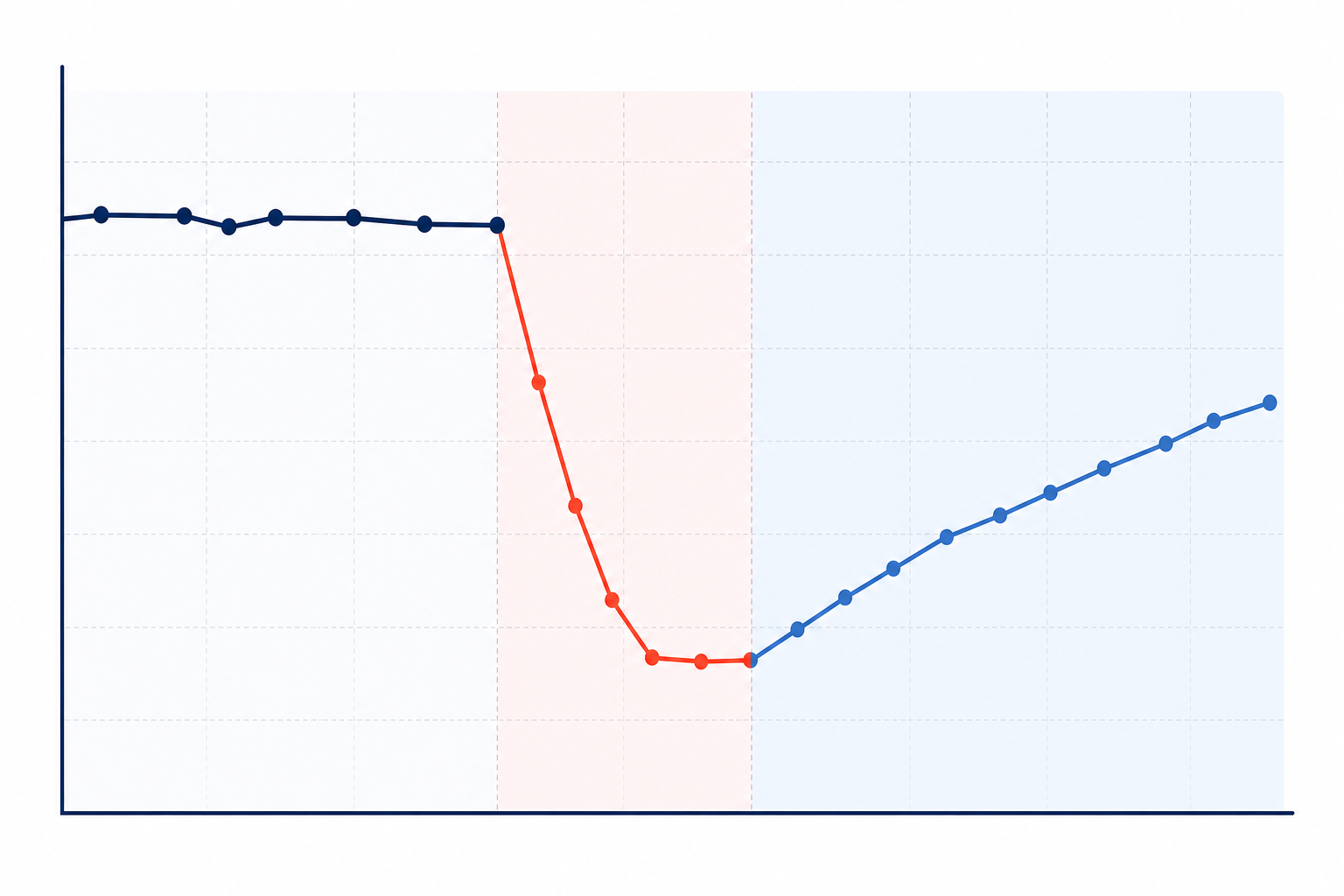
Direct revenue loss is the easiest part of the calculation. The harder, more expensive part—the one leadership actually needs to see—comes next.
The Hidden Cost of Customer Churn After SaaS Outages
Downtime can increase customer churn, but the timing and scale of that churn depend heavily on your business model. It's not as simple as assuming customers will cancel during the outage itself.
For annual-contract, enterprise-style SaaS, that is broadly true. Customers rarely cancel in the middle of an incident. They may raise concerns with your support team, record the disruption internally, and continue using your product for weeks or months until their renewal date arrives. That's when they may start evaluating competitors or quietly allow the contract to lapse.
This is why many SaaS companies underestimate the churn risk after an outage. They monitor the days immediately following an incident, see stable customer numbers and assume everything is fine. The real damage may not appear until one or two renewal cycles later.
For self-serve, monthly-billed or mission-critical tools, the picture is different. Customers on rolling monthly plans can cancel within days of a serious outage, particularly if the product is easily substitutable or the incident blocked something time-sensitive. If your business is mostly monthly self-serve, don't assume you have the same opportunity to rebuild trust before renewal as an annual-contract business.
How repeated outages affect customer retention
There's also a meaningful difference between one bad outage and a pattern of unreliability. A single, well-handled incident—with clear communication, fast resolution and a credible explanation—rarely does lasting damage on its own. Repeated outages, especially those caused by the same root problem, erode trust much more severely.
Customers start wondering whether reliability is a systemic issue rather than a one-off mistake. That is when they are more likely to actively evaluate alternatives.
Broader customer experience research supports this general principle, even though it isn't outage-specific. PwC's 2018 “Experience Is Everything” consumer survey found that around a third of customers said they would walk away from a brand they otherwise loved after one bad experience, while the majority said they would leave after several. This is general customer experience research across industries, not a SaaS-specific or outage-specific statistic. However, it is a reasonable proxy for how fragile trust can be, and reliability is one of the clearest signals customers use to judge whether they can depend on you.
A practical customer churn cost formula
To model the cost of churn after an outage, take your affected customers, multiply them by the incremental churn probability you attribute to the incident—not your baseline churn rate—and multiply the result by customer lifetime value.
Expected churn cost = affected customers × incremental churn probability × customer lifetime value
This is not exact science, but it forces you to treat churn as an expected future revenue loss rather than a vague risk. Track the results by tagging cancellation reasons and renewal downgrades that follow within one or two cycles of a known incident. Over time, this gives you real, company-specific data instead of borrowed benchmarks.
This is exactly where proactive incident alerting can help. If you identify a degraded API endpoint or failing cron job before customers notice, there may be no customer-facing incident to churn over. Real-time alerts through Slack, Discord, Telegram, email or webhooks can help your team fix problems before they become a customer-facing story.
Early alerting is a direct lever on retention, although it is important to be precise: uptime monitoring reduces detection and response time; it does not prevent every underlying failure.
Reputation Damage and Public Perception During Downtime
SaaS outages rarely stay private. The moment your application slows down or your login page returns errors, someone may screenshot it for X (formerly Twitter), post in your community Slack or leave a review on G2 or Capterra. Your outage can become public whether you planned for it or not.
Why transparent outage communication matters
Silence during an incident is often worse than transparency. When customers encounter an error and receive no acknowledgement, status update or timeline, they fill the silence with worst-case assumptions. Is the company aware? Is this a security breach? Will it happen every week?
Silence breeds speculation, and speculation is usually worse than the truth.
A branded public status page changes this dynamic. Instead of guessing, customers can see which systems are affected, when the issue started and what your team is doing about it. A useful status page update includes:
- The time the incident was acknowledged
- The affected products or components
- Timestamped progress updates
- The current impact and expected next steps
- A resolution note
- A short post-incident summary once the issue is fixed
That can turn a moment of frustration into an opportunity to demonstrate competence and accountability.
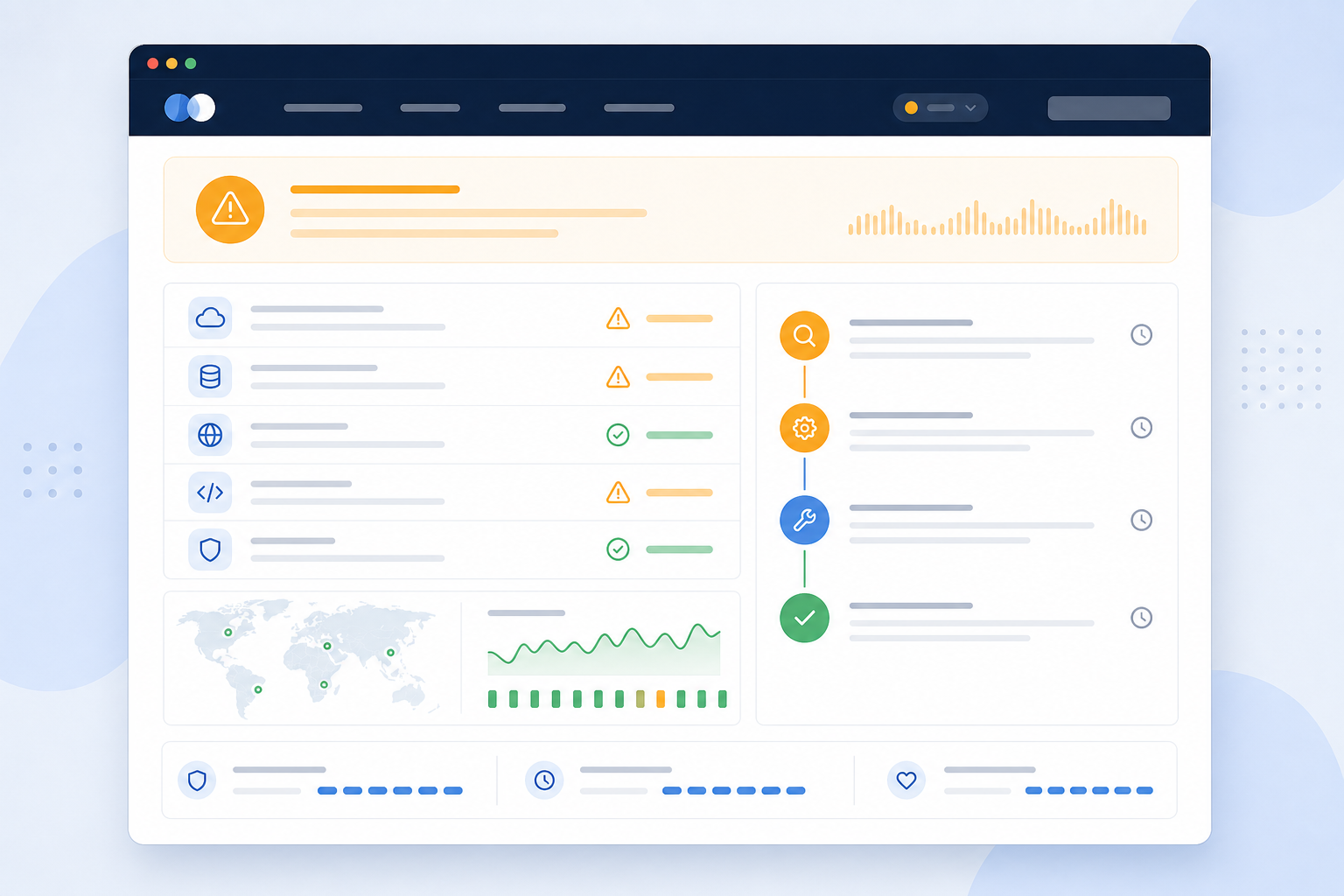
There's also a sales dimension worth naming carefully. Some prospective customers, particularly in enterprise procurement processes, ask about incident history and reliability during due diligence. This is not universal practice, but it is common enough in UK enterprise SaaS sales that a status page with a clear history—or one showing rapid detection and transparent resolution—can act as a trust signal.
A status page that is empty, hidden or nonexistent may raise more questions than it answers.
Case Studies of Costly SaaS Outages
Sometimes the best way to understand the cost of downtime is to look at incidents that have already affected major technology companies, including businesses with far more engineering resources than most SaaS companies.
| Incident | Duration | Scope | Documented impact | Lesson |
|---|---|---|---|---|
| Meta (October 2021) | ~6 hours | Facebook, Instagram and WhatsApp offline globally | A faulty backbone router configuration caused the outage; widely reported analyst estimates put advertising revenue impact in the tens of millions of dollars for that single day, although exact figures were never officially confirmed by Meta | Global, multi-app dependencies mean one configuration error can take down an entire product family |
| AWS US-EAST-1 (December 2021) | Several hours | Countless downstream services across the internet | An automated capacity-management process overwhelmed network devices in AWS's Northern Virginia region, according to AWS's own post-incident summary | Even excellent engineering cannot fully protect you from a dependency failure outside your control |
| Slack (January 2021) | Several hours | Messaging, file uploads and workspace connectivity | A database-related issue caused a major, unevenly distributed disruption—some users were unaffected while others were fully blocked, according to Slack's incident report | “Degraded” and “down” both carry real business costs; don't only model total outages |
| Cloudflare (July 2019) | ~27 minutes | Widespread outage across Cloudflare's global network | A bad software deployment caused the incident, according to Cloudflare's public post-mortem | Outage cost scales with how many customers are affected simultaneously, not just how long the incident lasts |
Worked example: the cost of one hour of downtime
For a more relatable scale, here's a worked hypothetical for a growing UK SaaS company with £10 million ARR that experiences a 60-minute total outage:
- Direct revenue exposure: £10,000,000 ÷ 8,760 hours ≈ £1,142
- Incident response and support labour, including several engineers and support staff at loaded UK costs: £16,000
- SLA service credits owed to affected enterprise customers: £24,000
- Expected churn, assuming 0.5% of £10 million ARR is attributable to this incident: £50,000
- Total near-term cost: approximately £91,000 from one hour of downtime.
That total only holds together because each line item scales with the size of the business. A £1 million ARR company experiencing the same outage would see a much smaller total—roughly £114 in direct revenue exposure, a few thousand pounds in labour and credits, and perhaps £5,000 in expected churn. The total might be in the £10,000–£15,000 range rather than £91,000.
Always check that your assumptions scale with your actual revenue before presenting a downtime cost estimate to leadership.
The common thread across these examples is not simply the outage itself. It is detection speed and communication quality. Companies that came out looking competent identified the problem quickly and told customers clearly what was happening. Those that struggled were slow to notice, slow to explain or both.
How to Calculate Your Own Downtime Risk
Numbers convince leadership far more effectively than anecdotes, but a single point estimate is easy to challenge. A more rigorous approach uses ranges rather than one number. Here is a practical five-step process you can run this week.
1. Calculate average revenue per hour
Take your MRR and divide it by roughly 720 hours, or divide ARR by 8,760 hours. Check that both approaches produce a similar figure. If they do not, one of your inputs may be incorrect.
2. Separate detection time from resolution time
Your total downtime cost depends on how long an issue goes unnoticed—mean time to detect (MTTD)—plus how long it takes to fix once it is known—mean time to resolve (MTTR).
Monitoring primarily reduces MTTD; it does not eliminate MTTR. Model the two figures separately. For example, reducing detection time from 40 minutes to two minutes can materially reduce the total cost of an outage even if resolution time remains unchanged.
3. Estimate incident frequency, not just downtime hours
Rather than only converting an uptime percentage into annual downtime hours—99.9% uptime allows approximately 8.76 hours of downtime per year, while 99.5% allows approximately 43.8 hours—estimate how many separate incidents you typically have and their average severity.
A realistic model is:
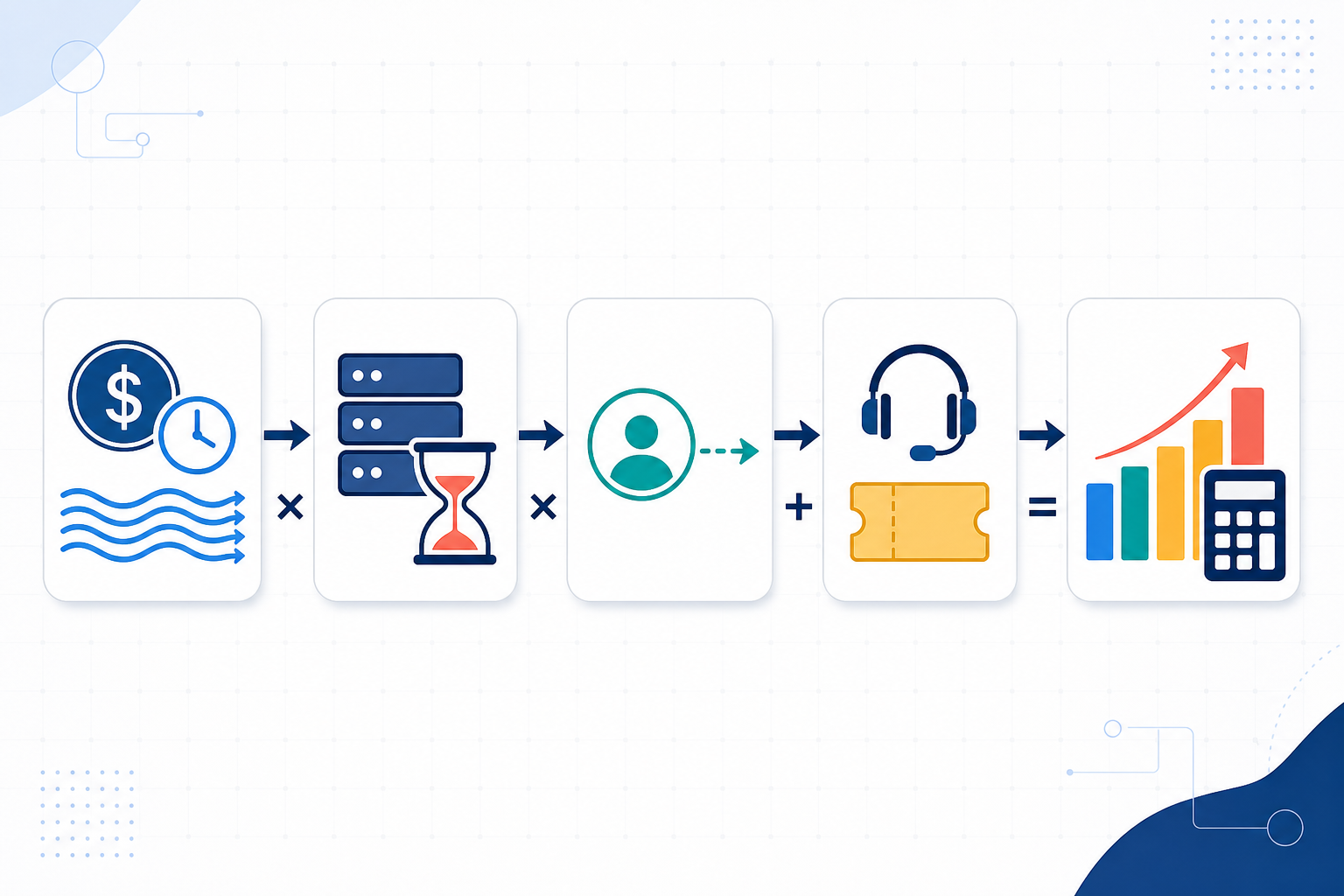
Expected annual loss = incident frequency × average affected duration × cost per minute
Then add SLA credits, response labour and churn separately so you do not double-count them.
4. Include support costs and customer churn risk
Estimate the loaded hourly cost of the engineers and support staff involved. A reasonable UK planning figure is £60–£120 per hour, depending on seniority and team size. Multiply this by the hours typically consumed per incident.
Add a conservative, incident-attributable churn percentage applied to affected customer lifetime value—not your baseline churn rate.
5. Build conservative, expected and worst-case scenarios
Present three scenarios to leadership based on your best-case, typical and worst historical incidents. A conservative, expected and worst-case annual cost-of-downtime range is more credible than a single number and gives the board a useful comparison against the cost of an uptime monitoring platform.
Investing in Uptime Monitoring as Insurance
Once you've calculated the potential cost of downtime, monitoring stops looking like a line item and starts looking like what it actually is: insurance against a much larger loss.
It is worth being precise about what uptime monitoring does. It primarily shortens detection time (MTTD) and improves communication; it does not prevent every underlying failure, dependency outage or bad deployment. A good monitoring setup reduces how long problems go unnoticed and how severely customers are affected while your team fixes them.
What to look for in a monitoring platform
When evaluating a monitoring platform, consider the following features, including UK pricing and support:
Verification before alerting: False alarms waste engineering time. Multi-region checks—confirming an issue from more than one location before firing an alert—help prevent your team from chasing phantom incidents caused by a single unreliable network path.
Full-stack coverage: SaaS infrastructure includes more than a homepage. Look for monitoring across HTTP/S, API endpoints, servers, ports and ping, SSL certificates, DNS, and cron or heartbeat jobs for scheduled tasks. Ideally, these should be available through one dashboard rather than several stitched-together tools.
Real-time alerting: Alerts through Slack, Discord, Telegram, email or webhooks help your team identify problems before customers report them.
A branded public status page: The status page should provide clear acknowledgement, affected components, timestamped updates and a resolution note. It is both a monitoring output and a trust-building tool.
As one example, Moonitor covers all eight monitor types from a single dashboard, alerts through the channels your team already uses and offers quick setup—typically under a minute per monitor. Plans start at $14/month (roughly £11, depending on the exchange rate) for 20 monitors, with a seven-day free trial and no card required. This allows you to assess your own real data before deciding.
Whichever platform you choose, the honest test is simple: would it have caught your last incident faster than a customer did?
Most downtime costs are not inevitable. A meaningful share is caused by teams not knowing something is wrong until a customer reports it. Closing that gap will not eliminate downtime entirely, but it can reduce the duration, revenue impact and customer churn associated with incidents—and give you a number you can defend in front of a board.
Frequently Asked Questions About SaaS Downtime Costs
How much does downtime actually cost a SaaS company?
It varies widely depending on revenue, customer base and how quickly you detect and resolve issues. Direct revenue exposure alone can range from under £100 to well over £1,000 per hour, depending on company size. The fuller cost—including SLA credits, incident response labour and expected churn—is typically several times larger than the direct figure.
Use the revenue-per-hour formula in this guide as a starting point, then add the other cost categories rather than relying on direct revenue loss alone.
Does downtime increase customer churn?
Usually, although the timing and scale vary by business model. Annual-contract customers rarely cancel during an outage; the effect tends to surface at renewal, often one or two cycles later. Monthly self-serve customers can churn much faster, sometimes within days of a bad experience.
A single well-managed incident with clear status page updates generally does less damage than repeated outages or silence during an incident.
How do I calculate the ROI of uptime monitoring?
Estimate your revenue per hour, then model expected annual loss as incident frequency multiplied by average affected duration and cost per minute. Add SLA credits, response labour and incident-attributable churn on top.
Compare that expected annual cost with the annual cost of your monitoring platform. Build conservative, expected and worst-case scenarios rather than relying on a single number. This is more defensible for leadership and more honest about uncertainty.
Does monitoring actually prevent outages?
Not directly, in most cases. Monitoring mainly reduces how long a problem goes undetected and gives your team a head start on fixing it and communicating with customers. It does not stop a bad deployment, third-party dependency failure or hardware fault from occurring.
Think of uptime monitoring as a way to reduce the cost and duration of incidents you cannot fully prevent, rather than as a guarantee that outages will never happen.