
Affordable Uptime Monitoring: What Small Businesses Actually Need
A practical, no-nonsense guide to affordable uptime monitoring for small businesses and startups. Learn what to monitor, what features are worth payin
Affordable Uptime Monitoring for Small Businesses: What You Actually Need
Let's cut right to it, because I know you didn't come here for a 3,000-word history of server monitoring. Here's the short version: for most small businesses, affordable uptime monitoring costs somewhere between £10 and £40 a month. That budget should cover HTTP/S monitoring, API monitoring, SSL certificate checks and cron job monitoring, with real-time alerts sent to Slack or email, multi-region checks to reduce false alarms, and a simple status page you can point customers to when something does go wrong.
That's it. That's the whole answer.
What you shouldn't be paying for, at least not yet, is a pile of enterprise features like granular role-based access control or dedicated compliance reporting that you won't touch for years. If your monitoring bill looks like it belongs to a company ten times your size, something's gone sideways.
I've spent enough time around startups and small teams to know the pattern: you sign up for a "free" monitoring tool, it works fine for a few months, and then either it starts missing things or you outgrow it right as your business starts to matter more. So let's talk about what you actually need, what's worth paying a bit extra for, and what you can safely ignore until you're bigger.
What Small Businesses Actually Need to Monitor
Most small businesses don't need to monitor everything under the sun. They need to watch the handful of things that, if they broke, would cost them money, customers or sleep.
Here's the essential list for small business monitoring:
- Website monitoring (HTTP/S) - This is non-negotiable. You need to know the moment your site goes down, not when a customer tweets at you or emails asking why checkout isn't working. A basic HTTP/S check pings your site every minute or so and alerts you when it stops responding correctly.
- API monitoring - If you run backend services, third-party integrations or a product with its own API, this matters just as much as website monitoring. APIs can fail quietly, returning errors or slow responses that a homepage check would never catch.
- SSL certificate monitoring - I've seen this trip up more small businesses than almost anything else. An expired SSL certificate doesn't just look bad; it can take your entire site offline or trigger scary browser warnings right before a visitor is about to buy something. SSL certificate monitoring gives you a heads-up weeks in advance, rather than on the morning it expires.
- Cron job and heartbeat monitoring - This one's easy to forget because it's invisible until it isn't. Backups, invoice generation, data syncs and nightly reports can fail silently. Nobody notices a missed backup until they desperately need one. Heartbeat monitoring alerts you when a scheduled job doesn't check in when it should.
- Basic incident alerting - None of the above matters if the alert lands somewhere nobody looks. Send notifications to a channel your team actually watches, whether that's Slack, Discord, Telegram or good old email.
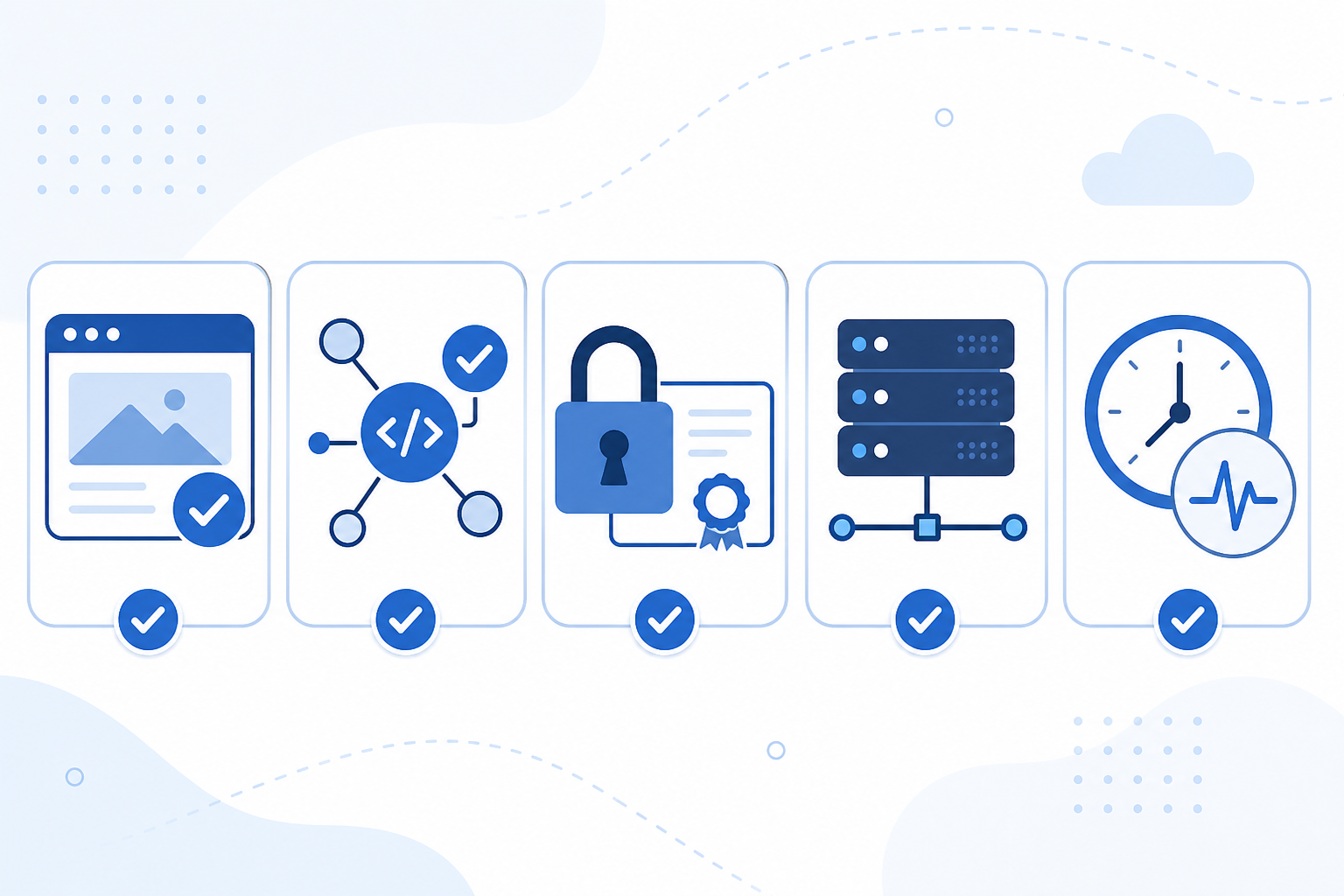
Notice what's missing here? Advanced DNS monitoring, port and ping checks, and keyword monitoring. Not because they're bad tools, but because most small businesses genuinely don't need them on day one. We'll come back to that.
Features Worth Paying For in an Uptime Monitoring Tool
Once you've figured out what to monitor, the next question is which features actually earn their keep. Some things sound impressive on a pricing page but don't change your day-to-day work. Others quietly save you from real headaches. Here's where I'd spend the extra few pounds a month.
Multi-region failure verification. This is the one feature I'd genuinely fight for. A single-region check will occasionally flag your site as down when it's really just a routine network blip somewhere between the monitoring server and yours. That sounds harmless until you think about what it does to your team over time: every false alarm trains people to trust alerts a little less. Then, when there's a real outage, someone assumes it's another false alarm and doesn't act quickly enough. Multi-region verification checks from several locations before declaring something down, which cuts out most of that noise.
Fast check intervals. A monitor that checks your site every 10 minutes sounds fine until you do the maths on an ecommerce checkout page. Ten minutes of downtime during a busy sale can mean genuinely lost revenue, not to mention customers who leave and never come back. One-minute checks, or faster, catch problems while they're still small.
Multiple alert channels. Different people respond to different things. Your developer might live in Slack, your operations person might prefer Telegram, and your accountant may simply want an email. Flexibility means the right person gets notified in the right way instead of an alert getting buried in an inbox nobody checks at weekends.
A branded public status page. This one surprises people, but it's genuinely worth it. When something does go wrong (and eventually, something will), a status page turns a stressful situation into a transparent one. Instead of customers flooding your support inbox asking "Is it just me?", you can point them to a page that says "Yes, we know, and here's what's happening." It builds trust instead of eroding it, and honestly makes you look more put-together than a chaotic social media thread ever will.
Incident history and response-time analytics. This is the feature you don't think you need until you've had three outages in a month and can't remember whether they're connected. A record of what broke, when it broke and how quickly it recovered helps you spot patterns, like a server that always struggles under Monday morning traffic, before they turn into recurring headaches.
Features Small Businesses Can Skip Early On
Here's where I'll save you some money. Many monitoring platforms bundle features built for enterprise procurement checklists, and small businesses end up paying for them without ever using them. Skip these until you actually need them:
- Advanced role-based access control and team permission tiers. If you're a team of two to ten people, you don't need seventeen granular permission levels. Save this for when you've got a 50-person DevOps organisation and an actual reason to control who can see what.
- Deep compliance and audit-log reporting. Unless you're already navigating enterprise sales cycles that demand it, this is dead weight in your monthly bill.
- Dedicated account managers and premium SLAs. These sound great on paper, but if you're never going to pick up the phone and use the service, you're paying for someone else's peace of mind rather than yours.
- Custom on-premise deployment. A hosted SaaS dashboard gets you set up in minutes for nearly every small business. On-premise deployments are for organisations with specific regulatory or infrastructure requirements you probably don't have yet.
- DNS monitoring and port/ping checks, if you don't manage your own DNS records or bare-metal servers. That said, it's worth choosing a platform that offers these options even if you don't use them right away, since you may need them as your infrastructure grows.
The theme here is simple: pay for reliability and clarity, not features built around problems you don't have yet.
Comparing Budget Monitoring Tools and Pricing Tiers
Let's talk numbers, because "affordable" means different things depending on who's saying it. Here's how the market generally breaks down for small businesses shopping for budget monitoring tools in the UK.
Free tools work fine for a single side project or early MVP. But go in with realistic expectations. Free tiers are usually capped at a handful of monitors, check intervals often sit at five to 10 minutes rather than one minute, and multi-region verification is rarely included. That means more false alarms and slower detection when something actually breaks.
Budget-friendly paid plans, at roughly £10-£15 a month, are the sweet spot for most small teams. At this level, you typically get 15-20 or more monitors covering the essential types (HTTP/S, API, SSL and cron), along with fast check intervals and alerts across multiple channels. This is where most startups and small businesses should stay for at least their first couple of years.
Mid-tier plans, at around £25-£30 a month, start making sense once you're managing 30-50 or more monitors, or need more frequent status page updates and deeper analytics. This is usually the point where you've got multiple products, a growing team or client work that needs dedicated monitoring.
This is roughly the growth curve Moonitor's pricing is built around. The Solo plan sits at $14/mo for 20 monitors, covering all eight monitor types (HTTP/S, keyword, port, ping, SSL, domain expiration, cron/heartbeat, and DNS) with one-minute checks and multi-region verification included, no upsell required. When you outgrow that, the Max plan at $49/mo gives you unlimited monitors, so you're not stuck doing awkward monitor-limit maths whenever you launch a new product or client site. There's a seven-day free trial with no credit card required, so you can test whether the check intervals and alerting fit how your team actually works before committing to anything.
One thing I'd genuinely encourage you to check before signing up for any monitoring tool, cheap or otherwise: what actually counts as "a monitor," and what's the real check interval at each tier? Some platforms quietly downgrade both as you scale up. A plan that looks like great value on the pricing page can turn into five-minute checks and monitor definitions that don't match what you actually need, once you read the fine print.
When Should a Small Business Upgrade Its Monitoring?
Nobody wants to think about this constantly, so here's a quick gut-check I use: if your monitoring costs less than an hour of downtime would cost you, it's already paying for itself. For most small businesses, that makes paying something, even a modest £10-£15 a month, worthwhile almost immediately.
Signs It's Time to Move Off a Free Monitoring Tool
- You've got more than three to five genuinely critical things to watch, like your main site, API, payment integration or backup job.
- You're getting frequent false alarms that are starting to erode trust in your alerts.
- Downtime has started costing you customers or revenue, even in small amounts.
Signs It's Time to Move Up a Paid Tier
- You're hitting your monitor limit whenever you launch something new.
- You need faster check intervals because slower checks are missing short outages.
- You're managing multiple products, environments or client sites and need everything in one dashboard.
Switching monitoring tools or moving between tiers shouldn't feel scary. Moonitor's full API and data export mean your monitor history and configuration aren't locked into one platform forever. If you outgrow a plan, need to downgrade after a quiet season or want to migrate elsewhere, you can take your data with you. It's a small detail, but it matters when you're choosing a tool you'll rely on for years, not months.
Frequently Asked Questions About Affordable Uptime Monitoring
What monitoring features are essential for a small business?
At minimum, you want HTTP/S monitoring to know when your site or app goes down, SSL certificate monitoring so you're never blindsided by an expired certificate, and real-time alerting through a channel your team actually checks, like Slack or Telegram. If you run APIs, scheduled jobs or background tasks, add API monitoring and cron or heartbeat monitoring. Everything else is nice-to-have until you're bigger.
How much should a small business spend on uptime monitoring?
Most small businesses and startups land comfortably in the £10-£40 per month range. That typically covers 20-100 or more monitors, one-minute check intervals and multi-channel alerting. If you're being quoted £100 or more a month before you've even reached 50 monitors, you're likely paying for enterprise features like advanced compliance reporting or dedicated account management that a small team doesn't need yet.
When should I upgrade from a free monitoring tool?
Free tools are great for a single side project or MVP, but they usually cap you at a handful of monitors, use five- to 10-minute check intervals and skip multi-region verification. That can mean more false alarms and slower detection. When downtime starts costing real money or customer trust, or you're monitoring more than three to five important services, it's time to move to a paid plan built for reliability.
The Bottom Line on Small Business Monitoring
Affordable uptime monitoring isn't really about finding the cheapest tool on the market. It's about matching what you pay to what you actually need. Cover your essentials, invest in features that cut down alert noise and build trust with customers, skip the enterprise bloat, and upgrade when the signs are there rather than out of habit. Your future self, and your customers, will thank you for it. 🌙