
Domain Expiration Monitoring: Why Renewals Slip Through the Cracks (Even at Well-Run Companies)
Prevent costly domain lapses with domain expiration monitoring, renewal alerts and SSL monitoring. Protect your website, email and IT infrastructure.
Domains don't usually expire because a team is careless. They expire because renewal responsibility is invisible: buried in a founder's personal registrar account from five years ago, tied to an auto-renew setting nobody ever actually verified, or riding on a company card that quietly expired last month. I've worked with genuinely well-run teams, the kind with solid uptime monitoring and disciplined deployment pipelines, who still got caught out by a lapsed domain. The fix isn't "try harder" or "add it to a checklist." It's domain expiration monitoring that alerts you independently of the registrar, with enough lead time to actually do something about it.
Let's talk about why domains expire, what it actually costs when they do (with some honest caveats about what's guaranteed and what depends on your setup), and how to build a system of monitoring and ownership that catches the problem before your homepage turns into a parking page.
Why domains expire even at well-run companies
Domain expiration is rarely one dramatic failure. It's usually a small, boring gap nobody thought to close. Here's how it tends to happen, over and over, regardless of how tight the rest of the operation is:
- Registrar emails land in spam or get filtered as promotional mail. Most registrars send renewal notices from marketing-style addresses, and spam filters don't distinguish "upgrade to premium hosting" from "your domain expires in 10 days."
- Auto-renew is enabled but fails silently. The setting looks safe. But if the card on file expired, got flagged for fraud, or the bank blocked a recurring charge it didn't recognise, auto-renew simply doesn't happen, and there's often no alert built to catch that failure.
- Ownership sits with one person who leaves or changes roles. Someone registered the domain years ago under a personal login, and when they move on, that access, and the knowledge of where to find it, goes with them.
- A contractor or agency registered it originally. This is common. The domain was set up during an initial website build under the agency's account, and internal IT never got proper access or even knew which registrar was involved.
- Multi-domain portfolios hide the stragglers. When you're managing a production domain, a staging environment, a marketing microsite, and a handful of regional TLDs, including a .co.uk or .uk alongside your .com, it's easy for one obscure-but-still-live domain to fall outside anyone's mental checklist.
None of these are diligence failures in the usual sense. They're structural gaps, places where responsibility technically exists but isn't being exercised by anyone on a given day. That's the kind of gap automated domain name monitoring is built to close.
What happens when a domain expires? Understanding the business impact
Most outages affect one piece of your stack. A database goes down, an API endpoint times out, annoying, but contained. A lapsed domain can be different, because so much can depend on that single piece of DNS infrastructure resolving correctly. I say "can" deliberately: the actual blast radius depends on your setup.
If your website, email, and API traffic all rely on records under the same domain, and that domain stops resolving, all three can go down together. But this isn't automatic or universal. Some organisations run email through a separate domain, use DNS caching that briefly masks the problem, or have registrar-level grace mechanisms that delay the worst outcomes. What's fairly consistent is the visual impact once a domain does lapse: instead of your product, visitors often see a generic "this domain is for sale" or "has expired" parking page. There's no maintenance mode, no friendly error message, just a jarring signal that something has gone wrong, right when a customer happens to visit.
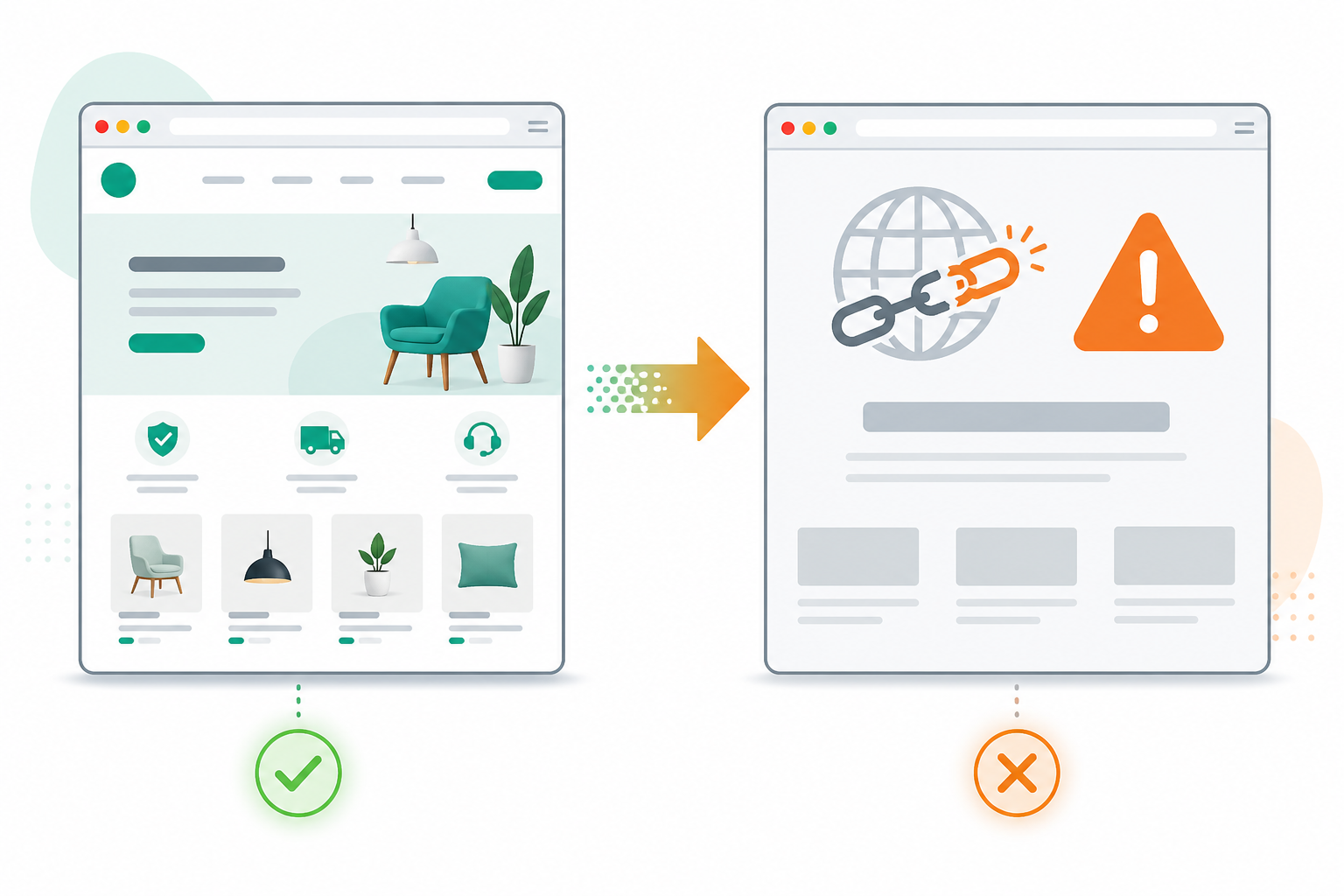
The damage doesn't necessarily stop once the domain is renewed, either.
SEO impact can be significant if the lapse drags on. Backlinks pointing to a dead domain and search visibility built up over years can take a real hit, and recovery isn't always immediate, though a lapse of a few hours typically causes far less damage than one lasting several days.
Re-registration risk goes up sharply the longer a domain stays unrenewed. Once a domain enters redemption or is released, third parties, sometimes automated "drop-catch" services, can register it specifically to intercept traffic, impersonate your brand, or run phishing campaigns against people who still trust your old email addresses. This is a different risk from "hijacking" in the security sense, where someone gains unauthorised access to your existing account. It's closer to opportunistic re-registration once your ownership genuinely lapses.
Support and revenue costs pile up fast when things go wrong. To illustrate the scale rather than cite a specific verified case: a mid-sized SaaS company losing its primary domain for even a day or two during a billing dispute could plausibly rack up thousands in support overhead, lost signups, and reputational cost with customers who suddenly can't log in. I'm presenting that as an illustrative scenario, not a documented incident, but it's a realistic shape for what this kind of outage costs.
The common thread: a lapsed domain isn't automatically a minor technical hiccup. Depending on your infrastructure, it can be a full-stop business incident deserving the same seriousness as a major server outage.
How automated domain expiration monitoring works
This problem has a clean technical answer, and it doesn't rely on anyone remembering to check an inbox.
Domain expiration monitoring works by querying WHOIS or RDAP data on a regular schedule, independently of whatever emails your registrar decides to send. Rather than trusting that a renewal notice lands in the right inbox at the right time, the monitoring tool checks the registration record directly, on its own schedule. WHOIS and RDAP data isn't perfectly uniform across every registry, either. Formatting and update frequency vary by TLD, including country-code domains such as .uk, which are managed by Nominet rather than a generic global registry. Good domain name monitoring tools account for that variability rather than assuming one universal format.
This pairs naturally with SSL monitoring, though they're separate risks on separate clocks. An SSL certificate might be valid for 90 days while your domain registration runs for a full year, two different expiration timelines, both capable of taking your site offline if ignored. Tracking them in separate places, or not at all, is exactly how one slips through.

Here's a quick way to see what each layer of monitoring actually catches, since they're often confused:
| Control | What it catches | What it misses |
|---|---|---|
| Registrar renewal emails | Upcoming expiry, if the email is seen | Spam filtering, wrong inbox, failed auto-renew |
| Domain expiration monitoring | Registration lapse risk, independent of registrar communications | Won't fix a broken payment method for you |
| SSL monitoring | Certificate expiry, on a separate timeline from registration | Domain registration status |
| DNS monitoring | Records not resolving or misconfigured | Underlying registration or billing issue |
This is why a tool like Moonitor pairs domain expiration monitoring with SSL monitoring in the same dashboard, alongside HTTP/S checks, DNS monitoring, and cron job monitoring. Not because any single tool eliminates the need for good ownership practices, but because it removes the single point of failure that is "hope the registrar's email gets through." Alerts route through email, Slack, Discord, Telegram, or webhooks, so the notification reaches people where they actually work. Worth saying plainly: monitoring catches the "nobody noticed" problem, not the "nobody has access to fix it" problem. You still need the ownership piece we'll get to below.
How far in advance should you set domain renewal alerts?
A single 30-day warning sounds reassuring, but in practice it's easy to see, mentally file under "later," and forget as other priorities crowd in. One alert, however early, is still just one chance to notice. Layered domain renewal alerts work better because they create escalating pressure instead of a single moment that's easy to dismiss.
Here's a structure that works for most teams:
- 30 days out: first warning. Plenty of time to resolve a billing issue, update a payment method, or sort out a domain transfer if ownership needs to change hands.
- 14 days out: second warning. If nothing's been actioned, escalate to a broader team channel rather than just the original owner.
- 7 days out: treat this as an active incident, not a reminder. Same-day attention, assigned owner, tracked until resolved.
- 1 to 2 days out: a final failsafe, for when earlier warnings got missed, dismissed, or lost in the noise.
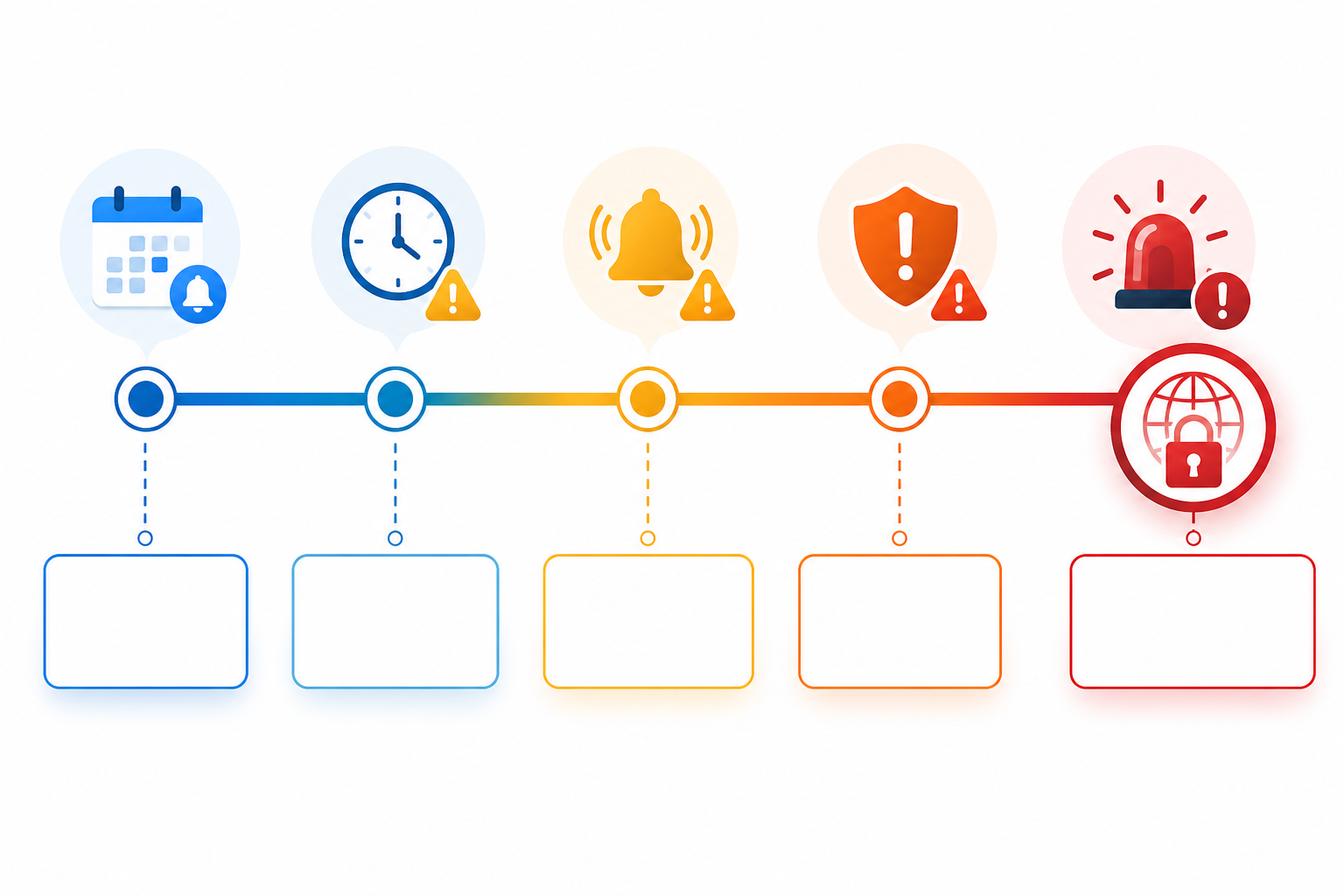
The logic isn't complicated, but it matters: people miss things. Emails get buried, people go on leave, priorities shift. A layered system assumes any single alert might get missed and builds in enough redundancy that the whole thing doesn't fail because one notification did.
Domain renewal ownership checklist for IT infrastructure
Monitoring solves the "nobody noticed" problem. You still need clear ownership to solve the "everybody assumed someone else had it" problem. Here's a practical checklist worth running through this quarter if you haven't recently:
- Inventory every domain your company owns, including the registrar, the registry (for example, Nominet for .uk domains), the DNS provider, the renewal date, and a rough sense of business criticality. If it's live anywhere, it belongs on the list.
- Assign a named owner and a backup owner for each domain, plus who owns the payment method tied to it. Not a shared team inbox, an actual person, and someone who can step in if that person is unavailable.
- Confirm auto-renew is genuinely enabled and the payment method is current. Check the expiry date on the card itself and update it well before it lapses.
- Set up independent domain expiration monitoring and SSL monitoring as the safety net that catches what the first three steps might miss: human turnover, silent auto-renew failures, and forgotten registrar logins.
- Document the renewal process somewhere the whole team can access: registrar login details, stored securely and ideally in a password manager rather than a notes app, account owner, renewal cycle, registry-specific quirks, and escalation steps.
- Review the domain inventory quarterly, the same way you'd treat a security audit or dependency review. Routine IT infrastructure hygiene, not a one-off fire drill.
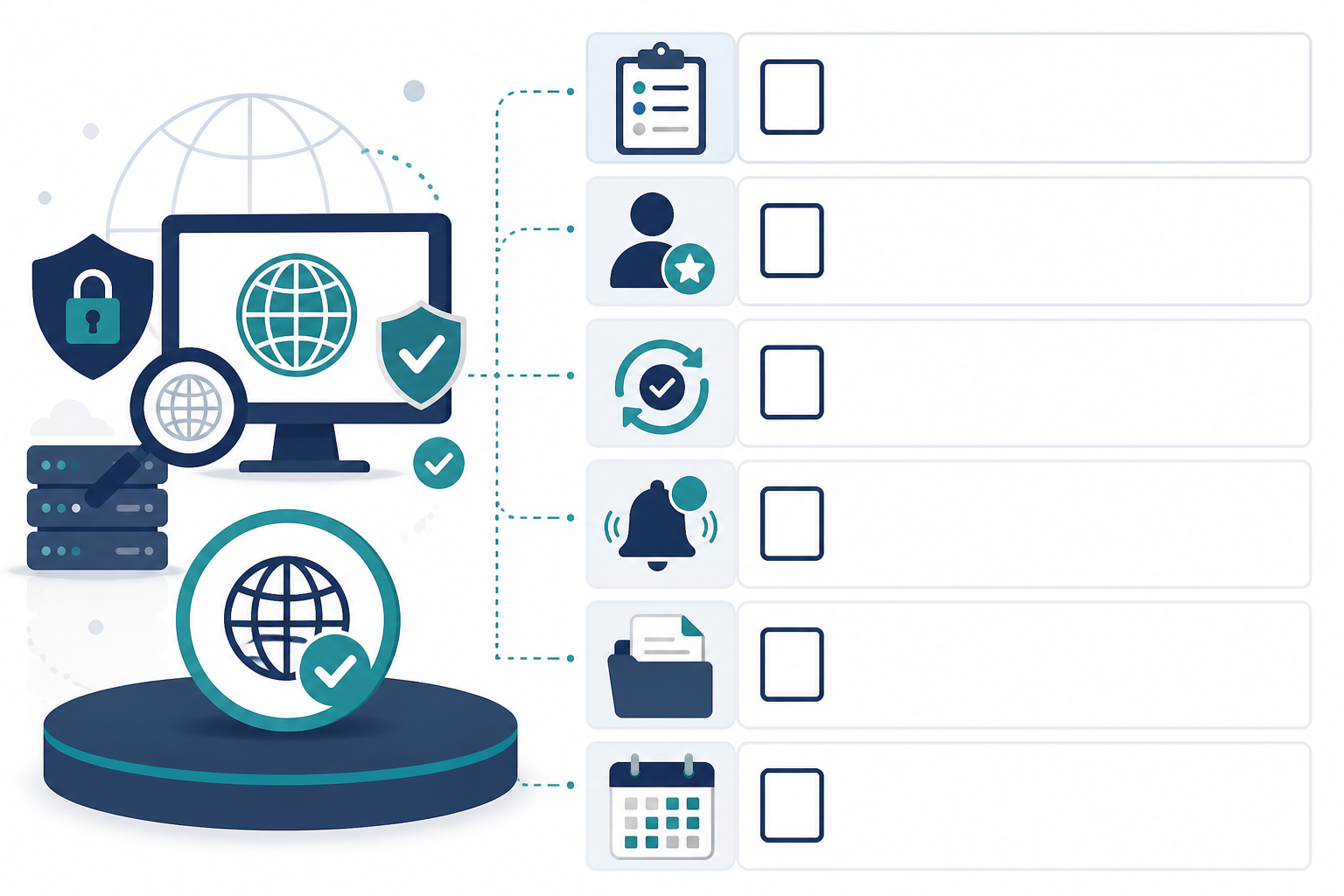
None of these steps are complicated on their own. What makes them effective is doing them together, so you've got human accountability and automated backup working at the same time.
Frequently asked questions about domain expiration monitoring
What happens if my domain expires accidentally?
It depends on your registrar and the specific TLD, so treat any timeline here as a general guide rather than a guarantee. Many registrars offer a grace period, often somewhere in the region of 30 to 45 days, where renewal is still possible, sometimes with a fee. After that, many domains enter a redemption period with a steeper recovery cost, and eventually the domain can be released back into public registration. UK-specific domains such as .uk are managed under Nominet's own policies, which don't necessarily mirror .com timelines, so it's worth checking the exact rules for your registry. During a lapse, services tied to that domain, website, email, API traffic, may stop resolving, and there's a genuine risk someone else registers it once it's released, sometimes deliberately, to intercept traffic or trade on your brand.
How far in advance should I get domain expiration alerts?
A single alert isn't enough on its own. I'd recommend layered domain renewal alerts starting at 30 days out, with follow-ups at 14 days, 7 days, and a final warning at 1 to 2 days before expiration. This gives you time to resolve payment issues or transfer ownership calmly, with a safety net in case an earlier alert gets missed.
How do I automate domain renewal reminders?
The most reliable approach is a monitoring tool that checks WHOIS or RDAP data directly, rather than relying on registrar emails alone. Moonitor's domain expiration monitoring works this way, checking registration data on a schedule and sending alerts through channels your team already uses, Slack, email, Discord, Telegram, or webhooks, so reminders don't get stuck in a single inbox only one person happens to check. It's one part of a broader system, though. It works best paired with the ownership checklist above rather than as a standalone fix.
Where to start with domain name monitoring
Domain expiration is one of the most preventable outages in IT infrastructure, which is what makes it so frustrating when it happens. If you take one thing from this: don't try to fix it with vigilance alone. Start with three moves. Inventory every domain you own, including who controls the registrar login and payment method. Confirm ownership and renewal settings are current. And set up independent, layered monitoring so no single missed email or expired card can take your site down. None of that requires a culture overhaul. It just requires a monitoring layer that doesn't depend on any one person remembering, any one inbox staying clear, or any one registrar email actually landing where it should.