
A Complete Guide to Monitoring Cron Jobs and Background Workers (So They Never Fail Silently Again)
Learn how cron job monitoring and heartbeat checks catch silent failures before they become outages. A practical setup guide with grace periods and be
Cron Job Monitoring: A Complete Guide to Catching Silent Failures with Heartbeats
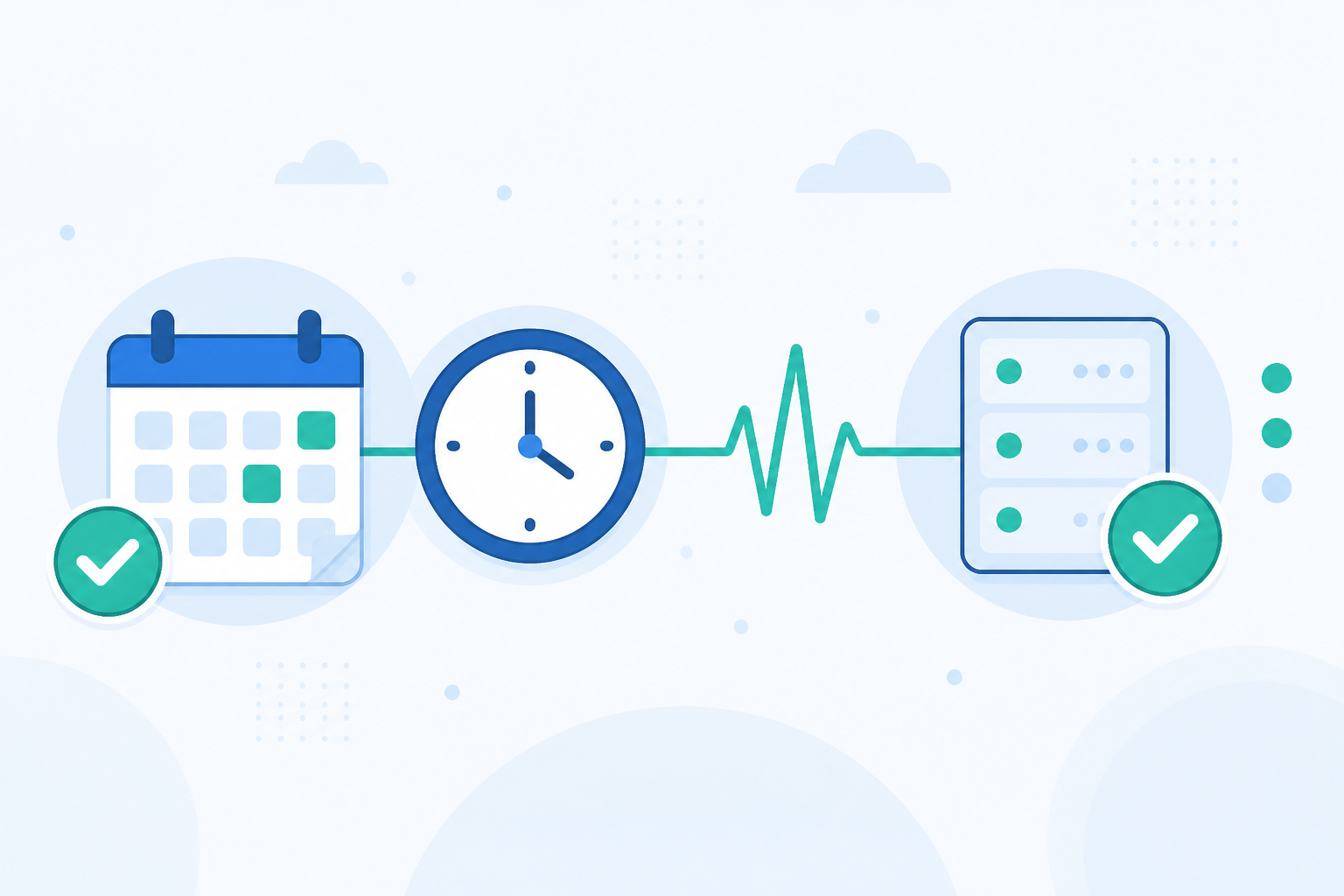
If you're running scheduled jobs, here's the uncomfortable truth: cron doesn't care if your job actually did its job. It only cares that it tried. Cron job monitoring solves this by having your scheduled task check in with a monitoring service, such as Moonitor, every time it runs successfully. If that check-in doesn't arrive within the expected window, you get alerted immediately.
This catches silent failures that traditional uptime monitoring simply can't see. The job process itself might be running fine while the actual work never happens.
I've heard some version of “but the server was up the whole time!” more times than I can count, usually as an explanation for why nobody noticed a job had stopped running. That's the trap. Server uptime and job success are two completely different things, and mixing them up is how silent failures turn into very loud problems. Let's look at why this happens, how heartbeat monitoring fixes it, and what it can and can't tell you.
Why Cron Jobs Fail Silently
Here's something that surprises many people the first time they hear it: cron has no opinion about whether your job worked. It fires the command at the scheduled time, and that's basically it. If the script throws an error and exits, cron waits for the next cycle. There is no built-in “this job failed” alert. You're on your own.
That gap is where things go quiet, and quiet is exactly the problem. Common cron job failure scenarios include:
- The cron service is disabled or crashes after a server update, and nothing restarts it. Crontab entries usually survive a reboot, but the daemon reading them may not come back cleanly.
- Jobs live only in ephemeral infrastructure: a container is rebuilt without its scheduled tasks, or a serverless function trigger is misconfigured during a deployment.
- A migration moves everything except the crontab entry, particularly when the entry was never checked into version control alongside the rest of the application.
- A dependency times out. An API call or database connection fails, and the script exits before doing the actual work, even though it technically ran.
- Disk space runs out, so the job cannot write its log file and stops with an error nobody is monitoring.
Here's a story that sticks with me: a small SaaS team had a nightly billing job that ran successfully for more than a year. Then they migrated servers. The migration script moved the application code, database and environment variables—everything except the scheduled task definition. Nobody checked because the website was up, the API was responding and every dashboard looked green. Meanwhile, invoices quietly stopped generating for two weeks until a customer asked where their bill was.
That's the core problem with relying on standard uptime monitoring for scheduled tasks. Pinging a URL tells you that the server responds. It tells you nothing about whether the 2am job that processes orders, sends reports or reconciles payments actually ran. The server can be 100% healthy while the work you care about has stopped entirely.
How Heartbeat Monitoring Works for Cron Jobs
Once you understand why cron jobs fail quietly, the fix is refreshingly simple: flip the monitoring model on its head.
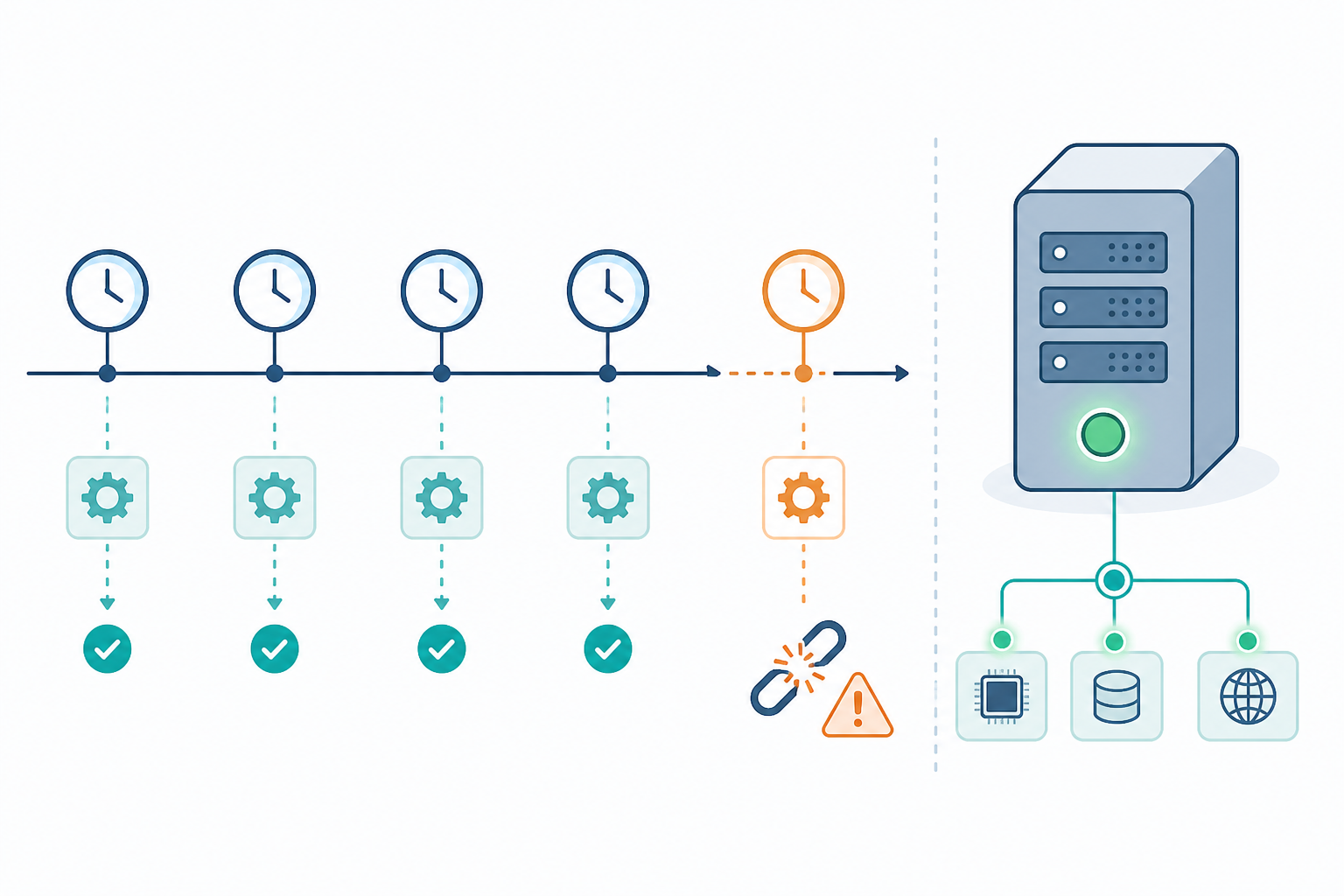
With regular website or API monitoring, a service reaches out to you and checks whether you respond. With heartbeat monitoring, your job reaches out to the monitoring service to prove it reached a specific point in its execution, usually the end of a successful run. It sends a quick request to a unique URL when the job finishes.
It is important to be precise about what that ping proves. A heartbeat tells you that your script reached the line of code where the ping is called, under whatever conditions you put there. It does not automatically confirm that every database write committed, that a report contains correct figures or that a downstream system received the expected data. For most jobs, placing the ping after your success checks provides most of the value. For revenue-critical work, pair it with output validation too.
The basic cron monitoring workflow is:
- Your scheduled job runs and completes its work.
- Only after the script confirms success, it sends a request to a unique monitoring URL.
- The monitoring platform records the check-in and resets its internal clock, expecting the next one based on your schedule.
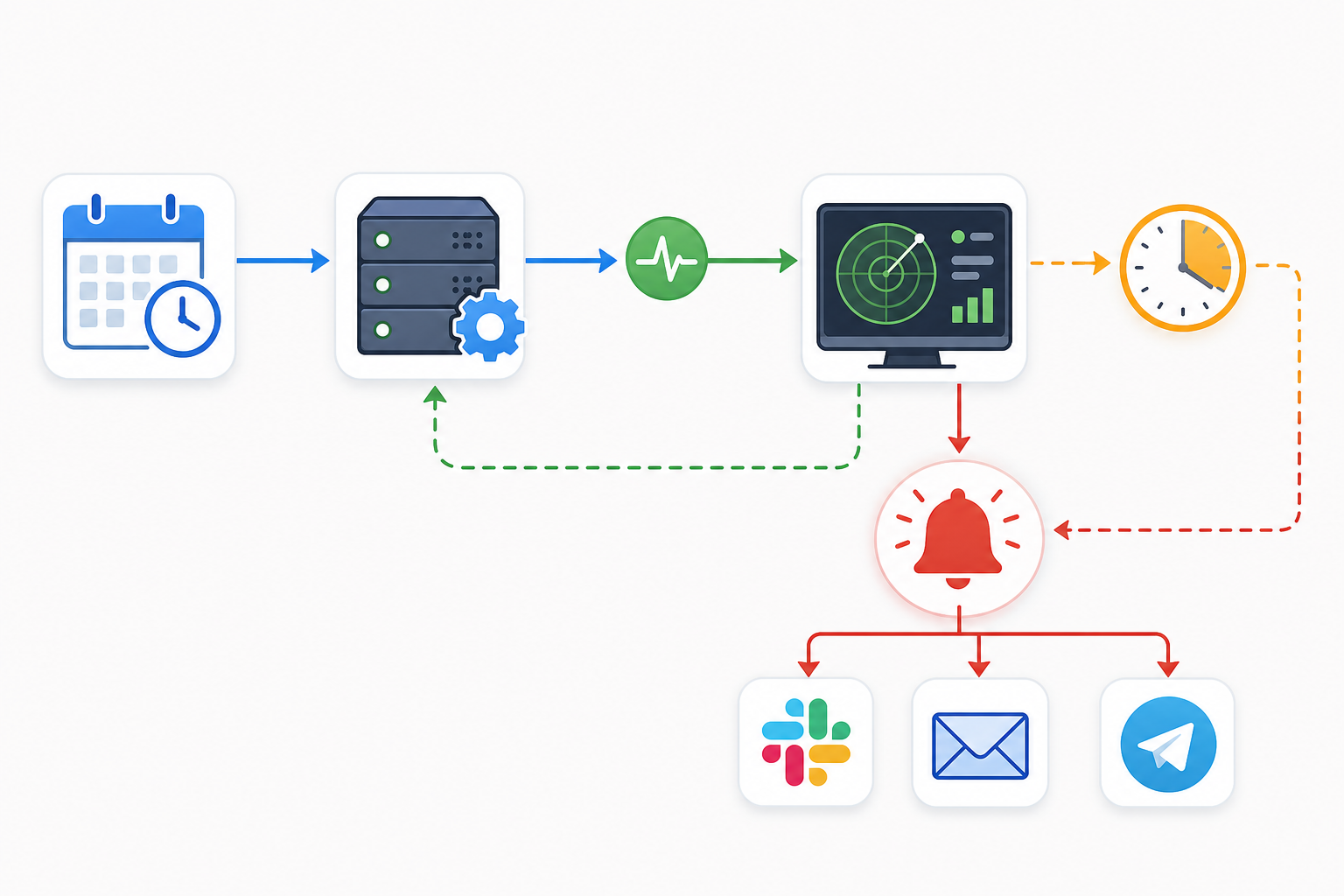
- If the next expected ping does not arrive within the grace period, an alert is sent by email, Slack, Discord, Telegram or webhook.
This is why heartbeat monitoring is purpose-built for cron jobs and background workers rather than being a repurposed form of generic HTTP monitoring. Regular uptime checks ask, “Is this service responding?” Heartbeat checks ask, “Did this scheduled task actually happen when it was supposed to?” Those are different questions.
How to Set Up Your First Cron Job Heartbeat Check
Setting up a heartbeat check takes minutes rather than hours. Here's the process I'd walk a teammate through.
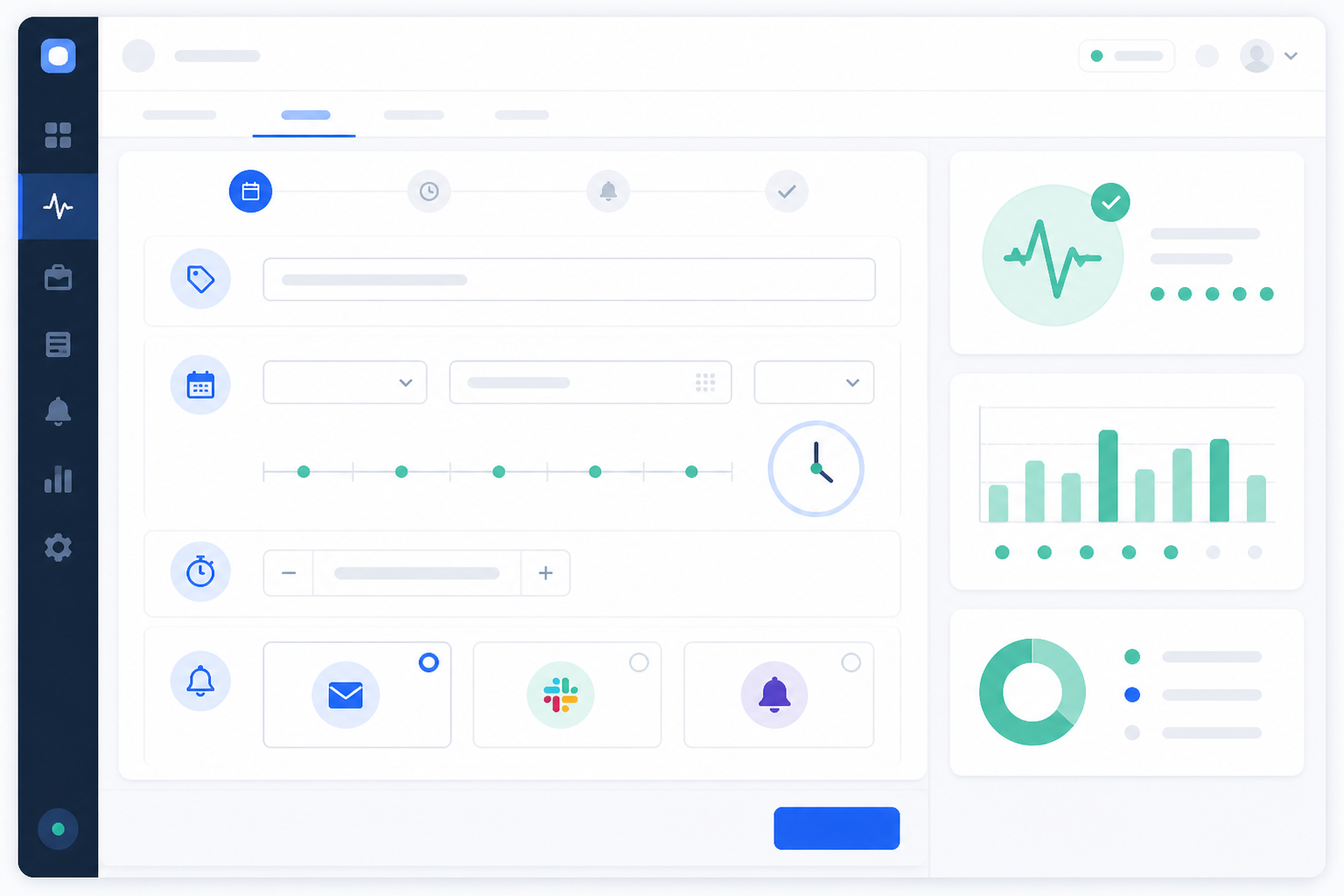
- Create a cron or heartbeat monitor in your Moonitor dashboard. This generates a unique ping URL for that job. Keep it handy, but treat it as a secret rather than pasting it into public logs or a shared README.
- Add a guarded check-in call to the end of your script, on the success path only. A one-line
curlcommand is not enough for an important job. Use explicit error handling and a timeout so a slow monitoring endpoint cannot hang the task. For example:
#!/usr/bin/env bash
set -Eeuo pipefail

PING_URL="https://ping.moonitor.example/abc123"

cleanup() {
  local exit_code=$?
  if [ "$exit_code" -ne 0 ]; then
    echo "Job failed with exit code $exit_code - not sending heartbeat" >&2
  fi
}
trap cleanup EXIT

## ... your actual job logic goes here ...
run_billing_reconciliation

## Only reached if the line above succeeded
curl --fail --silent --show-error --max-time 10 "$PING_URL" \
  || echo "Warning: job succeeded but heartbeat ping failed" >&2
set -Eeuo pipefail makes the script stop at the first error rather than continuing silently. --max-time 10 prevents a flaky network call to the monitoring service from hanging the job, and the ping only fires after the actual work is complete. If the ping fails, that is logged separately rather than silently treating the business task as failed.
- Set the expected schedule. Tell Moonitor whether the job runs hourly, daily or according to a custom cron expression. The monitoring service can then determine when to expect the next check-in. If the schedule is affected by daylight saving time, check that your scheduler and monitoring platform use the same timezone.
- Configure alert channels. Choose who needs to know and how: email for a record, Slack or Discord for team visibility, Telegram for on-call notifications, or a webhook for automation.
- Run the job manually once to confirm that everything is connected. A successful check-in should appear in the dashboard almost immediately.
- Let the job run for several natural cycles, then review its incident history. Check for false alarms, missed pings and unexpected delays.
Alerting Thresholds and Grace Periods for Cron Monitoring
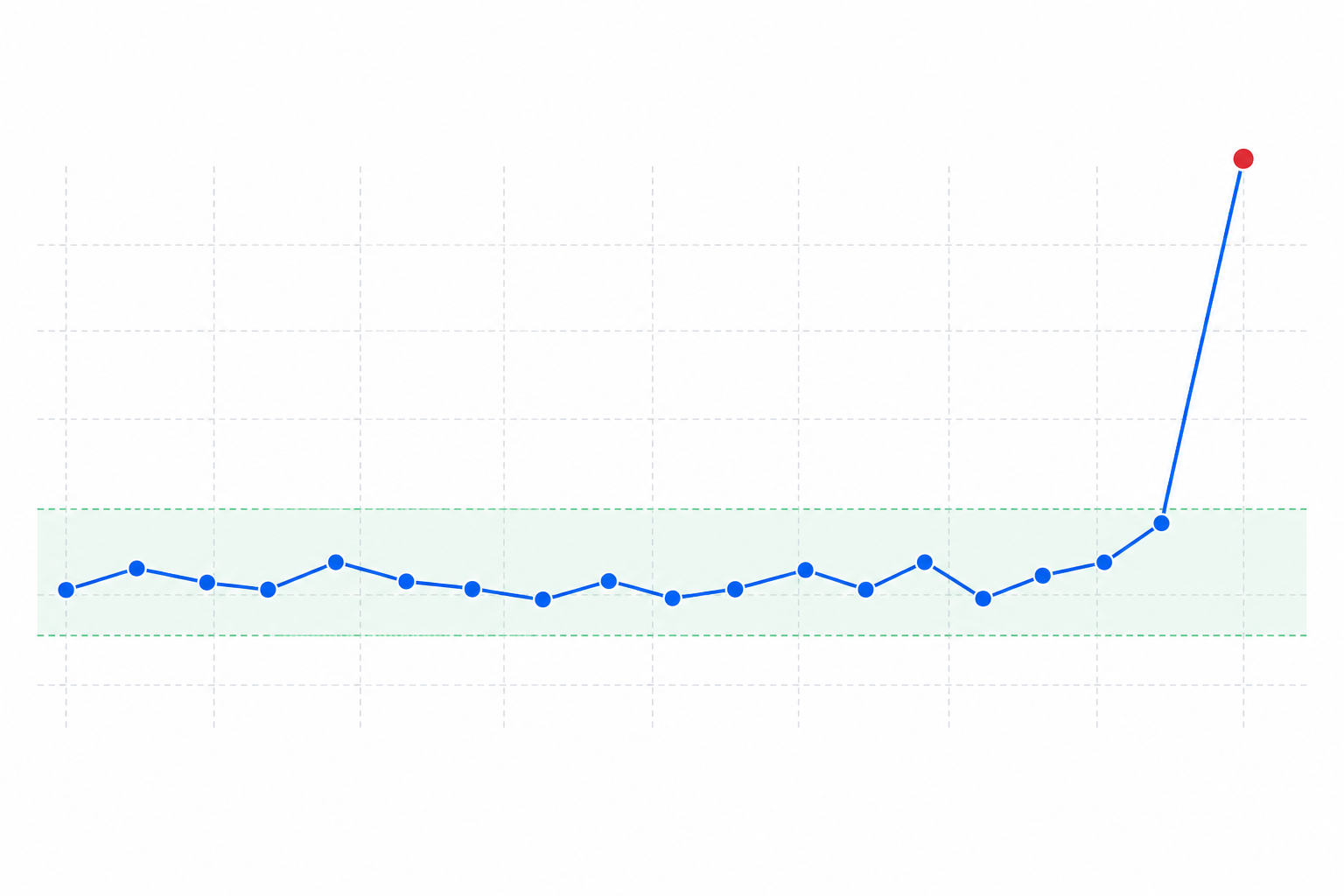
A grace period is the buffer after a job's expected run time before the monitoring service sends an alert. If a job runs every hour on the hour and you set a 10-minute grace period, the alert will not trigger until 10 minutes after the expected check-in.
Without this buffer, you may be alerted every time a job runs a few minutes late because the server is under load, a queue is backed up or a dependency takes longer than usual.
The right grace period depends on the job:
- Too short means frequent false alarms. You may start ignoring alerts, which defeats the purpose of monitoring.
- Too long means a genuine failure remains undetected for longer than necessary.
Use this process to choose a sensible threshold:
- Separate schedule delay from runtime. Schedule delay is how late the job starts; runtime is how long it takes to finish. The grace period may need to account for both, particularly when runtime varies with data volume.
- Measure rather than estimate. Review actual start and finish times over two or three weeks. Pay attention to the slowest runs, not just the average.
- Use a high percentile rather than the typical case. If 95% of runs finish within three minutes but the slowest 5% take eight minutes, a 12–15-minute grace period may provide useful protection without creating unnecessary alerts. A rough starting point of 10–20% of the job's run interval can work for simple, consistent tasks, but adjust it using real data.
- Review the threshold after significant changes, such as a larger dataset, a new dependency or a slower downstream API.
A good monitoring setup should help verify that a failure is genuine before interrupting you, rather than firing on every temporary delay. Check your provider's documentation to understand how it handles missed or delayed heartbeats, and aim to trust every notification that reaches your team.
Can You Monitor Distributed Background Workers?
Yes, but distributed systems require you to distinguish between several monitoring signals.
A scheduled heartbeat works well for predictable tasks such as “this batch job should finish roughly every hour”. A queue worker may process messages continuously, however, so the important questions become whether the worker is alive, whether the queue is growing and whether individual tasks succeed.
Monitor these separately:
- Worker liveness: Is the worker process still running? A fixed-interval heartbeat can work well here, even when the queue is empty.
- Queue depth and backlog: Is work arriving faster than it is being processed? This requires a metric from the queue system rather than a simple heartbeat.
- Per-task success: Did an individual task complete correctly? This is closest to the cron monitoring model. Each significant batch operation can send a completion ping.
Most teams combine these signals: a liveness heartbeat for each worker, queue metrics for backlog and completion pings for batch-style tasks. One “everything is healthy” heartbeat can hide the precise failure you need to find.
Give each worker or job type its own unique ping URL. If an order-processing worker fails while an email worker remains healthy, you should be able to identify exactly which component stopped working.
Helpful practices include:
- Use consistent monitor names, such as
service-name.job-type.environment, so the purpose is clear across multiple servers. - Group related jobs so several failures can reveal a common cause, such as a host outage.
- Use a single dashboard for cron jobs, background workers, APIs and servers where possible. A consolidated view makes infrastructure patterns easier to spot.
Best Practices for Reliable Cron Job Monitoring
Implementation best practices
- Send the heartbeat on success, not at the start. A job that begins but crashes halfway through should count as a failure.
- Prevent overlapping runs. Use a lock file or another mechanism if a job can start while an earlier run is still active.
- Design jobs to be idempotent where possible. A safely repeatable task makes manual retries much less risky after a missed heartbeat.
- Log useful context. Include enough information to diagnose an alert without immediately connecting to the server.
Alerting best practices
- Route alerts by urgency. A revenue-impacting billing task may require an on-call page, while a weekly cleanup script may only need a Slack notification.
- Review incident history monthly. Repeated near-misses—jobs that barely finish within the grace period—can indicate an upcoming failure.
Operational best practices
- Consider a status page for critical scheduled jobs. Stakeholders can check job health themselves instead of repeatedly contacting the technical team.
- Combine cron monitoring with the rest of your monitoring stack. SSL certificate, server, API and DNS monitoring can provide useful context when a heartbeat is missed.
Troubleshooting Cron Heartbeat Alerts
Even with heartbeat monitoring in place, a few problems are common:
- You receive alerts for jobs that appear to have run successfully. Check whether the heartbeat is placed before a slow cleanup step that sometimes times out, or whether the grace period is too short. Re-measure the job's real variance.
- A job failed but no alert fired. The ping may be placed too early, before the actual work, or inside a
finally-style block that runs regardless of success. Move it strictly after your success checks. - The heartbeat succeeded but the output was wrong. A heartbeat confirms that execution reached a particular point; it does not prove business correctness. Add validation such as row counts, checksums or expected-value ranges before sending the ping.
- Alerts arrive late during an incident. The grace period may be tuned for normal variance rather than genuine failure. Revisit the percentile-based approach instead of simply widening the window.
Frequently Asked Questions About Cron Job Monitoring
How do I know if my cron job silently failed?
Without heartbeat monitoring, you may not know until a downstream problem appears, such as a missing report, billing error or stale data. With a heartbeat check, you receive an alert by email, Slack, Discord, Telegram or webhook when the expected check-in does not arrive within the grace period.
This catches jobs that did not run or crashed before completion. It does not catch a job that ran, sent its heartbeat and produced incorrect output, so pair cron monitoring with output checks for business-critical tasks.
What is heartbeat monitoring?
Heartbeat monitoring reverses the usual monitoring model. Instead of a service pinging your server to check whether it is available, your job pings the monitoring service to confirm that it reached a specific success point. If the ping does not arrive on schedule, something may be wrong with the job, server or scheduler.
A heartbeat proves that the code reached that line; it does not guarantee that every downstream effect was correct.
How do I set a grace period for late jobs?
Measure the job's actual start times and runtime over several weeks. Separate schedule delays from execution time, then set the threshold around a high percentile of the observed variance rather than the average. This helps catch genuine failures without alerting on ordinary slow runs.
A rough starting point is 10–20% of the job's run interval, but adjust the value once real performance data is available.
Can I monitor distributed background workers?
Yes, but distinguish between worker liveness, queue backlog and individual task completion. A liveness heartbeat confirms that the worker process is running, queue metrics show whether work is building up, and per-task completion pings confirm that individual jobs finished successfully.
Most distributed systems need some combination of these signals, each with its own unique ping URL and appropriate schedule.
Final Thoughts on Cron Job Monitoring
Cron job monitoring is not about adding another dashboard to check. It is about making sure the work you automated actually happens, and knowing as soon as it does not—while remaining clear about what a successful heartbeat does and does not prove.
Once heartbeat checks are running on your critical scheduled jobs, the question “has this actually been running?” becomes much easier to answer. That is a worthwhile return for a few minutes of setup.