
Avoiding Vendor Lock-In: Why Data Export Matters for Agencies
Managing monitoring for dozens of client sites? Here's why data export and API access should be non-negotiable when choosing an uptime monitoring tool
Avoiding Vendor Lock-In: Why Monitoring Data Export Matters for Agencies
Vendor lock-in happens when a monitoring tool makes it painful—or downright impossible—to take your data with you. Your incident history, uptime records, and monitor configurations stay trapped behind a login you no longer control. For agencies managing dozens of client accounts, this isn't a hypothetical risk to worry about later. It's a real business liability sitting quietly in the background of every agency tool you adopt.
The fix isn't complicated, but it does require foresight: choose tools with genuine API access, monitoring data export, and flexible integrations from day one—not after you've outgrown a platform and discovered the exit door is bolted shut.
Agencies tend to discover the problem the hard way, usually at the worst possible moment: during client onboarding, at contract renewal, or while proving SLA compliance to a client asking pointed questions. If you're running monitoring for UK-based clients, there's an added layer to consider too: where your data is hosted, what your data processing agreement actually says, and whether you can produce clean records if a client—or their auditor—asks. Here's how to avoid being caught out.
What Does Vendor Lock-In Look Like in Monitoring Tools?
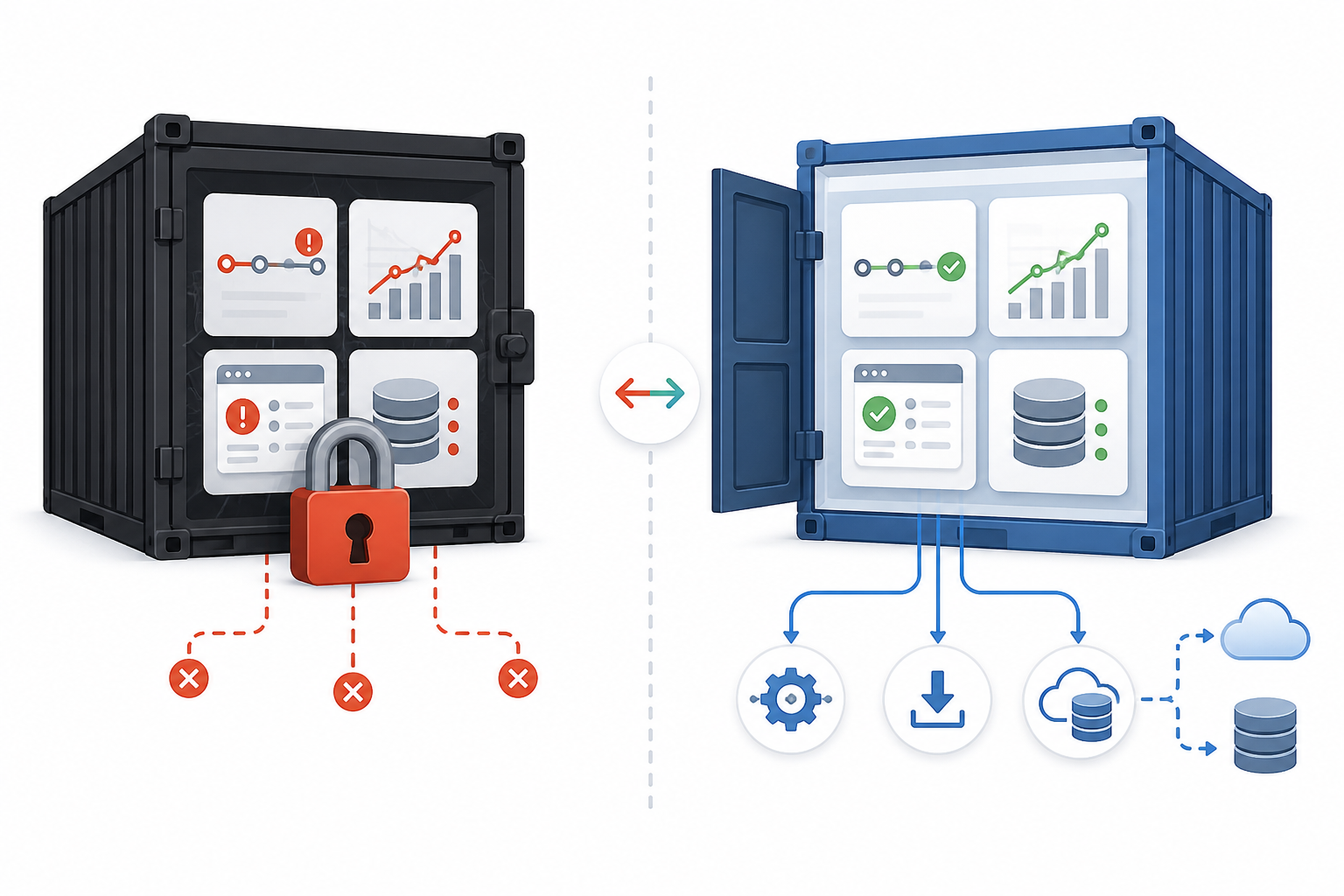
Vendor lock-in rarely announces itself. It doesn't show up in the sales demo or the pricing page. Instead, it tends to reveal itself later through problems with data portability, integrations, commercial retention, or branding.
- No real export option (data portability). There might be a button labelled “export”, but it only produces a basic CSV with uptime percentages—no incident timestamps, downtime duration, or annotations. You get numbers without context.
- APIs that exist in name only (integration portability). The documentation looks promising until you realise the API is read-only, throttled into uselessness, or locked behind an enterprise tier you were never going to buy.
- Vanishing incident history (commercial retention). Downgrade your plan or cancel, and historical data can disappear. Exactly what happens, and how quickly, varies by vendor and contract, so check this explicitly rather than making assumptions.
- Alert routing you have to rebuild from scratch (integration portability). Every Slack channel, Discord webhook, and Telegram bot you configured has to be recreated manually somewhere else, monitor by monitor and client by client.
- Status pages tied to the vendor's domain (branding). Your client-facing status page lives at
some-vendor.com/status/yourclientinstead of your own URL, so you lose that presence if you switch providers.
None of these issues is necessarily a dealbreaker on its own. Together, however, they can make switching so time-consuming and expensive that you simply don't do it. That is the practical effect of vendor lock-in, whether or not it is stated outright.
Why Does Monitoring Data Portability Matter for Agencies?
Here's a distinction that solo developers don't always appreciate but agency owners learn quickly: when you're managing monitoring for clients, the data isn't just yours. Depending on your contract, clients may have their own rights and expectations over it. Check your terms of service and any data processing agreement rather than assuming ownership defaults one way or another.
Consider a concrete example. Say you're an agency running monitoring across 20 client accounts, with an average of four monitors each—80 monitors in total, each with its own alert routing and branded status page. If your monitoring provider penalises downsizing by wiping history or restricting exports on lower tiers, migrating away isn't a five-minute job.
You may need to inventory 80 monitor configurations, re-point 20 sets of Slack and webhook integrations, re-authenticate API keys, and rebuild 20 status pages—all while ensuring nothing goes dark for a live client during the switch. Without bulk export and proper API access, that is realistically a multi-week project. It is time you're not billing for.
Agencies also see more account churn than solo users. Clients come and go, contracts are renegotiated, and your monitoring needs to flex accordingly. If a provider penalises you for scaling down by restricting access or deleting history on cheaper tiers, you end up either overpaying to preserve records or losing them outright.
There's a multi-stakeholder reality here too. Account managers need summary reports. Developers need raw response-time data. Clients want a clean status page they can point to. One dataset has several different consumers, each needing it in a different format. A tool offering only one rigid export option does not fit how agencies actually operate.
The reputational risk is easy to underestimate. If a client asks for their incident history and you cannot produce it cleanly, that looks like an agency problem—not a vendor problem—in their eyes. For UK agencies working under formal SLAs, that paper trail can also matter for contractual and, depending on the sector, regulatory reasons. Treat monitoring data retention as part of client governance, not just a technical nice-to-have.
What Should You Look for in Monitoring Export and API Features?
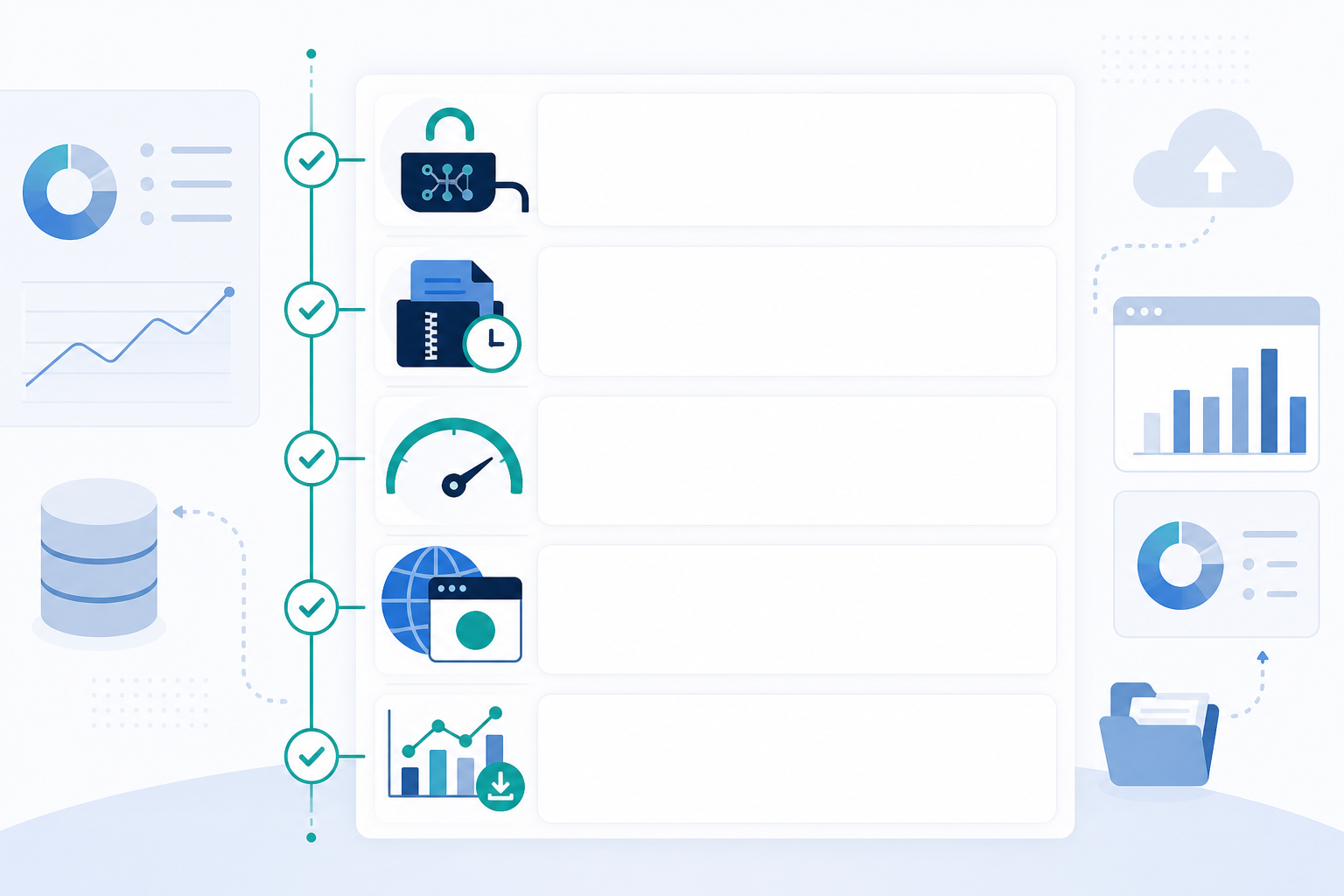
Avoiding vendor lock-in is largely a matter of asking the right questions before signing a contract, not after. The following features matter most—and you should verify them during a trial rather than taking marketing claims on faith.
| Criterion | What to check | How to verify during a trial |
|---|---|---|
| Full API coverage | Create, update, and delete monitors programmatically—not just read access | Try creating and deleting a monitor via the API, not just using the dashboard |
| Exports preserve context | Timestamps, downtime duration, HTTP/SSL status codes, and manual annotations—not just a flat uptime percentage | Trigger a test incident, add a note, then export it and check that every field survives |
| Practical bulk export | Can you export data for 50+ monitors in a reasonable time? | Attempt a bulk export and watch for pagination limits or throttling |
| Documented rate limits | If limits exist, are they published clearly? | Check the API documentation, not just marketing pages |
| Separate export paths | Incident history, SSL monitoring logs, and domain expiry data may need to be pulled independently from uptime statistics | Request each dataset separately and compare the formats |
| Post-cancellation access | Can you still export data after downgrading or cancelling, and for how long? | Ask directly and get the answer in writing |
One point is worth clarifying: “root cause notes” in most monitoring tools are not automatically generated diagnoses. They are usually manual annotations that you or your team add after investigating an incident, alongside automatically detected symptoms such as timeout type, status code, or SSL failure reason. If a vendor implies that its API exports an automatic root-cause field, ask exactly what that field contains before relying on it for a client report.
How Can Agencies Migrate Between Monitoring Tools Without Losing History?
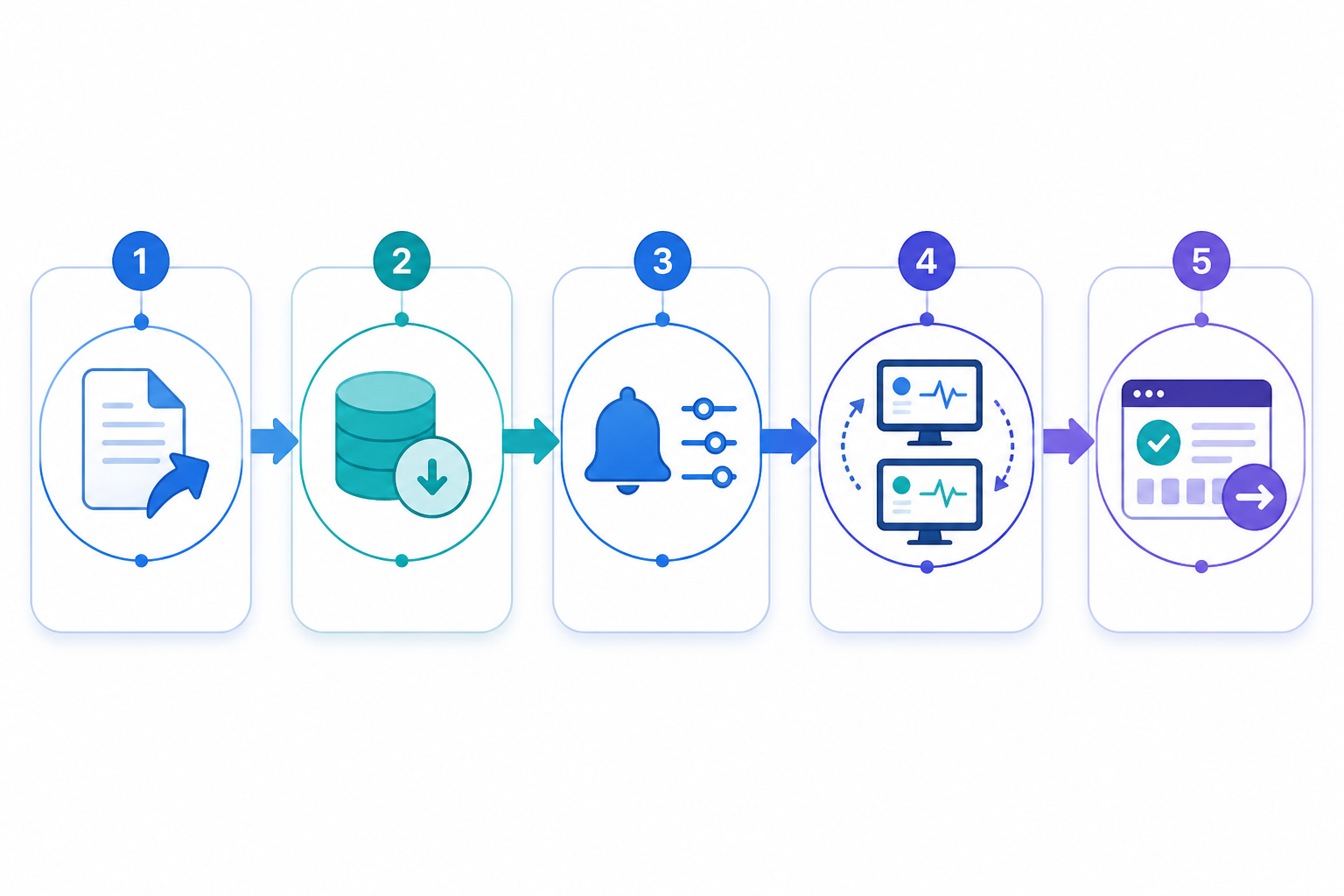
Even with good planning, agencies eventually outgrow tools or find a better fit elsewhere. A structured migration protects your monitoring data, client relationships, and SLA reporting. Here's the sequence to follow:
- Export all monitor configurations first. URLs, check intervals, monitor types, tags, and folder structures should all be documented before you touch cancellation. This becomes your migration blueprint.
- Inventory access and permissions. Note who has admin rights, which API keys and webhook secrets are in use, and rotate them once the migration is complete so old credentials are not left active.
- Back up incident history and response-time analytics. Export fields even if you do not plan to migrate them directly, then archive the data securely. Clients ask for historical incident reports more often than you might expect, sometimes months later.
- Recreate alert integrations and test them. Rebuild Slack, Discord, Telegram, and webhook connections in the new tool, then trigger a real test alert. An untested integration creates a false sense of security.
- Run both platforms in parallel for at least a week. This overlap is your safety net. If the new tool misses an incident that the old one catches, you want to discover that during a controlled test rather than a real client outage.
- Check timestamps and time zones. A migration that silently shifts incident times by an hour can make historical reports look incorrect even if nothing else has changed.
- Update client-facing status pages last. Make the switch only once alerting and uptime tracking have been confirmed as stable on the new platform.
Too many agencies switch status pages first because they are the most visible element, then scramble when the underlying monitoring has not been fully validated.
Questions to Ask Before Committing to a Monitoring Vendor
Before signing up for any uptime or server monitoring platform, run through these questions. The answers will tell you how much a vendor respects your ownership and portability of monitoring data.
- Can I export my full incident history, including timestamps and manual annotations, at any time?
- Does your API let me create, update, and delete monitors programmatically, or is it read-only?
- What happens to my data and status pages if I downgrade or cancel, and for how long is the data retained afterwards?
- Are there rate limits that would prevent me exporting data for 50+ client monitors in one operation?
- Can I move status pages to my own domain, or am I locked into your branding?
- Do you support importing monitor configurations in case I need to restore from a backup?
- Where is client data hosted, and what does your data processing agreement say about UK GDPR compliance?
If a vendor hesitates on any of these questions or buries the answer in vague marketing language, treat that as useful information. It tells you what your exit may look like before you have walked through the door.
How Moonitor Approaches Monitoring Data Portability
A quick disclosure before this section: Moonitor is our own product, so read the following with appropriate scepticism and verify anything important against our current documentation before deciding. Plan details and API limits can change over time.
With that said, here's what we've built in and where to check it yourself:
| Claim | Detail | Where to verify |
|---|---|---|
| API access on every plan | Monitor creation, incident history, response-time data, and status page management are available via API from Solo through to our higher tiers, rather than being gated behind an enterprise plan | Current API documentation |
| Incident data export | Incident timestamps, duration, and manual annotations are exportable; automatically detected fields such as status code and failure type are separate from notes you add | API reference for the incidents endpoint |
| Status page domains | Status pages support custom domains rather than being locked to our URL structure | Status page settings documentation |
| Trial access | A 7-day trial without a credit card lets you test export and API behaviour directly before committing | Sign-up page |
We designed it this way because agencies should not have to pay a premium simply to access their own data. We would rather you stay because the tool works for you, not because leaving is expensive. That is a design goal, not a guarantee, so test these features directly during a trial rather than taking our word for it.
Frequently Asked Questions About Vendor Lock-In and Monitoring Data Export
What is vendor lock-in in the context of monitoring tools?
Vendor lock-in is when switching monitoring providers becomes costly or complicated enough that you feel stuck, even if the tool no longer suits your needs. It usually appears as limited export options, restrictive API access, or incident history that becomes inaccessible after cancellation. For agencies, it can mean being unable to provide clients with clean records without significant manual rework.
Can I export my monitoring history if I switch providers?
It depends entirely on the platform and your plan. Some tools only offer basic uptime percentages in CSV format, removing incident duration, status details, and manual notes. Before signing up, check whether full incident history is exportable in a structured format such as JSON—not just a summary CSV—and confirm how long access lasts after cancellation.
What API features should I look for before signing up?
Look for API access that goes beyond read-only functionality. The API should let you create and manage monitors programmatically, retrieve incident history with meaningful fields, and export response-time data without rate limits that make bulk exports impractical. If you manage 50+ client monitors, test this during a trial rather than relying only on the documentation.
Why do agencies face more risk from vendor lock-in than solo developers?
Agencies hold monitoring data on behalf of clients, so losing it does more than create inconvenience. It can affect client trust and SLA reporting and potentially breach contractual commitments. A solo developer might tolerate losing a few months of uptime logs; an agency responsible for multiple client accounts usually cannot.
What happens to my data if I cancel or downgrade?
This varies significantly by vendor, so get the answer in writing rather than assuming. Ask how long data remains accessible after cancellation, whether it is deleted immediately or after a grace period, and whether downgrading restricts access to historical records you already paid to generate.