
How to Build a Branded Status Page That Earns Customer Trust
Build a branded status page customers trust: follow status page best practices for clear live updates, incident history and reliable public status.
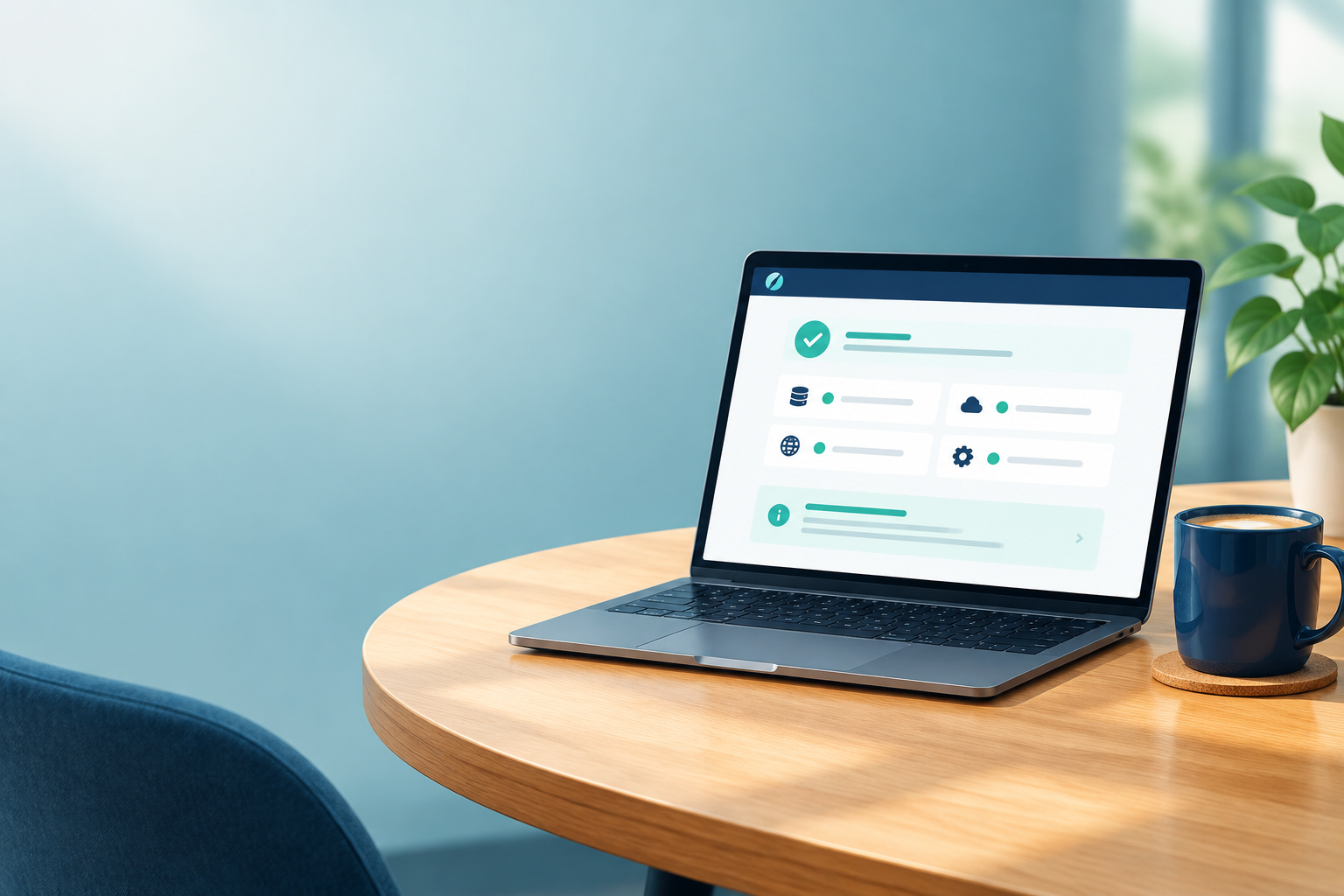
A branded status page earns trust by being honest, easy to find, and easy to read when things go wrong. Show live status for each component, write plain-English updates on a steady rhythm, and keep a clean, transparent incident history. How you handle a bad day often reassures customers more than a spotless record ever could. Pair your public status page with accurate monitoring so it reflects reality rather than guesswork.
That's the short version. Here's the longer one, with the practical detail: what to show, how to word updates, and how your history can quietly become one of your best sales assets.
Why customers check your public status page first
Picture a customer halfway through a Tuesday morning. They click 'Export report' and nothing happens. They refresh. Still nothing. Their first thought isn't 'I wonder what's wrong with the platform'. It's 'is it me or them?'
That tiny moment of doubt is where your public status page earns its keep. Plenty of people look for a status page before they raise a ticket, though how many will depend on your product and audience. Either way, it becomes their first impression of how you handle trouble. If the page customers visit in a crisis is a blank 404, no amount of polished onboarding emails will make up for it.
Here's the part that surprises people. Silence tends to be read one of two ways: either you don't know something's broken (incompetence), or you know and aren't saying (concealment). Neither is great. A calm, visible update reads as control, even when the news is bad.
It can matter before someone becomes a customer, too. Procurement and IT teams, including those at UK and European organisations, often run vendor checks, and a public status page is an easy thing for them to look at. They're usually hoping to see that you take availability seriously and talk to people like adults.
So let's walk through what to show, how to word it, and how your incident history turns into proof.
What should a public status page show?
If you only remember one thing from this section, make it this: don't rely on one vague 'all systems operational' light. A single green dot tells customers almost nothing, and it's the first thing to feel dishonest when their own experience says otherwise.
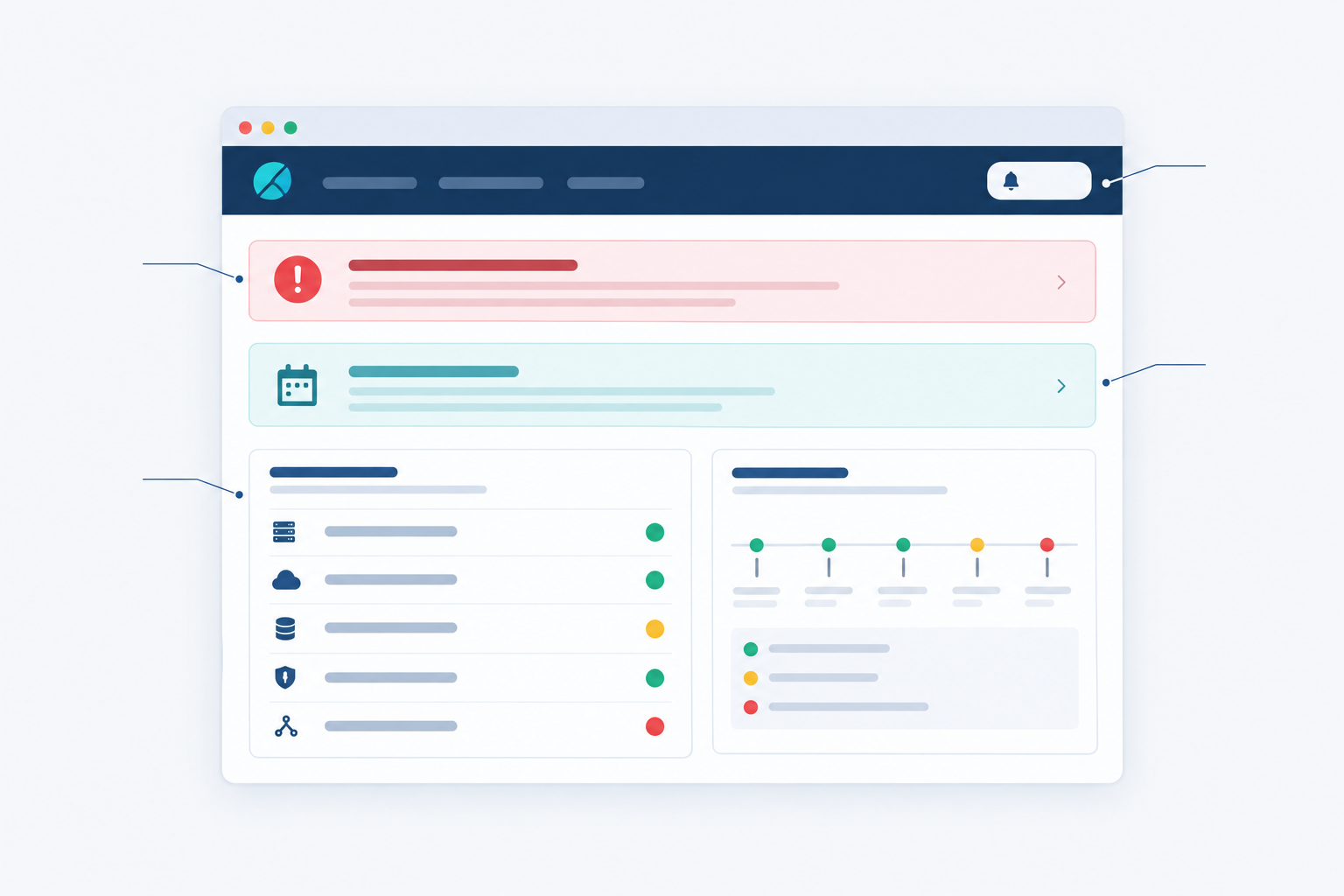
A solid public status page includes:
- Live status by component: the app, API, login, dashboard, webhooks, and any third-party integrations customers rely on.
- Active incidents, each with timestamps, a current status, and what customers should do (or not do) in the meantime.
- Scheduled maintenance, announced ahead of time and kept separate from unplanned incidents.
- Recent incident history, ideally 90 days or more, so patterns are visible.
- Subscribe options by email, Slack or webhook, so customers get updates without hammering refresh.
A small UK-specific detail that's easy to miss: label every timestamp with its time zone (GMT or BST), and use a 24-hour clock. 'Since 10:42' is ambiguous for a customer in Dublin, Dubai or Denver. 'Since 10:42 BST' isn't.
Choose status page components around customer impact
Group components by what customers experience, not by how your architecture looks internally. Customers don't care that 'auth-service-v2' is struggling. They care that they can't log in. Twenty tiny components also create noise, so aim for the handful of things people actually say out loud: 'I can't log in', 'the API is slow', 'emails aren't arriving'.
Connect each status page component to a real check
A status page is only as honest as the monitoring behind it. Manually flipped switches are how you end up showing green while customers are furious. Back each component with a real check:
- Website monitoring (HTTP/S) for your app and marketing site
- API monitoring for the endpoints your customers' integrations depend on
- Server monitoring via port and ping checks for the infrastructure underneath
- DNS monitoring, so an unexpected record change doesn't quietly take you offline
- Cron job and heartbeat monitoring for background jobs customers rely on, such as invoice runs, report generation or data syncs
I'd also look for multi-region failure verification. In plain terms, when one location reports a failure, other locations re-check before the page changes. That helps you tell a widespread outage from a local network blip at a single probe, so you don't announce an outage that never happened. It isn't a cure-all, though. A genuine regional problem, say users in one country can't reach you, should still be reported. Decide in advance how many regions need to agree, and when a partial outage deserves its own note.
Should you show uptime percentages on your status page?
My honest answer: usually yes, if you can stand behind the numbers and explain them.
The upside is transparency, reassurance for prospects, and an easier conversation when SLAs come up. The downside is that a single bad month can look stark, and customers don't always grasp how much difference a decimal makes. Here's what those percentages allow:
| Availability | Allowed downtime per year | Roughly per month |
|---|---|---|
| 99% | about 3 days, 15 hours | about 7 hours |
| 99.9% | about 8 hours, 45 minutes | about 44 minutes |
| 99.95% | about 4 hours, 23 minutes | about 22 minutes |
| 99.99% | about 53 minutes | about 4 minutes |
These are simple sums, not industry benchmarks. They assume continuous measurement, a 365-day year and an average month of about 30.4 days. A leap year, a shorter measurement window, or a provider that excludes scheduled maintenance will all change the real figures. Still, seeing 99.9% translated into 'about 8 hours 45 minutes a year' makes the number far easier to interpret, so consider showing the equivalent downtime beside the percentage.
Put public uptime figures in context
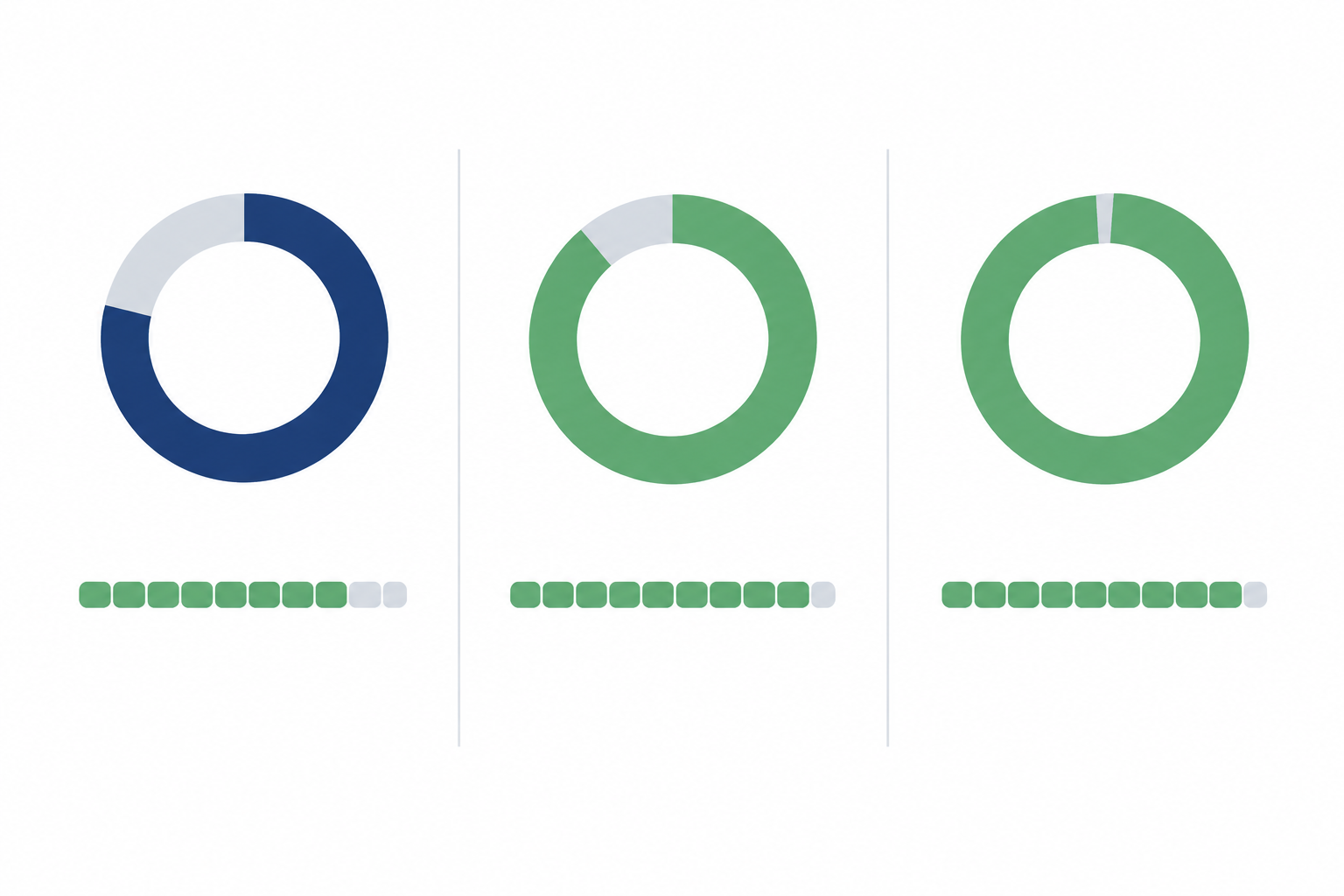
A percentage on its own can mislead. Google's SRE guidance makes the point that a single aggregate figure can hide problems affecting a subset of users, regions or features. So a few things help:
- Pair percentages with component-level health and an incident history showing what was affected and for how long.
- Add response-time trends. A service can be 'up' and painfully slow.
- Explain how uptime is measured: which checks, which regions, how often, and what counts as downtime.
- Show per-component uptime where it matters. A blended number can flatter your marketing site and hide your API.
- Don't cherry-pick. Choosing a flattering time window or quietly excluding maintenance will cost you more trust than a lower number. If maintenance is excluded, say so.
Don't claim more precision than your measurement supports, either. If your checks run every minute from a few regions, quoting 99.9847% is theatre. And if your public figure differs from your contractual SLA, label them separately rather than implying they're the same thing.
Not confident in your data yet? Start with component status and incident history, and add percentages once your monitoring is solid.
Branded status page design and custom domain choices
Why bother with a branded status page at all? Because familiarity tends to feel safer. When a customer lands on a page with your logo, colours and tone, it's easier to believe it's genuinely you rather than a lookalike or a generic third-party page.
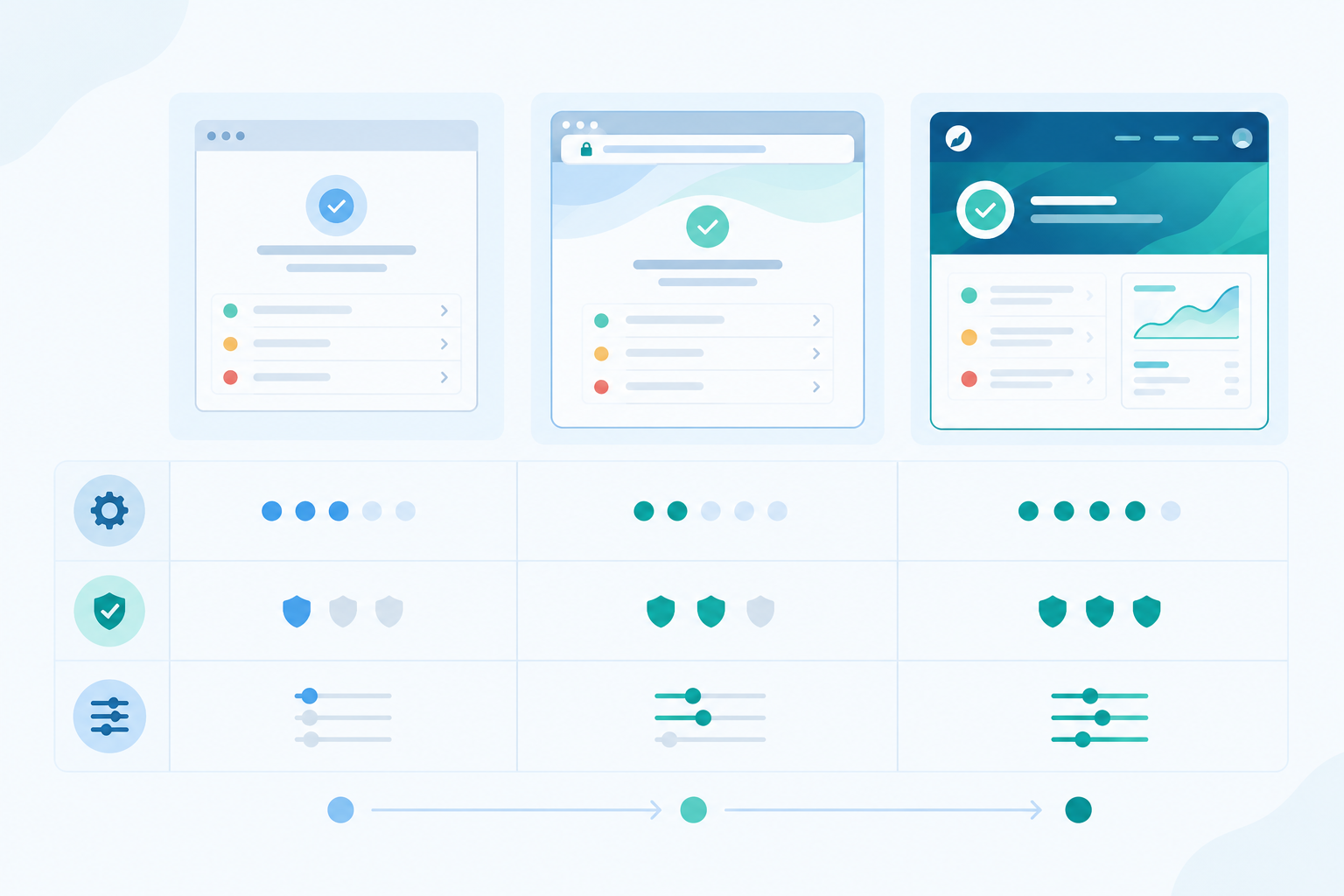
Two things get mixed up here, so let's separate them. Domain control is where the page lives, either at a vendor address or on your own domain. Visual customisation is how it looks and sounds: logo, colours, wording, layout. You can mix and match, and each has its own effect on how official the page feels.
| Vendor subdomain | Custom subdomain | |
|---|---|---|
| Example | yourcompany.vendor.com | status.yourcompany.com |
| Setup effort | Minimal | Low to moderate (DNS record and SSL) |
| Likely trust signal | Fine, but visibly third-party | Usually stronger, looks official |
| Visual customisation | Often limited, depending on plan | Typically fuller, depending on provider |
These are likely perceptions rather than guarantees, and plenty of well-respected companies use vendor-hosted addresses. For most SaaS teams, though, a custom subdomain like status.yourcompany.com with your own logo, colours and wording is the sweet spot. It's quick to set up and clearly yours.
Protect your branded status page
A few practical points that are easy to overlook:
- Host it separately from your main app. A status page that goes down with your product is worse than useless, so think carefully about DNS and SSL too.
- Run SSL certificate monitoring and domain expiration checks on the status domain. An expired certificate throws up a scary browser warning at the exact moment customers need reassurance.
- Go for clarity over flair. That means readable status colours, accessible contrast (don't rely on red versus green alone), a mobile-friendly layout, and fast loading.
- Make it easy to find. Link it from your footer, login page, in-app error states and support emails. If customers have to search for it mid-outage, it isn't doing its job.
Status page best practices: writing incident updates people trust
This is where status page best practices really bite. Wording matters as much as design, and a rhythm you can repeat under pressure beats a perfect message you can't.
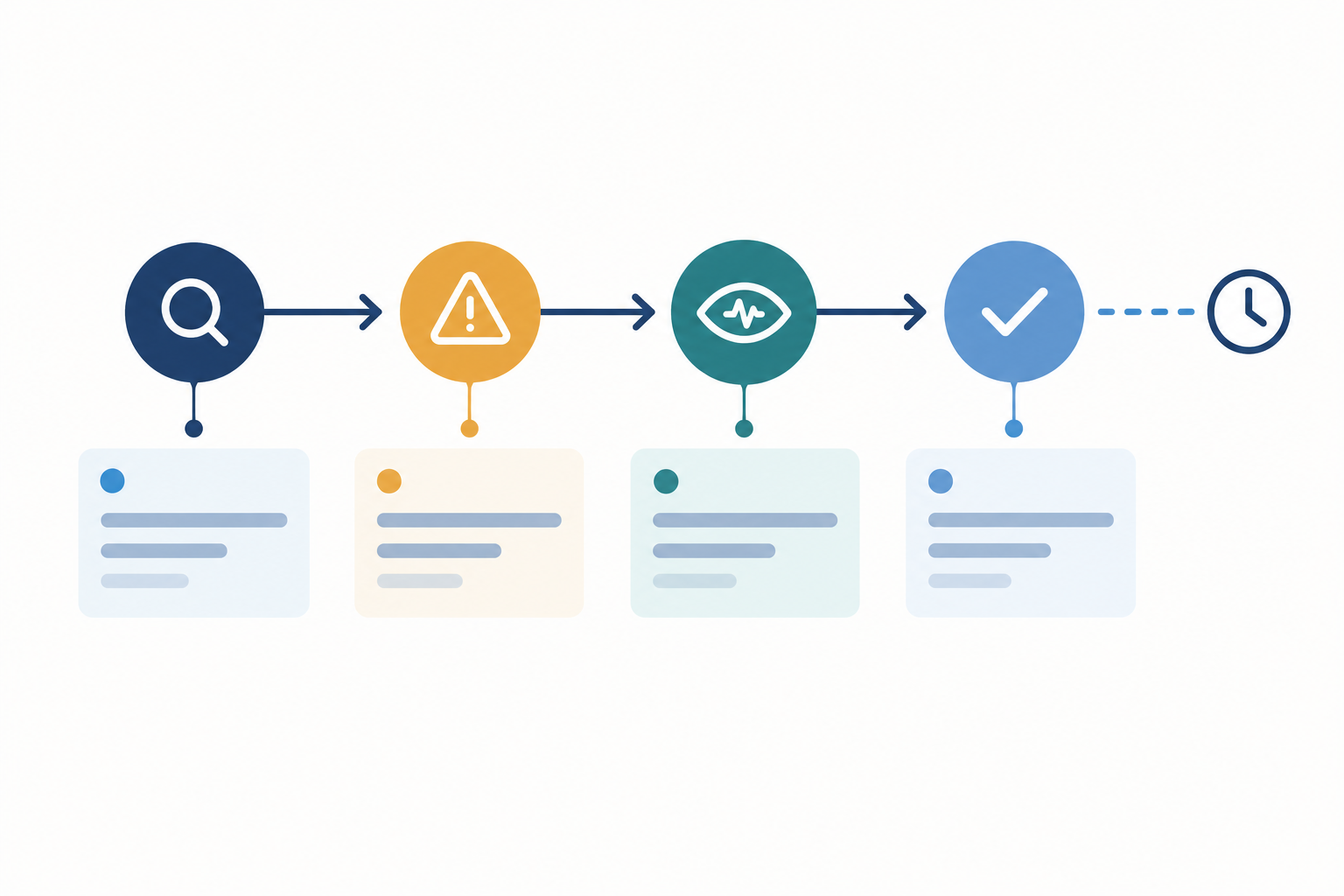
- Acknowledge quickly, even before you know the cause. 'We're investigating reports of slow API responses' is enough. Speed beats completeness at this stage.
- Say who and what is affected, in plain English. 'Some customers can't log in' beats 'elevated 5xx rates on the auth tier'.
- State what you're doing and when the next update will arrive. This single habit calms people more than almost anything else.
- Post on a predictable rhythm. For major incidents, every 20 to 30 minutes is a workable starting point. Adjust it to severity and customer impact, and always say when the next update is due, even if there's no news. 'No change since our last update; next update by 14:30 GMT' is perfectly good.
- Confirm resolution clearly. Say what was fixed, that you're monitoring, and note any follow-up work.
- Publish a short post-incident summary for significant outages, covering cause, impact and prevention steps, in a blameless tone.
One caution: an availability incident is not the same as a personal data breach, which carries its own legal reporting duties under UK GDPR. If customer data might be involved, bring in whoever handles compliance before you post.
Weak versus strong status page incident updates
Here's the difference in practice.
Weak: 'Some users may be experiencing issues. We are looking into it.'
Strong: 'Since 10:42 GMT, some customers are seeing errors when exporting reports. Logins and the dashboard are working normally. We've identified a problem with our report queue and are working on a fix. Next update by 11:15 GMT.'
Tone matters just as much. A weak version is 'This was caused by our upstream provider.' A strong one is 'A fault at one of our infrastructure providers affected exports. We're sorry for the disruption, and we're adding a fallback so it doesn't happen again.' That reads as warm and accountable, with no blame-shifting and no defensive phrasing.
Detect incidents before customers do
Your status page shouldn't be the first sign of trouble. Pair it with incident alerting to email, Slack, Discord, Telegram or webhooks, so your team hears about a failure straight away and can post that first acknowledgement within minutes.
Decide who owns status page updates
Define roles ahead of time. One person fixes, another communicates. If nobody is explicitly responsible for posting, everyone assumes someone else is, and the page stays silent. Write down the on-call rota and a couple of message templates now, not at 2am.
Use incident history as proof of reliability
It feels backwards at first, but your incident history can work as a sales asset. A perfectly empty record can make careful buyers wonder whether you're measuring properly. A transparent record of fast detection and clear communication gives them something concrete to judge you on. It won't prove you're reliable on its own, but it shows how you behave when things break.
The stakes are real, too. In its Annual Outage Analysis 2024, Uptime Institute reported that 54% of respondents said their most recent significant, serious or severe outage cost more than $100,000, and 16% said more than $1 million. Bear in mind the context: the survey draws on operators of data centres and digital infrastructure, and 'significant' is the respondents' own judgement, so treat it as an indication of scale rather than a SaaS benchmark. You can find the report on Uptime Institute's research page.
What prospects and security reviewers look for in incident history
Reviewers tend to ask the same few questions. Did you spot the problem, or did customers tell you? Were your updates clear, timely and honest? How long did the fix really take? And is the same problem coming back?
Make your public incident history easy to read
Use consistent titles, timestamps, affected components and short summaries. Keep resolved incidents, separate scheduled maintenance from unplanned incidents, and link to a post-incident review when you have one. GitHub's status history and Google Cloud's Service Health dashboard are good public examples of past incidents you can actually inspect, rather than just a current up-or-down light.
Response-time analytics and incident trends help too. If incidents are getting shorter, or detection is getting faster, show it. That's evidence of improvement.
Put your status page to work
Link your status page in sales decks, security questionnaires and onboarding emails rather than waiting to be asked. There's a support payoff as well: a clear page gives your team a link to share instead of retyping the same message. To see whether it's working, compare ticket volume during incidents before and after you launch or improve the page.
One firm principle: preserve your history. Don't delete incidents or quietly rewrite them. If something was wrong or incomplete, correct it openly, with a dated note saying what changed and why. A trimmed history looks suspicious precisely because customers remember the outage.
Status page mistakes that erode customer trust
A few patterns I'd steer you away from, beyond the points above:
- Showing 'All systems operational' while customers are struggling. This is usually down to manual updates or weak monitoring.
- Raising false alarms from single-location checks. A page that cries wolf teaches people to ignore it.
- Using vague wording. 'Some users may be experiencing issues' helps nobody.
- Going quiet mid-incident. One post, then nothing for two hours, is worse than no post.
- Writing in technical or blame-heavy language. Customers want impact and next steps, not a jargon-filled post-mortem.
- Skipping maintenance notices, or leaving critical cron jobs without heartbeat monitoring, so customers get surprised by failures you could have flagged.
Setting up a branded status page: an example with Moonitor
If you'd like to put this into practice, here's how I'd approach it in Moonitor, the monitoring tool we build. Treat it as one example implementation; the same steps apply with other tools.
- Add the monitors that matter most: website, API, SSL certificate, DNS, and heartbeat checks for scheduled jobs.
- Group monitors into customer-friendly components such as 'Login', 'API', 'Dashboard' and 'Scheduled reports', not internal service names.
- Apply your logo, colours and custom domain. Something like status.yourcompany.com works well, with SSL and domain expiration checks running on it.
- Connect alerts to Slack, Discord, Telegram, email or webhooks so your team can respond and update quickly.
- Review incident history and response-time analytics monthly to spot trends and tidy up wording.
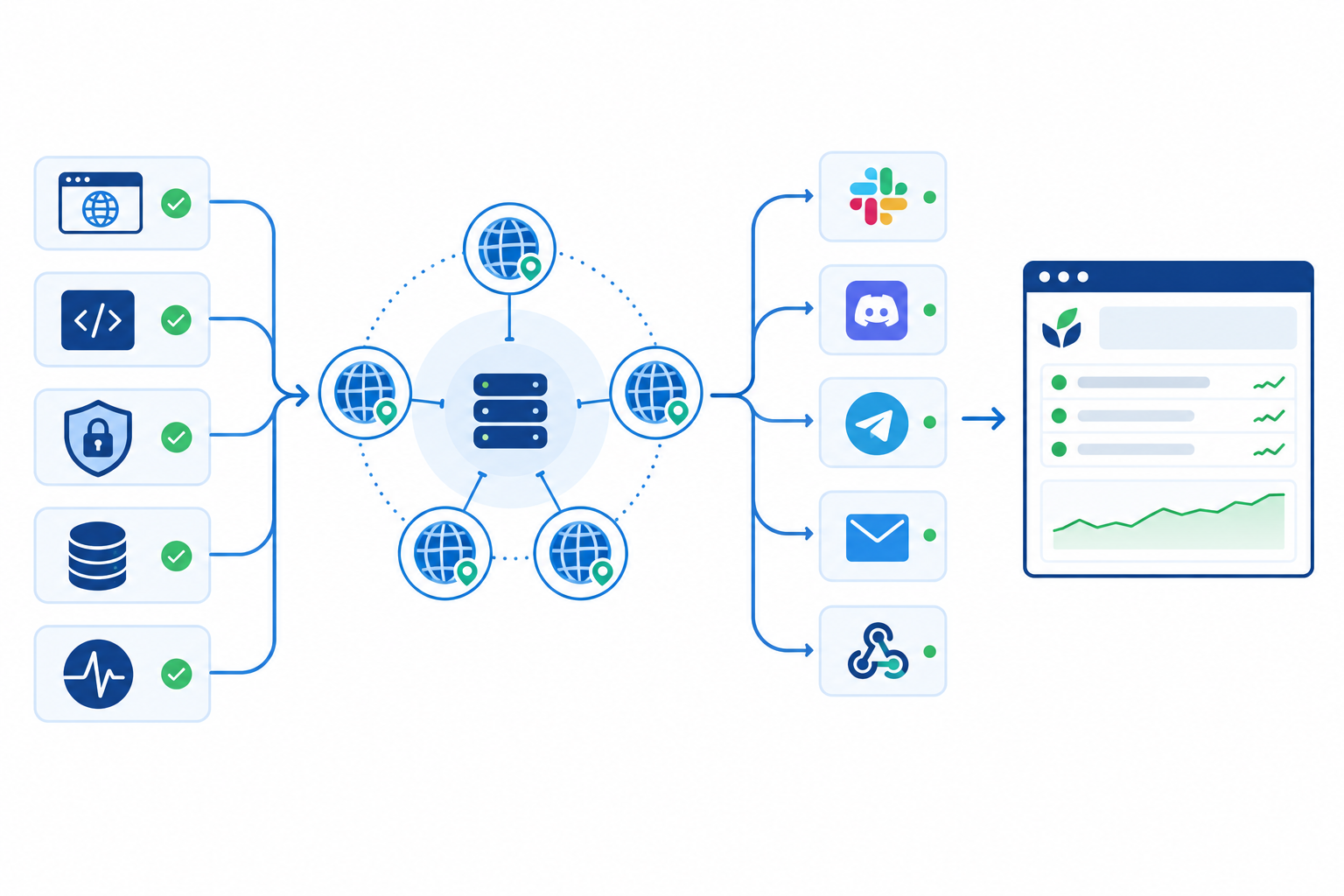
Moonitor verifies failures from multiple regions before they count, and offers an API and data export so your incident history isn't locked in. Plans start with Solo at $14/mo for 20 monitors, up to Max at $49/mo for unlimited monitors, with a 7-day free trial and no credit card required. Prices are in US dollars and UK VAT may apply, so check the current pricing page before you decide.
Frequently asked questions about public status pages
What should a status page show?
At minimum: live status per component, active incidents with timestamps and next-update times, scheduled maintenance, and recent incident history, plus a way to subscribe.
Should I show uptime percentages publicly?
Usually, yes, provided you explain how they're measured and show them beside incident notes. If your monitoring isn't solid yet, start with component status and history.
How often should I post updates during an incident?
Acknowledge as soon as you've confirmed the problem, then update every 20 to 30 minutes for serious incidents, or at whatever interval you promised. If nothing has changed, say so and give the next update time.
Can a status page reduce support tickets?
It can. A clear, easy-to-find page answers 'is it down?' before customers get in touch. Compare ticket volume during incidents before and after launch to measure the effect for your own product.
Should my status page sit on a custom domain?
A custom subdomain such as status.yourcompany.com is usually the best choice, as long as you monitor the domain and SSL certificate so they never expire unnoticed.
One last thought
Nobody expects you to never have a bad day. What customers remember is whether you told them the truth, kept them updated and fixed it properly. Build the page, back it with monitoring you trust, and let your track record do the talking. ☕