
Incident Communication Templates Every SaaS Team Should Have
Copy-paste incident communication templates for every stage of a SaaS outage — from initial detection to root cause summary. Built for teams using sta
Incident Communication Templates: Copy-and-Paste Status Page Updates for SaaS Teams
Picture this: it's 2:47pm on a Tuesday, your API starts throwing 500 errors, your Slack channel is lighting up, and someone just asked "should we post something on the status page?" That's the exact moment you do not want to be starting from a blank text box.
Here's the fix: every SaaS team needs a set of ready-to-go incident communication templates covering four moments in the incident lifecycle: initial detection, ongoing investigation, partial resolution, and full resolution with root cause. Write these in advance, tailor them to your brand voice, and you'll communicate clearly and quickly during an outage instead of scrambling for the right words while your status page traffic spikes.
In this post, I'll walk you through copy-paste incident response templates for each stage, a quick-reference table so you're not hunting through paragraphs mid-incident, and some operational guidance on severity, ownership, and cadence that most template round-ups skip entirely. If you're running a UK-based SaaS team, I've also included a few notes on timezones and out-of-hours cover, since "9am" means something different depending on who's reading your status page. Let's get into it.
Why incident communication templates matter for customer communication
I once watched a team try to write a status page update live during an outage. Engineers debated word choice in a Slack thread while customers refreshed the status page every thirty seconds. The outage lasted 40 minutes. Writing the first update took nearly 15 of them - time that should have gone into fixing the actual problem.
That's the core issue: the moment something breaks is the worst possible time to figure out how to word your update. Your team is stressed, information is incomplete, and every minute of silence feels louder than it is. Templates fix that. Your first acknowledgement can go out in minutes rather than quarter-hours, and your messaging stays consistent even when different people are on call.
Customers generally don't expect zero downtime. Most understand that servers fail, dependencies break, and cron jobs silently stop running from time to time. What shapes their impression is how clearly and quickly you communicate while it's happening. A calm, specific update reassures. A vague one, or no update at all, invites worse assumptions than reality usually warrants.
There's a compounding effect too. A consistent incident history, built on clear templates, turns your status page from a purely technical tool into something closer to a trust record. When a prospective customer checks your status page, they're not just looking for green checkmarks. They're looking at how you've talked about past incidents. Did you own the problem? Did you explain it in plain English? That history speaks for itself over time.
This is why a proper status page - one that gives your incident history a real home - is worth having, not just a nice-to-have. Your status page shouldn't just say "up" or "down." It should reflect your brand and build a track record incident by incident.
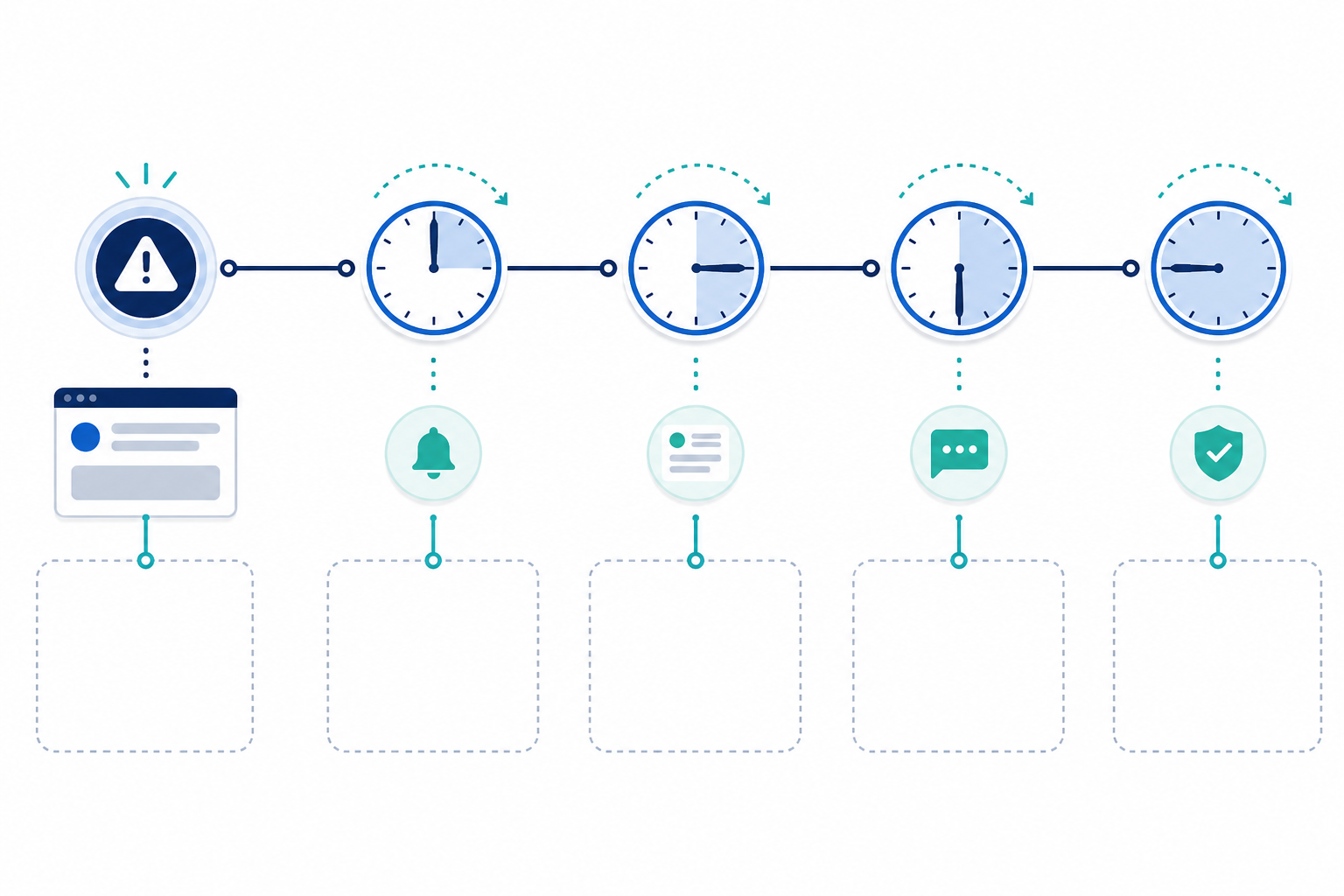
Incident lifecycle and status page updates at a glance
Before we get into the templates themselves, here's a quick-reference table for the four stages. Keep this pinned somewhere your on-call team can find it fast.
| Stage | Status Label | Must Include | Typical Owner | Next-Update Guidance |
|---|---|---|---|---|
| Initial Detection | Investigating | What's affected, when it started, next update time | Incident commander / on-call lead | Within 15-30 min for major incidents, up to an hour for minor ones |
| Ongoing Investigation | Investigating | What's ruled out, what's being tested, next update time | Incident commander | Every 15-60 min depending on severity |
| Partial Resolution | Monitoring | What was fixed, evidence it's working, remaining risk | Incident commander / support lead | Once monitoring confirms stability |
| Full Resolution | Resolved | Impact summary, plain-language cause, fix, prevention step | Incident commander + comms owner | One thorough update; postmortem to follow separately |
Quick operational checklist before you publish an incident update
- Classify severity first. A full outage and a degraded-performance blip don't need the same tone or cadence. Decide on a tiered severity scale (minor, major, critical) in advance.
- Assign an incident owner. Someone should be responsible for approving public updates so you're not publishing five slightly different versions of the same news.
- Know your affected segments. Is this everyone, one region, or one plan tier? Say so. It saves confused customers from assuming they're affected when they're not.
- Separate internal and public channels. Your internal Slack thread can be messy and speculative. Your public update should only contain confirmed facts.
- Know when to hand off to a postmortem. The public "Resolved" post is not the same document as your internal or published post-incident review. More on that below.
Incident response template: initial incident detection post
What should an initial incident post say?
Your first update sets the tone for everything that follows. Get it right, and customers relax a little, knowing you're on it. Get it wrong - too vague or too speculative - and you'll spend the rest of the incident managing anxiety instead of the actual problem.
A good initial post needs these elements:
- What's affected - be specific ("API requests," "our dashboard," "email notifications")
- Who's affected - everyone, a specific region, or a specific plan tier, if known
- When it started - even an approximate time, with timezone, is better than nothing
- Current status label - usually "Investigating"
- Next update timing - a concrete promise, like "within 30 minutes"
Here's a template you can copy and adapt:
[Investigating] Issues with [affected service/feature]
We're currently investigating reports of [brief description of the issue, e.g. "slow response times on our API"]. This began impacting [who's affected, if known] around [time, timezone]. We'll share an update by [time] or as soon as we know more.
Short, honest, specific. Notice what's not in there: a guess about the cause or a promise about fix timing.
The most common mistake I see is speculating on the cause too early. Someone has a hunch ("probably the database again"), and it ends up in the public update before anyone's confirmed it. If the real cause turns out to be something else, you now look disorganised on top of being down.
As for apologising early, you don't need to avoid it entirely. A brief, honest "we're sorry for the disruption" is fine even before you know the full scope, just don't pair it with speculation or promises you can't yet back up. Save the fuller apology, with specifics, for the resolution post.
If you're a UK-based team: use a clear timezone reference (GMT or BST, not just "3pm") since your customers may be reading from across Europe or the US. And if you serve regulated customers, check whether your contracts include specific notification obligations. This article isn't legal advice, but it's worth having that answer ready before an incident, not during one.
Incident response template: ongoing investigation update
This is the update most teams either forget or write too late. Its whole purpose is reassurance, letting customers know real work is happening even without a fix yet.
Think about it from the customer's side. They saw your first post 45 minutes ago. Nothing's visibly changed. If they don't hear from you again, they may assume you've given up or forgotten about them. Silence reads that way even when it isn't true.
[Investigating] Issues with [affected service/feature]
We've ruled out [what you've confirmed is not the cause, if known] and are currently investigating [what you're actively testing, e.g. "a possible issue with our load balancer configuration"]. We know this is frustrating, and we'll post another update by [time].
Note the phrasing: "investigating a possible issue," not a confirmed diagnosis. Only publish what's actually confirmed. Internal hunches belong in your Slack thread, not your status page.
On cadence: there's no single correct interval, and I'd be cautious of anyone who tells you there is. It should scale with severity and customer impact. For a critical, full-platform outage, aim for every 15-30 minutes. For a lower-severity, partial-impact issue, every 30-60 minutes is usually fine. The real rule is simpler than any specific number: whatever next-update time you promise, keep it. "Still investigating, next update by 3:45pm GMT" is a perfectly good update on its own. It's proof of life, not filler.
Incident communication template: partial resolution update
This stage gets skipped more than any other. You've deployed a fix, things look better, and everyone wants to declare victory. But there's an important distinction between "we've applied a fix and we're monitoring it" and "this is fully resolved." Blurring that line erodes trust faster than you'd expect.
If you jump straight to "resolved" and the issue flares up twenty minutes later, customers feel like you either didn't actually fix it or rushed to close the incident for appearances. A partial resolution update manages that risk honestly.
[Monitoring] Issues with [affected service/feature]
We've deployed a fix for [brief description] and are seeing [positive signal, e.g. "error rates and response times returning to normal levels"]. We're continuing to monitor [specific metric, e.g. "error rates, latency, and successful transaction rates"] to confirm the issue is fully resolved. Some users may still experience [remaining symptoms, if any]. We'll confirm full resolution shortly.
Be specific about what "monitoring" actually means: error rates, latency, queue depth, successful transaction rates returning to baseline, even if you keep the customer-facing language simple. "Monitoring closely to confirm" tells customers you're being careful rather than declaring an early win, which builds more confidence than a premature "all clear."
Incident communication template: full resolution and root cause summary
This is the update people remember. Months later, a customer might not recall the exact outage time, but they'll remember whether your explanation made sense or read like corporate word salad.
It's worth separating two things that often get merged into one post: the immediate resolved update, published as soon as the incident is over, and the fuller root cause / postmortem summary, published once you've actually confirmed the details. Publishing a root cause before it's confirmed is how teams end up issuing an awkward correction a day later.
Immediate resolved status page update
[Resolved] Issues with [affected service/feature]
Between [start time] and [end time] on [date], [affected service] experienced [brief description of impact]. We've confirmed normal service has been restored. We're continuing to investigate the underlying cause and will share a fuller summary shortly.
Fuller root cause summary for customers
A solid summary follows a simple four-part structure:
- What happened - plain description of the customer-facing impact
- What caused it - in language a non-engineer could follow
- What you fixed - the specific action taken to resolve it
- What you're doing to prevent recurrence - a concrete, owned step, not a vague promise
Root Cause Summary: [Incident title]
Between [start time] and [end time] on [date], [affected service] experienced [brief description of impact]. This was caused by [plain-language explanation of root cause]. We resolved this by [what you did to fix it].
To prevent this from happening again, we're [specific preventative action with an owner and rough timeline internally, e.g. "adding automated monitoring for this failure mode by the end of the month"].
We're sorry for the disruption this caused, and we appreciate your patience while we worked through it.
Only commit publicly to preventative actions your team has actually agreed to internally. A vague "we're improving our processes" line does more harm than good if nothing visibly changes next time.
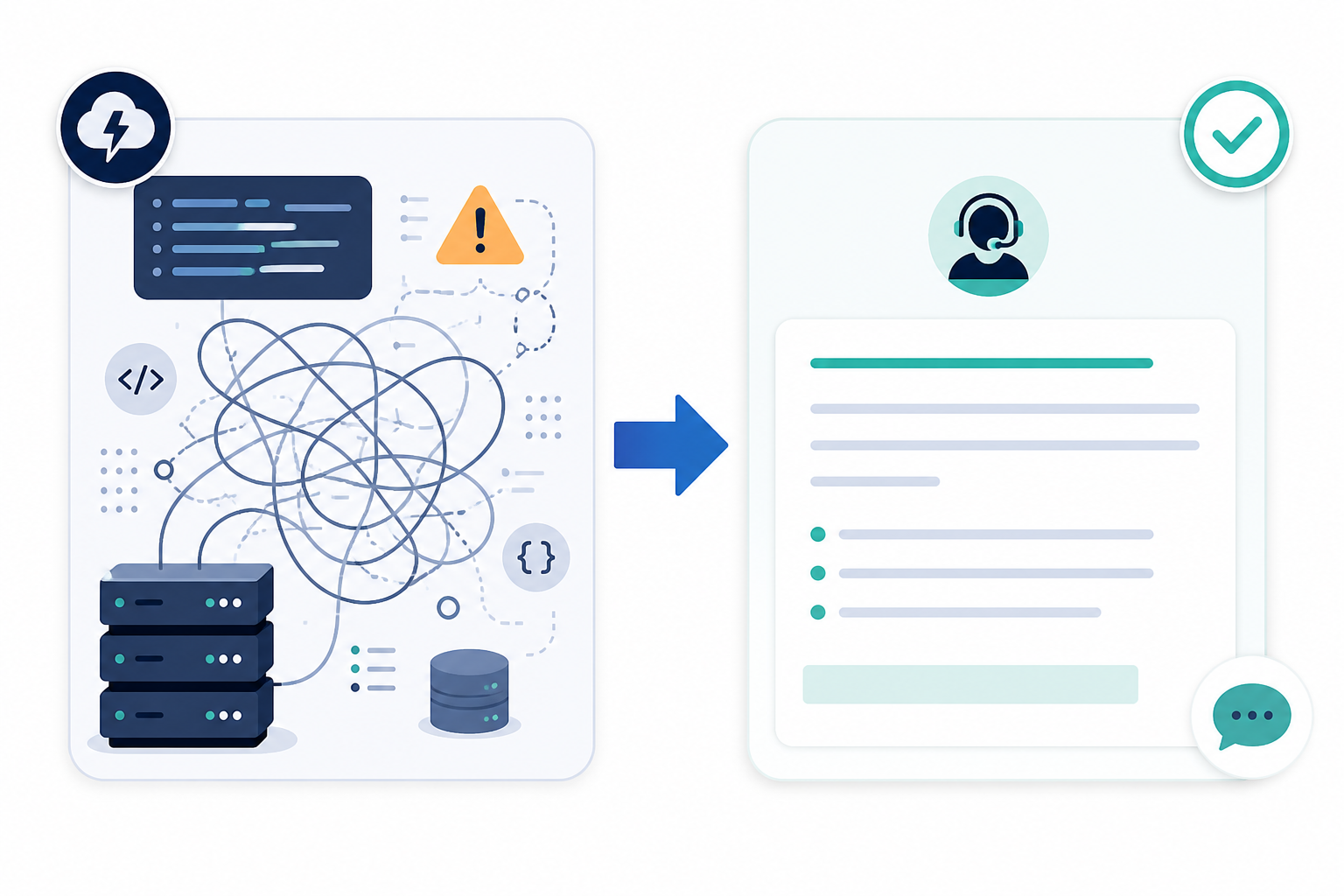
Translate technical detail before you publish. If cron job monitoring flagged a missed heartbeat, or an SSL certificate quietly expired, or a DNS record change rerouted traffic unexpectedly, your customers don't need those exact terms. Instead of "our heartbeat monitor detected that the nightly batch job failed to check in," try "one of our scheduled background processes didn't run as expected, which delayed some data updates." Instead of "an expired SSL certificate caused connection failures," try "a security certificate on one of our servers expired without us catching it in time, which blocked some connections." Same accuracy, far more accessible. If you want to go deeper technically for engineering-minded users, that's what a separate postmortem or engineering blog post is for.
Tips for customizing incident communication templates to your brand voice
Templates are a starting point, not a script to read word-for-word. A few things to consider as you adapt these:
Match your existing tone. If your marketing site is warm and casual, your incident updates shouldn't suddenly sound like a legal filing. If you're a more formal enterprise product, lean into precision rather than trying to sound chatty. Consistency matters more than any individual word choice.
Cut the corporate-speak. Phrases like "we take this very seriously" mean little on their own. If you actually take it seriously, show it: explain what changed, what you're monitoring differently, what you fixed. Back up the sentiment or leave it out.
Write for accessibility, not just tone. Use plain English, avoid unexplained acronyms, and always include timestamps with a timezone (GMT/BST if you're UK-based, since your customers may be reading from anywhere). Keep a shared glossary of your status labels ("Investigating," "Monitoring," "Resolved") so everyone on the team uses them consistently.
Use real names where it fits. A status update signed "- Sarah, Engineering Lead" feels more accountable than an anonymous "The Team." It won't suit every company culture, but for smaller SaaS teams it adds a human touch customers tend to appreciate.
Keep a swipe file. Save your past incident posts, good and awkward, in a shared doc. When the next incident hits, you're adapting language that's already been tested, not starting from zero.
Review quarterly. Your product, infrastructure, and team all change. A template written when you were a five-person startup might not fit once you've got enterprise customers with stricter expectations. Set a recurring reminder to revisit these every few months.

Building incident response templates into your workflow
Templates alone only get you halfway. You also need to know something's wrong before you can post about it. That starts with clear incident ownership: decide in advance who classifies severity, who approves public updates, and who briefs customer support so your team isn't fielding confused tickets while also trying to fix the problem.
For UK-based teams with customers across time zones, it's worth explicitly defining out-of-hours cover. Who's on call at 2am GMT if your US customers are hitting issues during their business day? Without a clear answer, that quick-reference table above becomes a lot less useful when it matters most.
Alerting matters too. If your monitoring pushes alerts straight to Slack, Discord, Telegram, email, or a webhook the moment a check fails, your team can move from detection to a published update in minutes rather than waiting for complaints to trickle in on social media. It's also worth verifying alerts across multiple regions before triggering a public post. A single failed check from one location might just be a network blip, not a real outage, and posting "investigating" for a ten-second blip erodes trust in the opposite direction.
Finally, know when to hand off from a status page update to a proper post-incident review. The public "Resolved" post should stay concise. The deeper analysis - timeline, contributing factors, action items with owners - belongs in an internal or published postmortem, not squeezed into the same paragraph.
Tools like Moonitor bundle monitoring, alerting, and branded status pages together, which can simplify this workflow if you're setting it up from scratch, but the principles above apply regardless of what you use. If you want to try it, Moonitor offers a 7-day free trial with no credit card required.
Over time, clean alerting, verified incidents, and consistently well-written updates add up to something bigger than any single outage: a branded status page with a real incident history that new and existing customers alike can point to as proof you handle things well when they go wrong.
Frequently asked questions about incident communication templates
What should an initial incident post say?
Keep it short, honest, and specific. Acknowledge the problem, name what you know (and don't know yet), and tell customers when to expect the next update. Avoid speculating about root cause this early. A brief "we're sorry for the disruption" is fine, but save promises and diagnoses for later. A good rule: if it takes longer than 3-4 sentences, you're probably including detail that belongs in a later update.
How do I write a root cause summary customers will understand?
Translate the technical cause into plain language before you explain the fix. Instead of "a race condition in our connection pooling caused cascading timeouts," try "a bug in how our servers handled high traffic caused some requests to fail." Then explain what you changed and what you're doing to prevent it happening again, ideally with an owner and timeline attached internally. Save deep technical detail for a separate engineering postmortem if you want to publish one.
Are there templates for status page updates?
Yes. This article includes copy-paste incident response templates for every stage: detection, ongoing investigation, partial resolution, and full resolution with root cause, plus a quick-reference table summarising each stage. Customize the placeholders for your specific outage and brand voice.
How often should I post updates during an incident?
It depends on severity and impact rather than a fixed rule. For a critical, full-platform outage, aim for every 15-30 minutes. For a lower-severity or partial issue, every 30-60 minutes is usually reasonable. The consistent principle: whatever next-update time you promise, meet it. Once resolved, one thorough follow-up beats several thin ones.
Should incident templates differ for minor vs major outages?
The structure stays the same, but tone, detail, and cadence should flex with severity. A brief API blip affecting a small percentage of requests warrants a lighter touch than a full platform outage. Keep a tiered set of templates - quick note, standard incident, major incident - so you're not rewriting from scratch under pressure, and make sure severity classification happens early so the right template gets used.