
The SSL Monitoring Checklist: What Every Sysadmin Should Track
A practical SSL monitoring checklist covering expiration alerts, certificate chain validity, subdomain coverage, and renewal automation—built for sysa
SSL Monitoring Checklist: What Every Sysadmin Should Track
If you only take one thing from this post, take this: a solid SSL monitoring checklist covers five things, and missing any single one leaves you exposed—no matter how confident you feel about the other four.
Here's the checklist at a glance. Bookmark this table if nothing else:
| # | SSL monitoring check | What it catches | Suggested frequency |
|---|---|---|---|
| 1 | SSL certificate expiration dates | Certificates lapsing unnoticed | Daily automated check |
| 2 | Certificate chain validity | Broken or misconfigured intermediates | Daily, from multiple vantage points |
| 3 | Domain and subdomain coverage | Forgotten or unmonitored hosts | Weekly, plus on every DNS or certificate change |
| 4 | Tiered expiration alerts | Alert fatigue and missed renewal windows | Continuous, reviewed monthly |
| 5 | Renewal verification | Silent renewal failures | Every renewal event |
Miss any one of these and you're still exposed, even if you're fairly confident you've “got SSL covered”. It's a pattern that shows up a lot in postmortems: a team nails four out of five checks and gets caught out by the one they deprioritised that particular week.
Let's walk through why this deserves its own checklist, then get into the specifics—with enough detail that you can actually implement each point today, not just nod along.
Why SSL Monitoring Deserves Its Own Checklist
You know the story. It's Friday evening, everyone's mentally clocked out, and a certificate quietly expires. Within minutes, visitors start hitting a big red security warning instead of your homepage. Customers bounce. Someone's phone starts buzzing and doesn't stop. By the time it's fixed, you've lost traffic, trust, and probably a decent chunk of your weekend.
Here's the thing—this used to be a once-a-year headache for a lot of organisations. Now it's often more frequent, and the exact cadence depends on what you're running. Publicly trusted certificates are capped at 398 days, and Let's Encrypt certificates are valid for just 90 days, which means renewal is a recurring background task rather than an annual one. If you're managing a handful of domains on 90-day certificates with automated renewal, that might mean weekly checks rather than monthly ones. If you're on longer-lived certificates with manual processes, the cadence looks different—but the risk of something slipping through only grows as your domain count grows.
A spreadsheet with expiration dates might have worked when you had two or three domains to track. Past that, it falls apart fast. Someone forgets to update it, a new subdomain never gets added, or the person who “owns” the spreadsheet is on annual leave right when a certificate is due. This is exactly why SSL certificate tracking needs to be treated as infrastructure, not admin work squeezed in between tickets.
Think of the checklist below as something you bookmark and return to, not something you read once and mentally file away. Each section includes what to check, how often, who should own it, and how you'd verify it's actually working.
1. Track SSL Certificate Expiration Dates
This is the obvious one, but “obvious” doesn't mean “done well”. Most SSL monitoring failures come down to incomplete watching, not absent watching.
SSL certificate expiration checklist:
- Track every certificate individually—not just your primary domain
- Set tiered expiration alert windows (see below for a starting point)
- Never rely on browser warnings as a detection method
- Account for CA processing delays around holidays and weekends
- Log expiration and renewal history to spot recurring patterns
A few of these deserve more detail:
Track certificates, not just domains. Wildcard certificates and multi-domain (SAN) certificates still need per-certificate attention, because a single certificate can quietly cover more—or less—than you think. Run openssl s_client -connect yourdomain.com:443 -servername yourdomain.com | openssl x509 -noout -dates to check the actual expiry being served, rather than trusting what a configuration file says should be there.
Don't treat browser warnings as monitoring. If a visitor is the one telling you your certificate expired, you've already lost the game. That's detection after the fact, not prevention.
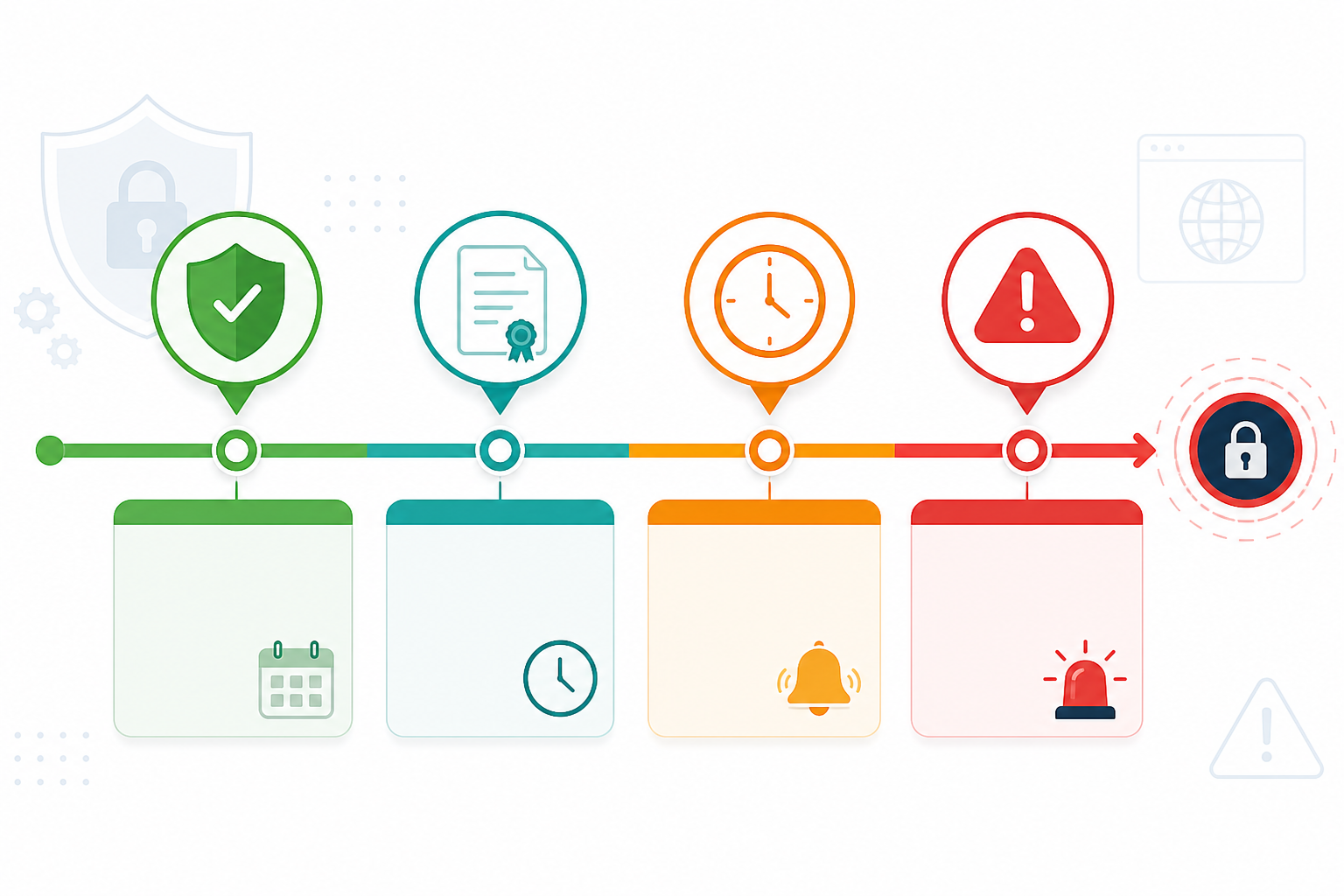
Set alert windows that match certificate lifetime, not a fixed default. A common baseline is 30, 14, 7, and 1 day out, rather than a single “heads up” email that's easy to bury in an inbox. But treat this as a starting point, not a rule: a 30-day window on a 90-day Let's Encrypt certificate covers a third of its entire life, so it's less useful as an early warning and more useful paired with renewal-failure alerts (see point 5) than relied on alone. For longer-lived certificates or services with slow change-control processes, you may want to start the clock earlier—45 or 60 days out.
Account for CA processing delays. Certificate authorities don't run on your schedule, especially around bank holidays or long weekends when support queues slow down.
Log your expiration history. If you're consistently renewing late for one vendor or team, that's worth knowing before it becomes a recurring emergency rather than a one-off.
Suggested ownership: one named engineer or team per certificate group, with a documented backup—not “whoever notices the alert”.
2. Monitor Certificate Chain Validity
This is the one that trips up even experienced sysadmins, because it's easy to assume a valid leaf certificate means everything's fine. It doesn't.
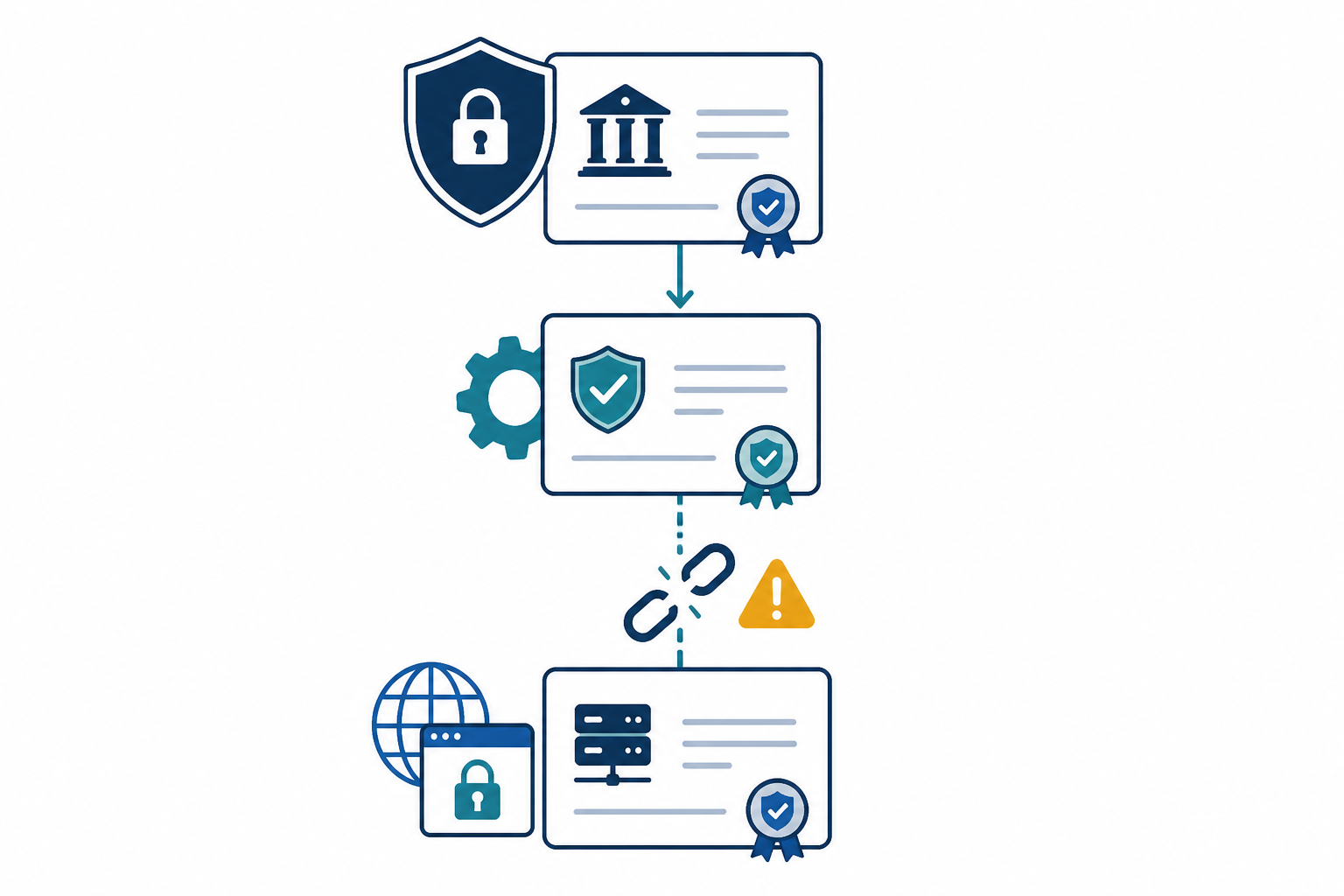
A proper certificate chain connects your server's certificate through one or more correctly ordered intermediate certificates up to a trusted root in the client's trust store. Monitoring that only checks the leaf certificate can completely miss a broken chain caused by an expired or misconfigured intermediate—and that intermediate can fail independently of your actual certificate's validity dates.
It's worth being precise about two separate things that often get lumped together:
- Expiration is about whether every certificate in the chain, including intermediates, is still within its validity window. An expired intermediate breaks path building even if your leaf certificate is fine.
- Revocation is a different check entirely—whether a certificate has been explicitly invalidated by its CA before expiry, via OCSP or CRL. Revocation checking is genuinely useful, but coverage across clients is inconsistent in practice: some browsers soft-fail when they can't reach an OCSP responder, and not every client checks revocation the same way. Treat it as one signal among several, not a guarantee.
Certificate chain monitoring checklist:
- Verify chain order (leaf plus intermediates, not the root)
- Monitor for CA-side intermediate rotations
- Check intermediate expiration separately from leaf expiration
- Check revocation status (OCSP/CRL) as a supplementary signal
- Validate against multiple client configurations, not just multiple network locations
A few specifics worth knowing:
Chain order matters. Some servers serve certificates in the wrong sequence, which passes fine on lenient clients but breaks validation on stricter ones. Your server should send the leaf plus required intermediates—not the root—and getting that order wrong causes failures that are genuinely maddening to diagnose. openssl s_client -connect yourdomain.com:443 -showcerts will show you exactly what's being served, in order.
Watch for CA changes to intermediate certificates. If a CA rotates its intermediates, servers with cached or hardcoded chain files can silently break, even though nothing changed on your end.
Geographic distribution and client diversity are different things. Checking from multiple regions helps catch network-level issues like CDN misconfigurations or regional blocking, but it doesn't test different trust stores or older TLS client behaviour. This distinction matters a lot in practice: when Let's Encrypt's DST Root CA X3 expired in September 2021, it caused validation failures specifically on older Android devices that couldn't handle the newer trust path—not because of where those devices were located, but because of what trust store they shipped with. The AddTrust External CA Root expiration in May 2020 caused a similar issue for services whose chain construction quietly depended on that expired root. Proper chain monitoring should combine multi-region endpoint checks with explicit chain-path analysis and, where practical, testing against a representative set of older or less common client configurations.
3. Check Domain and Subdomain SSL Coverage
Here's an uncomfortable truth: most SSL incidents don't happen on the main domain. They happen on the subdomain nobody remembered existed.
Domain and subdomain coverage checklist:
- Build a written inventory of every domain and subdomain in active use
- Cross-check SAN lists against DNS records on a schedule
- Monitor certificate transparency (CT) logs for newly issued certificates on your domains
- Don't assume wildcards cover multi-level subdomains
- Separate public-facing inventory from internal or private hostnames
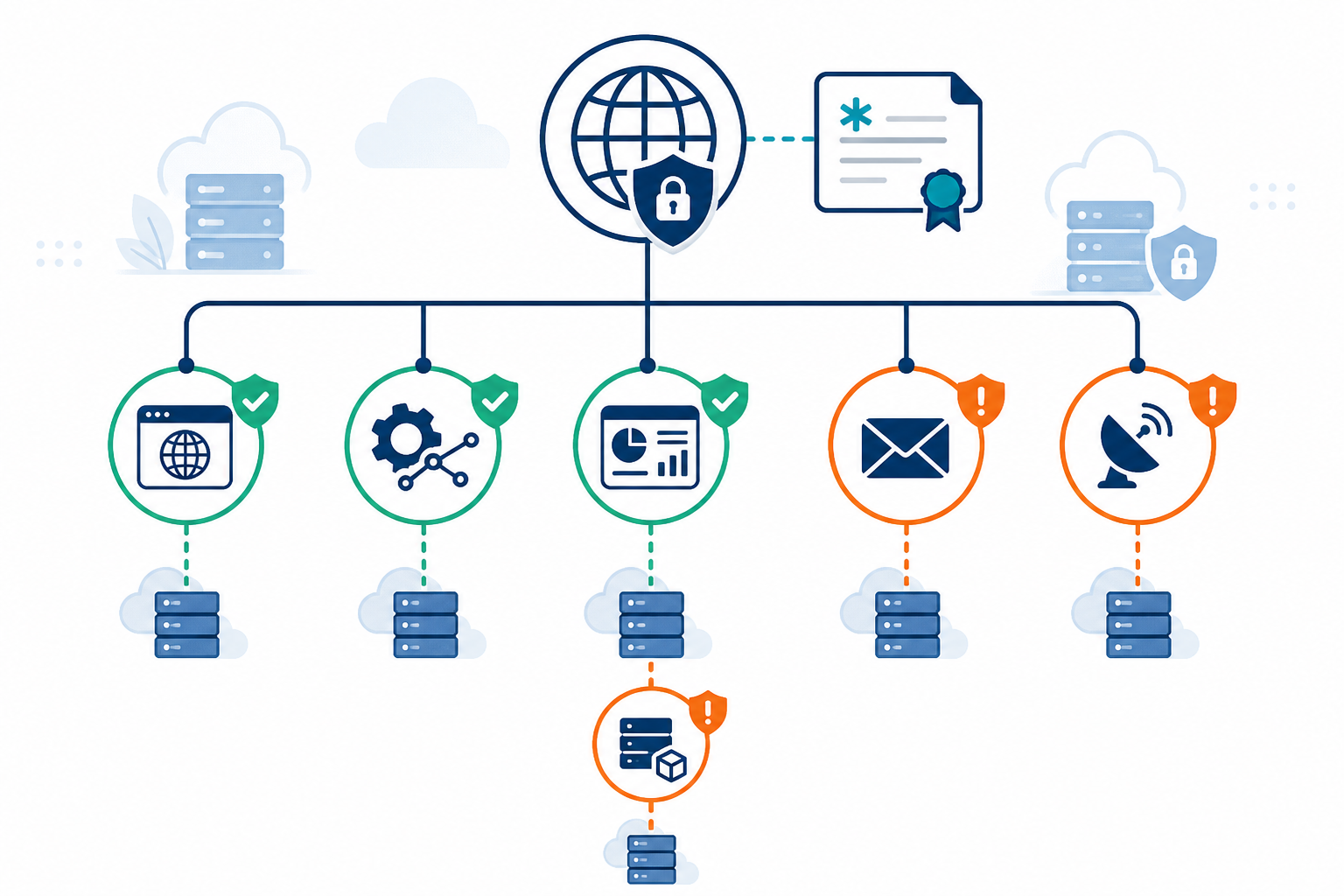
Build an actual inventory—not a mental one—of every domain and subdomain in active use. That includes staging environments, internal tools, API endpoints, CDN configurations, and anything spun up for a three-week project that quietly became permanent infrastructure. If it resolves to something and someone might visit it, it needs to be on your list.
A few coverage traps worth knowing about:
Wildcard certificates create a false sense of security. A wildcard for *.domain.com covers api.domain.com, but it does not automatically cover staging.api.domain.com. Multi-level subdomains need their own coverage, and this gap catches people constantly.
“Forgotten” subdomains are common blind spots. Someone launches a quick internal dashboard, the project ends, but the subdomain lives on—uncertified and unmonitored—until it becomes a problem.
DNS monitoring alone won't catch everything. Standard DNS monitoring flags changes to records you're already watching—it doesn't automatically discover a brand-new subdomain someone created last week unless you're actively polling zone records or have access to the authoritative DNS provider's change log. For fuller discovery, pair DNS monitoring with certificate transparency (CT) log monitoring, which flags any publicly trusted certificate issued for your domains the moment it's issued, regardless of who requested it. For internal or private hostnames that never touch public CT logs, you'll need a separate inventory source—cloud account asset discovery, infrastructure-as-code manifests, or a manual quarterly review.
Cross-check your certificate's SAN list against your DNS records periodically. This quick habit catches coverage gaps before they become 2am incidents, and it's a solid domain security practice more broadly—unexpected names in your SAN list can be a sign of configuration drift worth investigating.
Suggested ownership: whoever owns DNS zone access should also own the subdomain inventory, since they're the first to know when something new goes live.
4. Configure SSL Expiration Alerts and Escalation
A single alert isn't a strategy—it's a hope that someone's watching the right inbox at the right time. What you actually want is a tiered system that escalates as the deadline gets closer, matching urgency to actual risk.
A structure that works well for most teams:
| Timing | Severity | Channel | Expected action |
|---|---|---|---|
| 30 days out | Informational | Shared Slack/Discord channel | Acknowledge, no urgent action needed |
| 7 days out | Urgent | Team channel + assigned ticket | Confirm renewal is scheduled |
| 24 hours out | Critical | Direct page (PagerDuty, Opsgenie, etc.) | Human actively working the issue |
| Renewal failed | Critical | Direct page | Manual renewal within the hour |
A sample alert payload for the 24-hour tier might read: “CRITICAL: certificate for api.yourdomain.com expires in 22 hours. Auto-renewal has not yet succeeded. Assigned: [on-call engineer]. Runbook: [link].” Vague alerts (“SSL issue detected”) get ignored far more often than specific ones with a clear next action.
Expiration alert checklist:
- Define at least three severity tiers with matching channels
- Consolidate alerts for certificates expiring in the same window
- Require confirmation from multiple regions before triggering an alert
- Assign named ownership and a documented backup
- Define what happens if an alert isn't acknowledged within a set time (for example, auto-escalate after 30 minutes)
A couple of things that make this sustainable rather than just noisy:
Consolidate notifications for certificates expiring around the same time. Firing off twenty separate alerts for twenty certificates expiring the same week trains people to tune out your alerts entirely—which defeats the whole purpose.
Use multi-region checks before triggering alerts, so a single flaky network path doesn't cry wolf. False alarms are how teams end up ignoring real warnings, and that's a bigger risk than the original SSL issue.
Define clear ownership and an escalation path. Who's responsible for acting on an SSL alert, and what's the backup plan if they're off sick or on holiday? “Someone will probably see it” isn't a plan.
5. Automate SSL Renewal Verification
This is the step people skip most often, and it's arguably the most important one.
Auto-renewal tools like Certbot or AWS ACM are genuinely useful—they've saved countless sysadmins from manual renewal chores. But they can fail silently, and a successful renewal job on the CA side doesn't guarantee anything about what's actually being served to visitors. A web server, load balancer, CDN, or container might simply not reload the new files, and you'd have no idea until someone hits an expired certificate warning.
SSL renewal verification checklist:
- Confirm the new certificate is actually being served, not just that the renewal “completed”
- Check the renewed certificate covers the same SAN list as before
- Verify the new expiration date externally, post-renewal
- Document a rollback plan for a failed or broken deployment
Some deployment-specific checks worth building in:
Certbot: use a --deploy-hook script that runs after renewal to reload the web server and re-check the served certificate—don't assume the hook running means the reload succeeded.
AWS ACM: confirm the renewed certificate is actually attached to the load balancer or CloudFront distribution, not just present in ACM. ACM renewal and load balancer attachment are separate steps, and a failure between them is a known source of silent expiry.
CDNs: check propagation across edge nodes, not just the origin—edge certificates can lag behind an origin renewal by longer than you'd expect.
Containers/Kubernetes: if certificates are mounted as secrets, confirm the pod actually picked up the updated secret rather than serving a cached version from before the last restart.
In every case, the closing step is the same: query the externally served certificate—via openssl s_client or an external monitor—and confirm the serial number and expiry date actually changed. That's the only real proof the fix worked, rather than an assumption based on a green tick in a renewal log.
Putting the SSL Monitoring Checklist Into Practice: An Example with Moonitor
Worth flagging upfront: this section covers our own product, Moonitor, as one example of how you might implement the checklist above—not as the only way to do it. If you'd rather build this with open-source tooling and cron jobs, the checklist itself works the same either way.
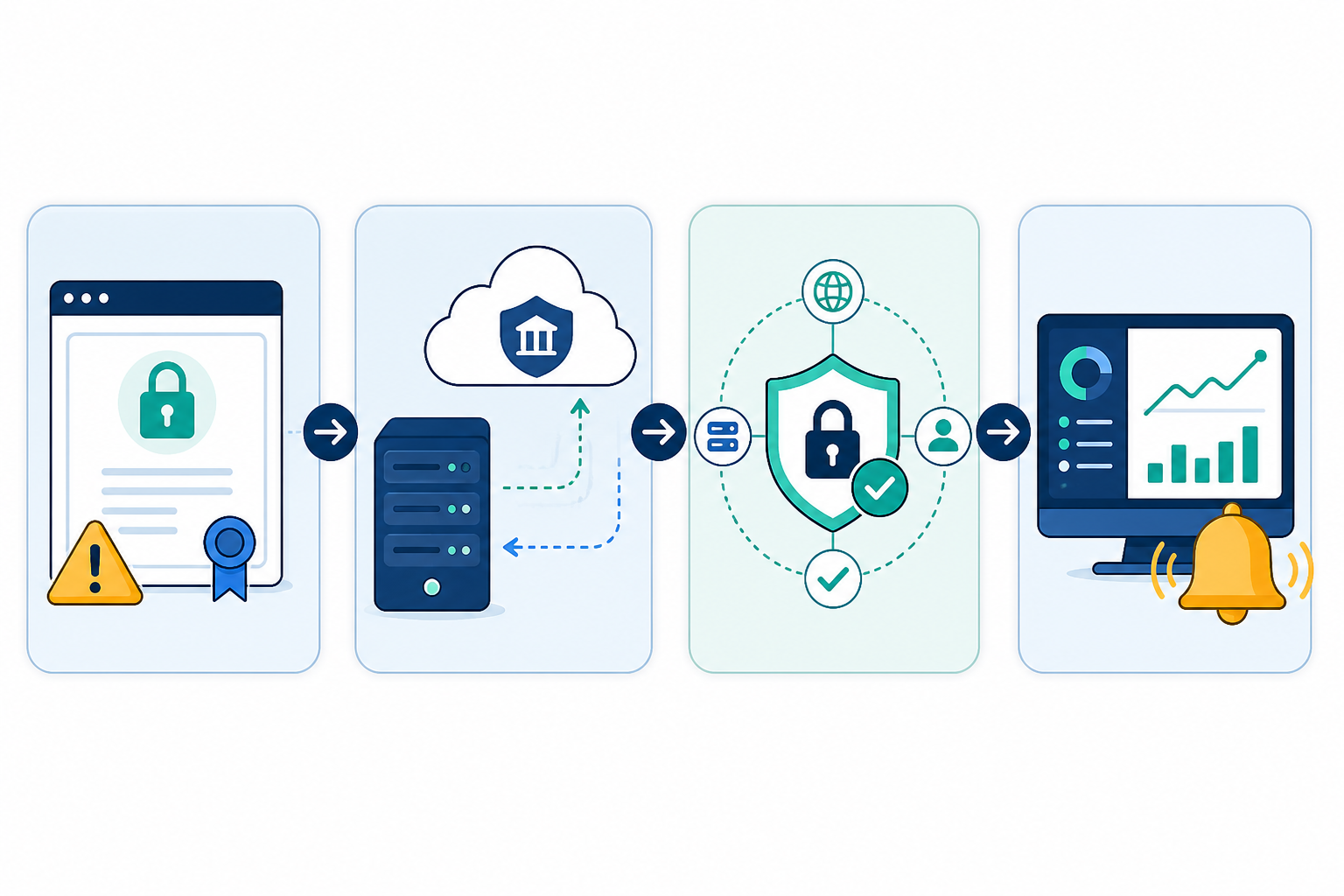
Moonitor's SSL and domain expiration monitor is built to cover points 1, 3, and 5 above: it tracks expiration across every domain you add, checks SAN coverage against the domains you've registered with it, and re-checks the served certificate after a renewal to confirm the expiry date actually changed. It doesn't discover new subdomains on its own—you still need to add domains you want covered, or pair it with CT log monitoring for broader discovery, which is worth being clear about.
For chain validity, Moonitor runs checks from multiple regions to reduce false positives from a single flaky network path—useful for point 2, though as covered above, this catches network-level issues rather than client-specific trust store problems, so it's one layer of chain checking rather than the whole picture. Real-time alerting through Slack, Discord, Telegram, email, or webhooks makes it straightforward to build the tiered escalation approach from point 4.
Setup takes a few minutes, and there's a 7-day free trial with no credit card required if you want to run this checklist against your own infrastructure and see where the actual gaps are.
SSL Monitoring Checklist FAQ
What should be on an SSL monitoring checklist?
At minimum: expiration date tracking with tiered alert windows, certificate chain validity checks that go beyond the leaf certificate, a full domain and subdomain inventory (including internal and staging hosts), a tiered escalation plan for alerts, and automated verification that renewals actually took effect on the server. Skipping any of these tends to show up at the worst possible time—usually as a gap between what your tooling reported and what's actually being served.
How do I check certificate chain validity automatically?
Use a monitoring tool that checks the full chain—not just the leaf certificate—and separates expiration checks from revocation checks (OCSP/CRL), since they catch different failure modes. Run checks from multiple regions to catch network-level issues, but recognise that this doesn't substitute for testing against older or less common client trust stores, which is where chain issues like the 2021 Let's Encrypt root expiry actually surfaced. A manual spot-check with openssl s_client -showcerts against your domain is a good sanity check to run alongside any automated tool.
How do I monitor SSL across multiple subdomains?
Start with a written inventory of every subdomain in active use, including anything spun up for testing or internal tools. Set up individual monitors for each, or use a platform that lets you manage multiple domains under one dashboard. Pair this with certificate transparency log monitoring to catch newly issued public certificates automatically, and keep a separate inventory process for internal or private hostnames that won't show up in public logs.
Does a wildcard certificate cover all my subdomains?
No—a wildcard like *.domain.com covers first-level subdomains such as api.domain.com, but it doesn't cover multi-level subdomains like staging.api.domain.com. Those need their own certificate or a separate wildcard entry. This is one of the more common coverage gaps, so it's worth checking explicitly rather than assuming a wildcard has you covered.
Why do SSL certificates still expire unexpectedly even with monitoring in place?
Usually it comes down to incomplete coverage—a forgotten subdomain, an intermediate certificate that wasn't included in the monitoring scope, or an automated renewal that completed on the CA side but never actually got served by the web server or load balancer. A checklist-based approach helps close these gaps because it forces you to verify each layer, including the one that's easy to assume is “someone else's job.”