
SSL Certificate Expiration: The Silent Killer of Trust (And How to Stop It Before It Strikes)
SSL certificate expiration can trigger outages, warnings and SEO damage. Learn how an SSL monitoring tool protects all UK websites and customer trust.
SSL Certificate Expiration: What Happens, the SEO Impact and How to Prevent Outages
A practical UK-focused guide to understanding what happens when an SSL certificate expires, what it can cost your business, and how an SSL monitoring tool can catch renewal problems before they take down your site.
When an SSL certificate expires, browsers show full-page security warnings, machine-to-machine connections over HTTPS can fail their TLS handshake, and search engines may struggle to crawl affected pages—often before your team notices. The fix is not relying on manual renewal dates. It is setting up automated SSL certificate monitoring that alerts you 30, 14 and 7 days before expiration, giving your team a realistic buffer instead of a last-minute scramble.
I've spoken to enough sysadmins to know this scenario tends to follow the same shape: everything's fine, fine, fine... and then it very much isn't. Let's walk through why SSL certificate expiration happens, what it actually costs, and how to build a system that catches it reliably every time.
What Happens When an SSL Certificate Expires?
Here's a story that echoes patterns I've heard from dozens of ops teams—it's not one specific company, but a composite of the ways this failure plays out again and again. A mid-size e-commerce business had a solid checkout flow, decent traffic, and a small ops team that assumed certificate renewal was “handled”. It wasn't. The engineer who'd set up the original certificate and configured the reminder had left the company eight months earlier, and the calendar invite quietly disappeared with his account. Nobody else knew it existed.
Here's roughly how the timeline tends to unfold in cases like this:
- Day 0, early morning: The checkout subdomain's certificate expires. No internal alarms go off, because none had been set up.
- Day 0, mid-morning: The support inbox starts filling with customers asking why their browser says the site is “not private”.
- Day 0, several hours later: Someone on the team finally checks what's happening and realises the checkout page has effectively been down for paying customers the whole time.
- Day 0, afternoon: The certificate is reissued and deployed, but not before real orders—and a fair bit of customer confidence—were lost.
Here's what an expired certificate actually looks like when it happens, and the details matter:
- Full-page browser warnings. Chrome shows “Your connection is not private” with a prominent red warning icon. Firefox and Safari show similarly unambiguous warnings. These are not small banners users can miss—they are designed to stop people in their tracks, and the exact behaviour depends on the browser, the certificate error type and whether the browser offers an “advanced” click-through option.
- The technical error underneath it all is usually
NET::ERR_CERT_DATE_INVALID, which is instantly recognisable to anyone in IT but meaningless to most customers. They just see a scary warning and leave. - APIs and webhooks tend to fail hard, not silently. The TLS handshake itself typically fails loudly at the protocol level—it is not that nothing happens. The problem is that this failure often is not surfaced anywhere a human will see quickly. Application logs might record an obscure TLS error buried among thousands of other log lines, so the first real signal your team gets may be a flood of support tickets from confused users or partner teams asking why an integration stopped working.
- Mobile apps and third-party integrations often refuse the connection outright. Unlike a browser, which may offer the unwise option to click through a warning, many mobile apps and backend integrations have no graceful fallback. It is a dead connection, full stop.
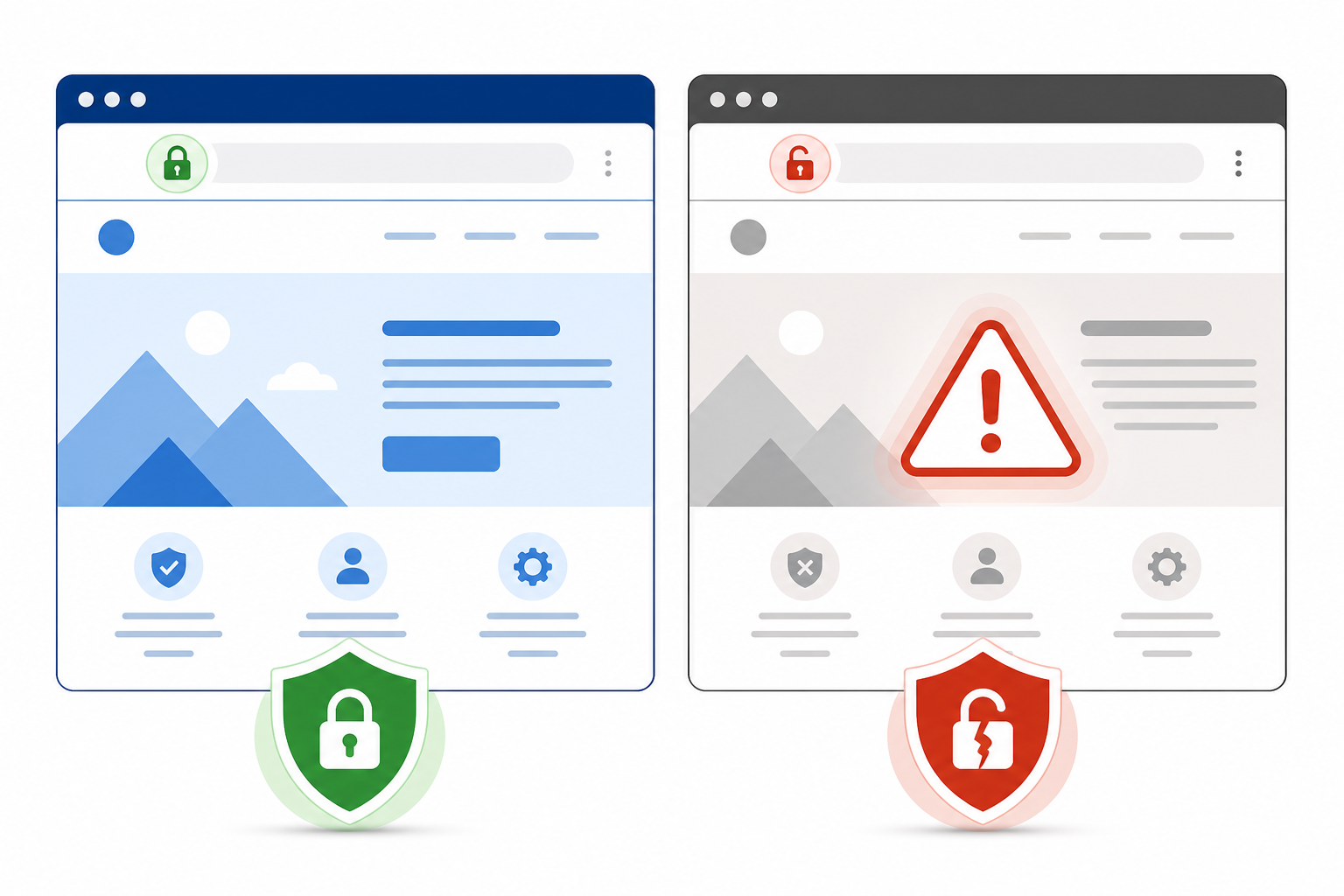
The checkout page in this scenario eventually got fixed, but not before losing real revenue and a chunk of customer trust. That's the pattern with SSL certificate expiration: it is rarely dramatic in the way a server crash is dramatic. It is quiet, slow to notice and, by the time you catch it, the damage has already started spreading.
How SSL Certificate Expiration Affects SEO and User Trust
There's a lot of vague fear-mongering about SSL and SEO online, so I want to be precise here rather than add to it.
Google confirmed back in 2014 that HTTPS is a ranking signal, although Google has consistently described it as a lightweight one among many factors. An expired certificate does not trigger an instant, automatic ranking penalty in the way people sometimes assume. What actually happens is more of an access problem than a scoring problem—and it is worth separating the two clearly:
- Crawling and indexing can be disrupted, not directly penalised. If Googlebot cannot establish a secure connection to your site, it may struggle to access and re-crawl affected pages. That is a crawlability and accessibility issue, not Google deliberately marking your content down. Google's own documentation on HTTPS is worth reading if you want the source rather than second-hand summaries.
- Google Search Console can flag security issues linked to certificate problems. Depending on the severity and duration, this can affect how your pages are crawled and indexed.
- User behaviour changes sharply, and that is a commercial problem in its own right. When someone encounters a full-page browser warning, most people do not investigate—they close the tab. That is a real, measurable hit to engagement and conversions, even if it is not a direct ranking mechanism. It is more accurate to describe this as a trust and revenue issue than as an SEO algorithm effect.
- Trust does not recover as quickly as your certificate does. Once a repeat visitor encounters a security warning on your site, some may not return—even after the problem is fixed. First impressions, especially scary red warning screens, are sticky.
- Checkout and login pages are the highest-stakes real estate. The Baymard Institute's research on cart abandonment has repeatedly found that security and trust concerns are among the top reasons shoppers abandon a purchase. UK consumer research bodies such as Which? have highlighted similar patterns—security signals like a valid padlock icon are something UK shoppers actively look for before entering payment details. A browser security warning on a checkout page adds directly to that existing hesitation.
- There is a UK regulatory angle too. Under UK GDPR, organisations processing personal data—including payment and login details—are expected to use “appropriate technical measures” to protect that data in transit. A lapsed certificate on a page handling personal data is not just a UX problem; it is arguably a compliance gap that the ICO would expect you to have addressed.
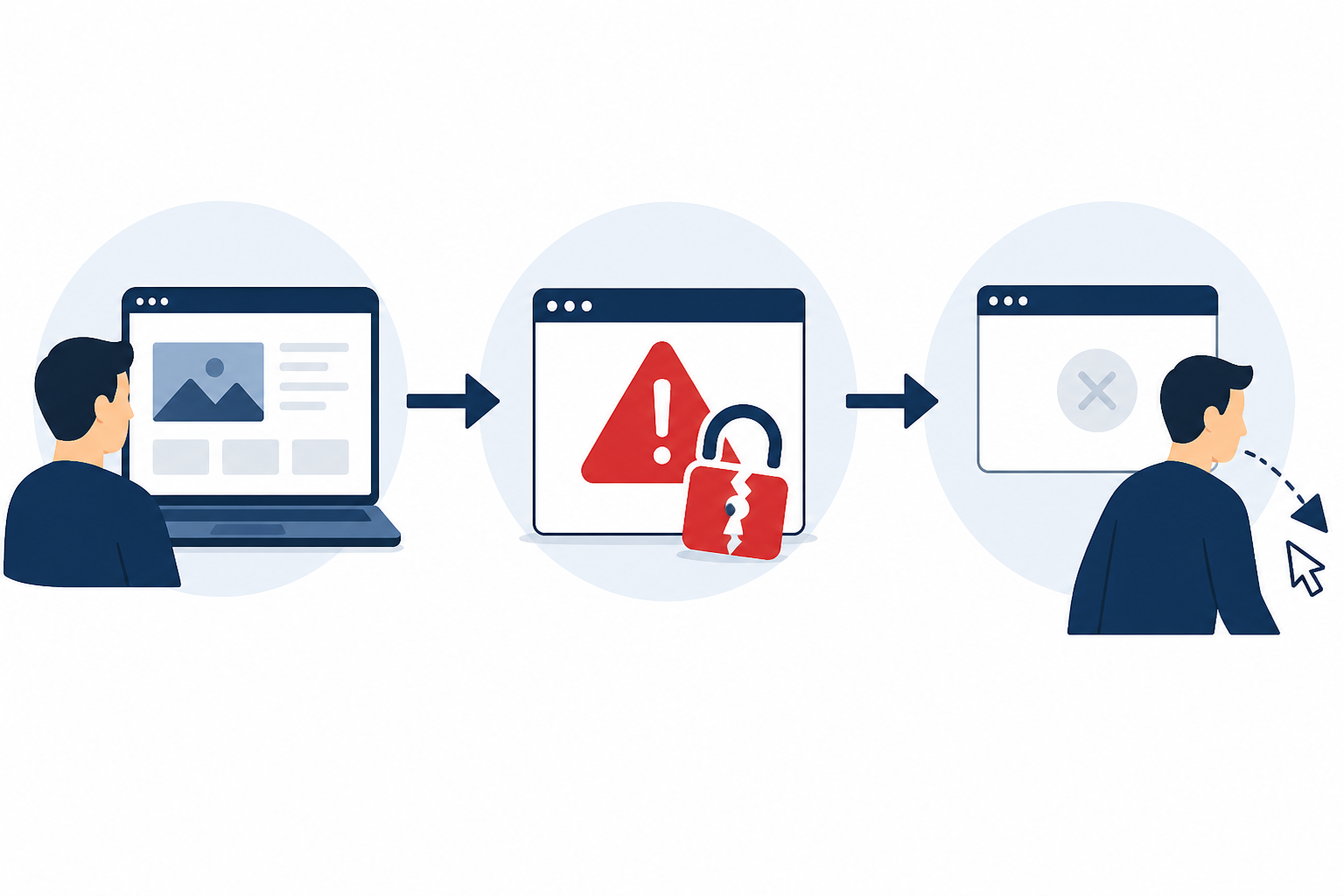
It is also worth remembering that certificate expiration is not the only way HTTPS breaks. Hostname mismatches, incomplete certificate chains, unsupported protocols and mixed content can all trigger similar warnings, and each behaves slightly differently depending on the browser and endpoint. That is exactly why a proper SSL monitoring tool checks the full TLS configuration—chain validity, hostname match and protocol support—not just whether the expiry date is in the future.
One more thing worth internalising: with HTTPS now the default across the overwhelming majority of web traffic, a security warning does not read as a minor glitch anymore. It reads as evidence that a site is poorly maintained. Even large, well-resourced teams are not immune—Microsoft Teams had a well-publicised outage in 2020 caused by an expired authentication certificate that locked users out entirely. If it can happen there, it can happen anywhere.
Why SSL Certificate Renewals Get Missed
Almost nobody lets their certificate expire on purpose. It happens because of process gaps that feel small until they are not:
- Manual reminders living in one person's calendar. The classic failure mode—someone sets a personal reminder, then changes roles or leaves the organisation, and the reminder disappears with their account.
- Auto-renewal scripts that silently fail. Let's Encrypt and other ACME-based tools are genuinely good, but cron jobs depend on permissions, DNS validation and API tokens all staying correct. A single misconfigured DNS record can quietly break automated renewal for months before anyone notices.
- Successful renewal that never gets deployed. This one catches people out: the certificate renews correctly, but the new file never actually gets pushed to every load balancer, CDN edge or origin server that needs it. One stale node can keep serving the old, expired certificate long after the renewal “succeeded”.
- Domain and subdomain sprawl. Once an organisation has dozens of subdomains—staging environments, regional sites and partner portals—nobody has a clean, current inventory of which certificates exist and who owns them.
- Reseller or third-party certificates sending notifications into a black hole. Renewal reminder emails often go to a generic inbox nobody actively monitors, especially after a personnel change.
- Assuming the CDN or load balancer “just handles it”. Sometimes it does—for the endpoints it fronts. But origin servers, internal APIs and less obvious subdomains often are not covered by that assumption, and that gap is exactly where SSL certificate expirations slip through.
What to Do If Your SSL Certificate Has Already Expired
If you are reading this mid-incident rather than as prevention homework, here is a short runbook to work through calmly:
- Confirm the affected endpoint and certificate chain. Check exactly which subdomain or service is affected, and verify the full chain—not just the leaf certificate—using a tool such as
openssl s_clientor an online SSL checker. - Renew or reissue the certificate immediately. If you are using Let's Encrypt or another ACME provider, trigger the renewal manually rather than waiting for the automated job to retry.
- Deploy it everywhere it is needed. Push the new certificate to every load balancer, CDN edge and origin server involved—this is where the earlier deployment-gap problem tends to resurface.
- Verify from outside your network. Use an external checking tool or a second monitoring region to confirm the new certificate is actually being served to real visitors, not just sitting correctly on one internal node.
- Check downstream systems. Test your payment flow, API integrations and mobile app connections specifically, since these may still be caching the failed connection state.
- Communicate if the outage was visible. If customers were affected, a short status update—even a simple one—goes further than silence.
- Do a quick post-mortem. Work out why the alert did not fire, or was not seen, in time, and fix that gap before moving on.
How Automated SSL Monitoring Prevents Certificate Outages
The fundamental shift you need to make is from reactive to proactive. Reactive means finding out about a certificate problem from a customer complaint or a support-ticket flood. Proactive means receiving an alert with enough runway to fix the issue calmly, during business hours, before anyone outside your team notices.
This is where dedicated SSL certificate monitoring earns its keep. A good setup checks certificate validity from multiple regions on a regular schedule—not just once a day, but through continuous or frequent probing that reflects the actual state of the certificate at any given time. Multi-region verification matters more than people initially expect: it confirms you are looking at a genuine certificate issue rather than a false alarm caused by one flaky monitoring node or a regional DNS hiccup. That distinction is the difference between a monitoring tool you trust and one you eventually start ignoring because it cries wolf too often.
It is also worth pairing SSL monitoring with domain expiration monitoring. They fail in strikingly similar ways—silently, with no visible symptoms until it suddenly matters—and losing a domain to expiration is just as capable of taking your entire online presence offline as losing a certificate.
There is real value in a unified view here, too. Instead of juggling separate tools for uptime, API checks, DNS and SSL, having all of that visibility in one dashboard means you are not context-switching between five logins to work out what is actually wrong. That is the kind of consolidated approach worth looking for in whichever monitoring platform you choose—Moonitor is one option built around exactly that idea, combining SSL, domain, uptime, DNS and cron monitoring with multi-region verification in a single place, but the underlying principle matters more than any specific tool.
Setting Up SSL Certificate Expiration Alerts That Work
Good monitoring is not “turn something on and forget it”. Here is a practical sequence that holds up over time:
- Inventory everything. Add every domain and subdomain to your SSL monitoring tool—not just the main site. Sprawl is the enemy here, so be thorough.
- Set tiered alert thresholds. Thirty days out gives you a heads-up. Fourteen days is a stronger nudge. Seven days should feel urgent. Twenty-four hours is your last-chance warning. This tiered structure gives you multiple opportunities to catch renewal issues before they become outages.
- Route alerts to the right channel. Slack or Telegram works well for immediate team visibility—people actually see alerts in real time. Email is useful for record-keeping and accountability, but should not be your only line of defence, since inboxes get ignored.
- Assign clear ownership. An alert sent to a distribution list with no named owner tends to be ignored, because everyone assumes someone else is handling it. Assign a specific person or a rotating on-call role per domain or team.
- Test the alert path itself. Trigger a test alert periodically to confirm it reaches the right person through the right channel. A monitoring system that silently stops sending notifications is just as dangerous as having no monitoring at all.
- Verify after every renewal, not just before. Once a certificate renews—automatically or manually—confirm with an external checking tool that the new certificate is actually being served, rather than assuming the renewal script's exit code tells the full story.
- Connect alerts to incident history. Tracking patterns over time helps you spot recurring issues, such as the same certificate type or renewal script failing around the same date each year.
- Have a status page ready. If something slips through despite your best efforts, a branded public status page lets you communicate transparently with customers instead of leaving them to discover the problem through a browser warning.
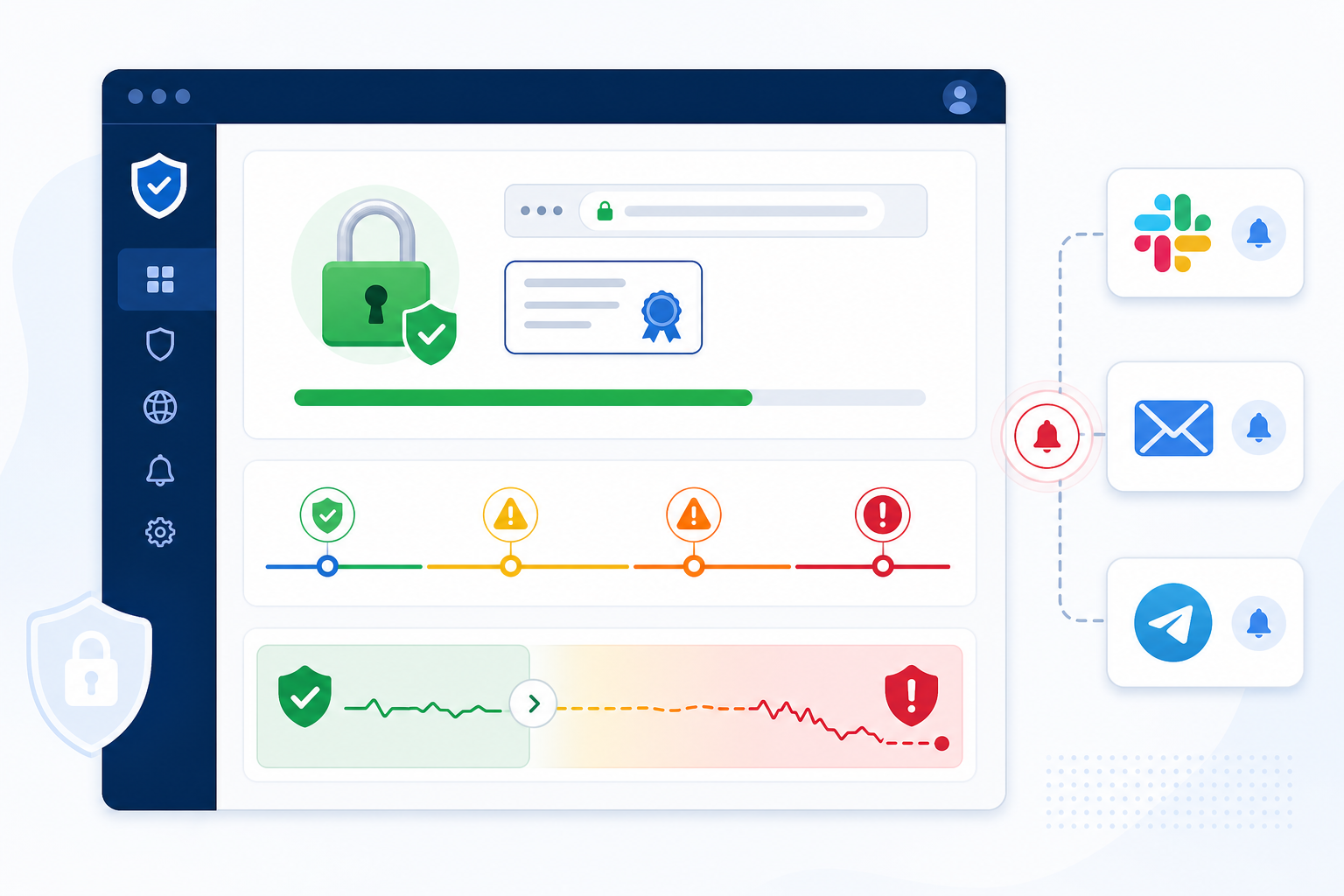
SSL Certificate and Domain Management Checklist
If you want a quick gut-check on where your organisation stands, run through this list:
- ✅ Full inventory of every domain, subdomain and certificate issuer in one place
- ✅ Continuous or frequent automated checks of certificate validity, not manual monthly reviews
- ✅ Alerts set at multiple thresholds (30/14/7/1 days) via at least two channels
- ✅ Clear ownership assigned per domain or team
- ✅ Auto-renewal scripts tested quarterly, including verification that the renewed certificate is actually deployed everywhere it is needed
- ✅ Domain expiration tracked alongside SSL, since losing the domain is just as disruptive
- ✅ Alert delivery paths tested periodically, so you know notifications actually arrive
- ✅ Status page ready to communicate transparently if an incident happens
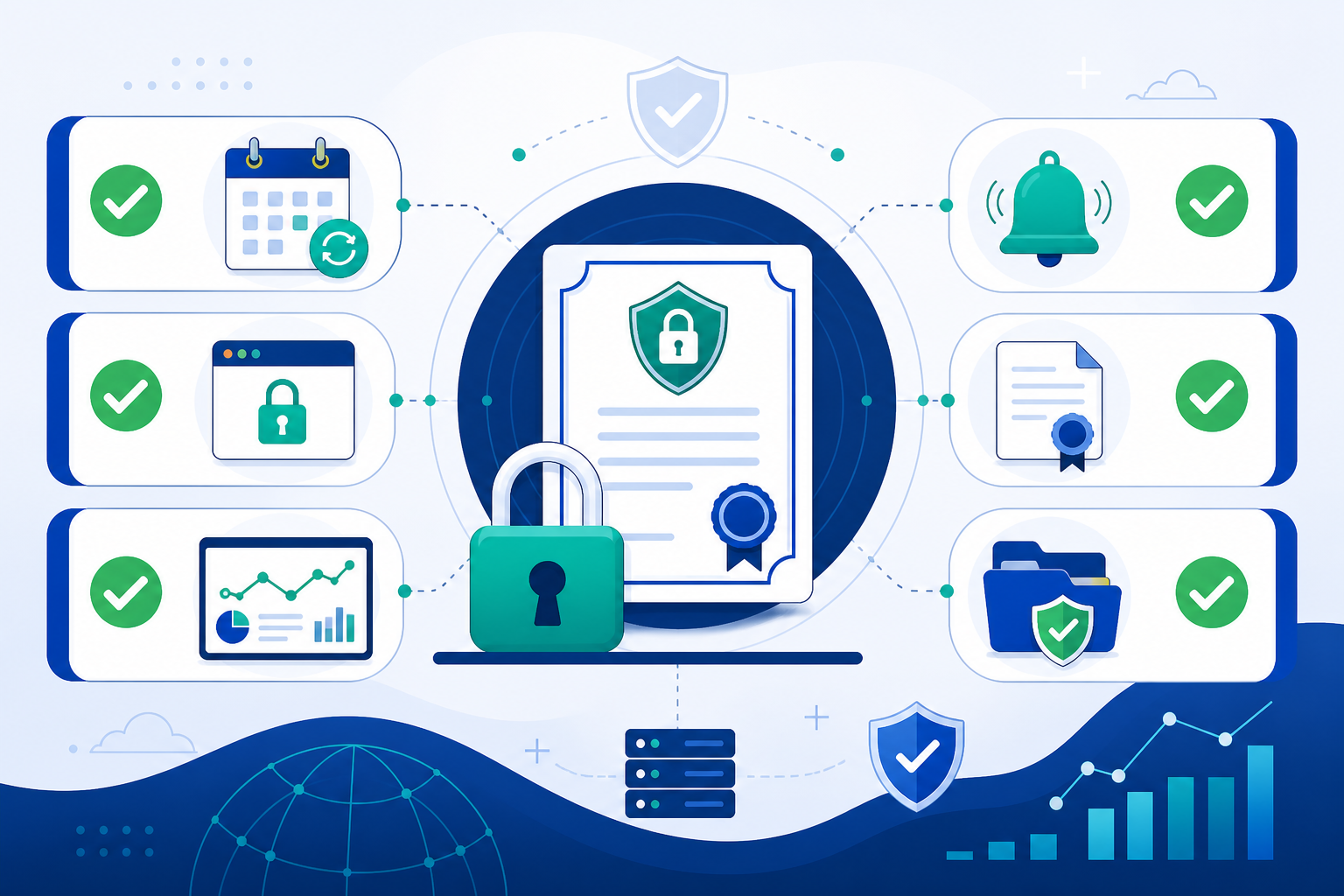
If you cannot confidently check every box, that is not a failure—it is just a to-do list. Setting up this kind of coverage does not have to be a multi-week project. With the right monitoring platform, you can get SSL, domain and uptime monitoring running across your infrastructure in well under an hour.
Frequently Asked Questions About SSL Certificate Expiration
What happens to my site if my SSL certificate expires?
Visitors will typically see a full-page browser warning, such as Chrome's “Your connection is not private”, instead of your site. Most people will not click through, so new visitors effectively cannot reach you. Behind the scenes, APIs, webhooks and mobile apps connecting to your server over HTTPS will generally fail their TLS handshake outright. The failure itself is not quiet, but it often is not surfaced anywhere your team will notice quickly, which can break integrations, payment flows and third-party services without an obvious error message on your end.
Does an expired SSL certificate hurt my SEO?
Indirectly, and the mechanism matters. Google treats HTTPS as a lightweight ranking signal, but an expired certificate does not trigger an automatic ranking penalty. The bigger risk is that Googlebot may struggle to crawl and re-index pages it cannot securely access, while Search Console may flag the security issue. Separately, the spike in bounce rate and lost conversions when visitors hit a warning screen is a real commercial cost—just not the same thing as a direct ranking hit.
How far in advance should I get SSL renewal alerts?
Most sysadmins find a tiered approach works best: an early heads-up at 30 days, a stronger nudge at 14 days, an urgent alert at 7 days and a final warning at 24 hours. This gives you enough runway to handle DNS validation issues, permission errors or third-party renewal delays without scrambling at the last minute.
What should I do if my SSL certificate has already expired?
Confirm exactly which endpoint is affected, renew or reissue the certificate immediately, and deploy it to every load balancer, CDN and origin server involved—not just one node. Verify from an external tool that the new certificate is actually being served, then check your payment flows and API integrations specifically, since those can hold on to a failed connection state longer than a browser will.
Can I rely on Let's Encrypt auto-renewal?
Auto-renewal scripts are excellent until they are not. DNS changes, permission issues or expired API tokens can silently break the renewal cron job, and a successful renewal does not always mean the new certificate reached every server that needs it. That is why pairing auto-renewal with independent SSL certificate monitoring matters: you want a second system confirming that the certificate renewed and was deployed, not just assuming the script ran successfully.