
SSL vs TLS Explained: What Sysadmins Should Actually Monitor
Confused about SSL vs TLS? We clear up the terminology, then show you exactly what certificate issues to monitor so you're never blindsided by an outa
If you have ever found yourself typing SSL certificate into a support ticket while your brain quietly whispers, "Wait, isn't that actually TLS?" — congratulations, you are in good company. Here is the short answer: SSL and TLS get used interchangeably all the time, but TLS is the modern, more secure protocol that replaced SSL years ago. What everyone still calls an "SSL certificate" today is really a TLS certificate wearing SSL's old nickname.
The terminology mix-up itself doesn't cause outages. But the things teams forget to monitor because of that confusion (expiration dates, broken certificate chains, weak ciphers, protocol downgrades) absolutely do. They're not all the same problem wearing different hats.
Grab a coffee, and let's sort through the naming confusion first, then get into what you should actually be watching so you're never the person explaining to your boss why the checkout page just started showing browser warnings.
SSL and TLS: clearing up the confusion
SSL, Secure Sockets Layer, was the original protocol for encrypting traffic between browsers and servers, developed by Netscape in the mid-1990s. SSL 2.0 shipped in 1995 and was quickly found to have serious cryptographic weaknesses. SSL 3.0 followed in 1996 and fared little better. By 1999, the IETF had replaced SSL with TLS (Transport Layer Security) 1.0. Since then we've moved through TLS 1.1, 1.2, and now TLS 1.3, which is the current recommended standard.
So technically, SSL has been out of active use for a very long time. SSL 2.0 is formally prohibited, SSL 3.0 is deprecated, and even TLS 1.0 and 1.1 were officially retired by the IETF in March 2021 (RFC 8996) for being too weak to trust. Most compliance frameworks and major browsers now expect TLS 1.2 as a practical floor, with TLS 1.3 as the preferred target. That said, check this against your own client base rather than assuming it holds universally.
So why does everyone still say "SSL certificate"? Mostly habit. The term stuck in the public vocabulary the same way people still "dial" a phone. Marketing copy, certificate authority checkout pages, and old documentation kept the SSL branding alive long after the underlying protocol moved on. It's a bit like calling every tissue a Kleenex: technically wrong, practically harmless.
Here's the part that actually matters for your job: the label doesn't matter, but the protocol version running on your servers absolutely does. A certificate can look perfectly valid while the server behind it is still negotiating TLS 1.0, or worse, allowing an SSLv3 fallback. That's the kind of gap that fails a PCI DSS audit or gets flagged by a security-conscious partner, or a UK organisation following NCSC guidance, even if nobody outside your team ever notices the naming issue.
Certificate monitoring and TLS configuration monitoring are related but genuinely different disciplines, and it's worth keeping them separate in your head. Certificate monitoring checks things like validity, expiry, chain completeness, and hostname coverage. TLS configuration monitoring checks which protocol versions and cipher suites your server actually negotiates. A green tick on one says nothing about the other, and we'll come back to that distinction throughout this post.
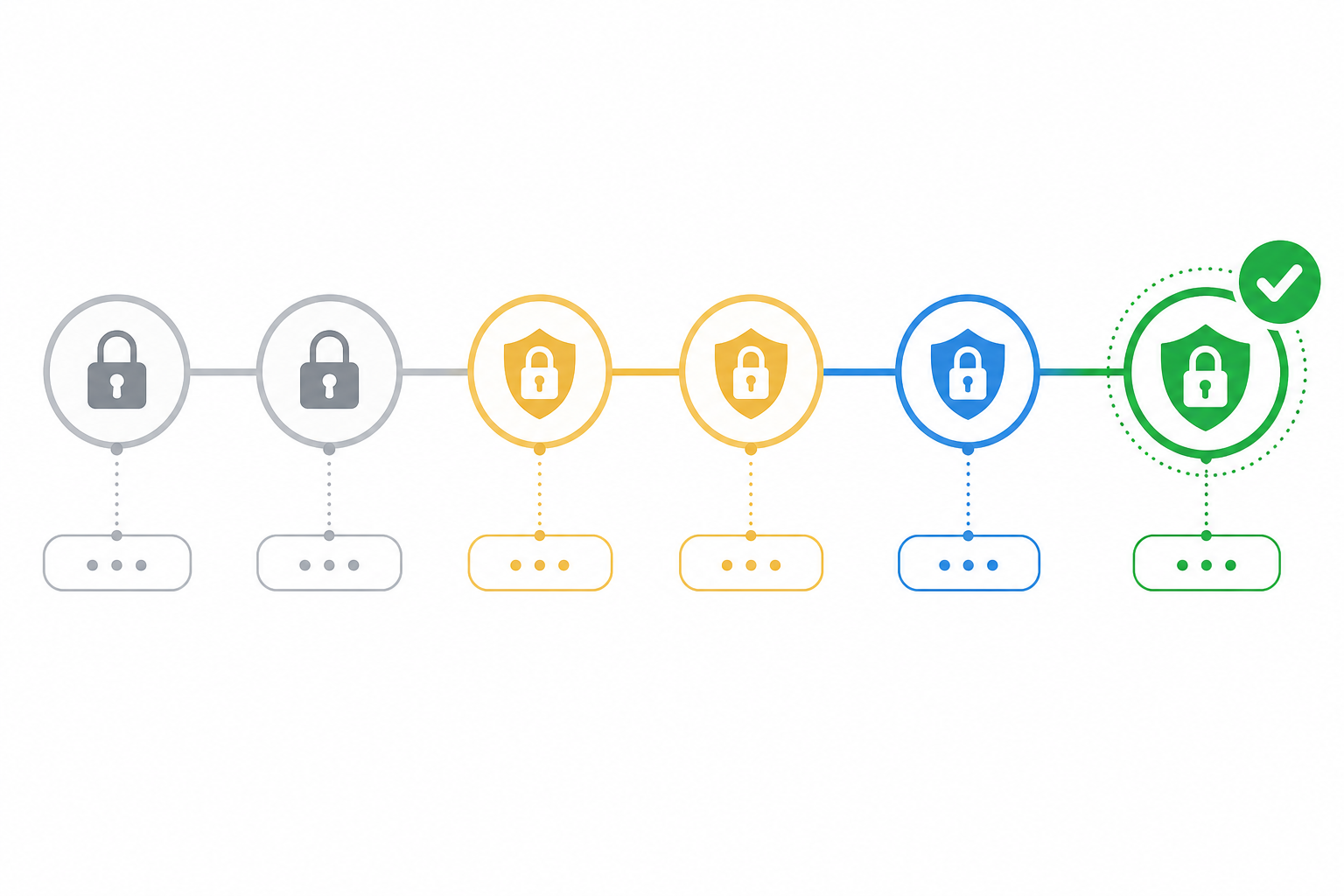
Why TLS certificate health and certificate monitoring still matter
I've seen it happen more times than I can count: a certificate quietly expires at 2 a.m. on a Saturday, and by the time anyone notices, customers are already hitting "Your connection is not private" warnings and leaving. Microsoft itself isn't immune. In January 2020, an expired internal certificate disrupted Microsoft Teams for users worldwide. If it can happen to Microsoft, it can happen to your API integration, your internal admin panel, or your customer-facing checkout flow.
The damage isn't just downtime, either. Browser warnings are one of the fastest ways to torch user trust, and most people won't stick around to figure out whether it's "just" an expired certificate or an actual security breach. They simply leave. Some automated systems, API clients, and integration partners also run their own certificate validation, so a broken certificate can silently break machine-to-machine connections even when no human ever sees a warning. I'd stop short of claiming certificate errors directly hurt search rankings (that's not well evidenced), but they can absolutely break crawlers, monitoring bots, and partner integrations that depend on a clean handshake.
And the cost adds up fast. A missed renewal on a Friday afternoon can easily turn into an entire weekend of downtime, a flood of support tickets, and an on-call engineer scrambling to get a fix rolled out everywhere. That's hours of lost revenue and reputation for something a simple automated certificate monitoring alert could have prevented weeks earlier.
What can go wrong beyond certificate expiration?
Expiration gets all the attention, but honestly, it's just one item on a much longer list of things that can quietly break your TLS setup. Here's what else deserves a spot on your monitoring checklist, along with a quick way to check each one:
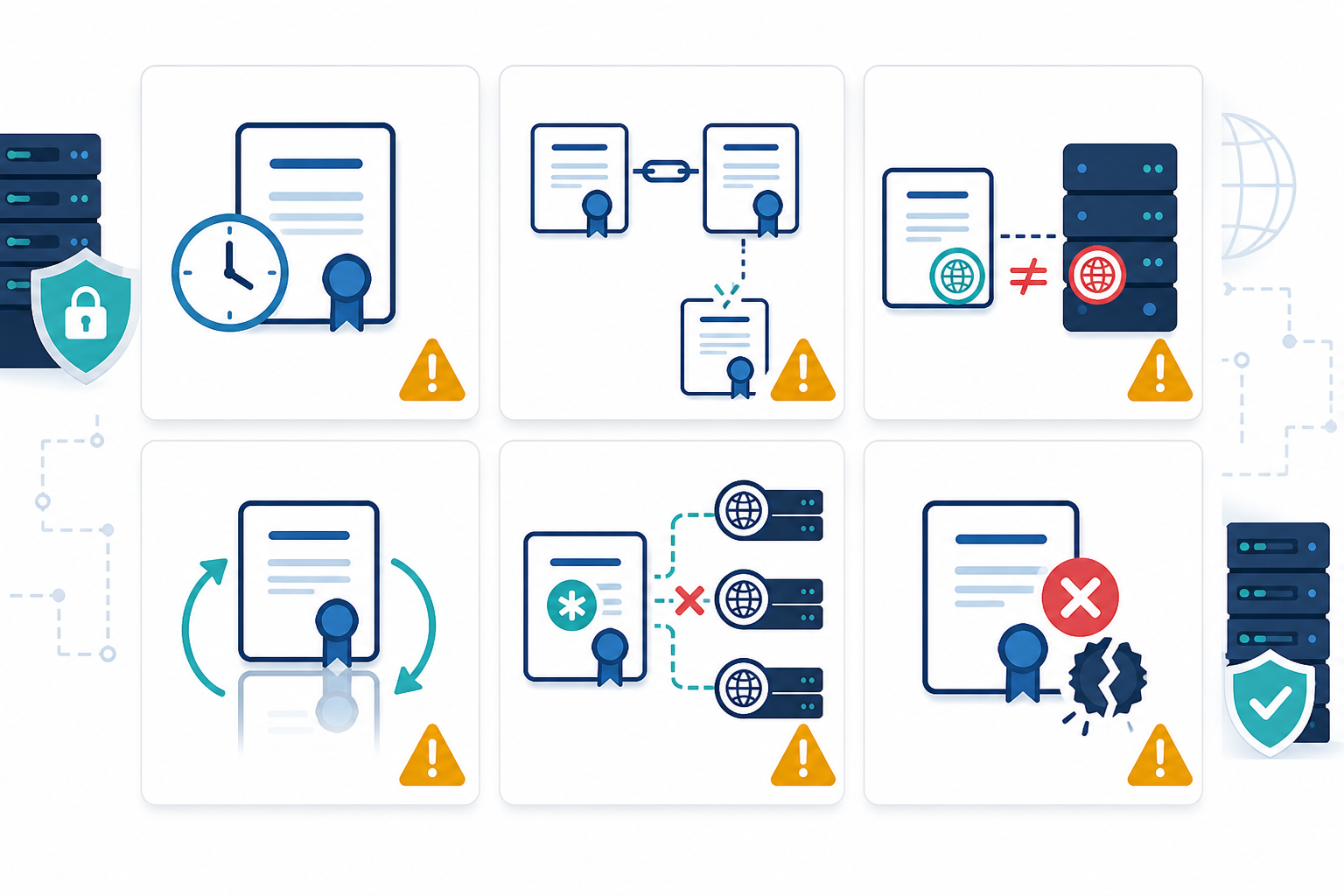
- Certificate chain issues: Your leaf certificate might be perfectly valid, but if the server doesn't present the full chain, including intermediate certificates, some clients will reject the connection while others won't. This is exactly what happened when Sectigo's AddTrust root expired in 2020, breaking connections for clients that couldn't build an alternate trusted path. Check it with
openssl s_client -connect yourdomain.com:443 -showcertsand confirm the full chain is returned, or run it through SSL Labs' free server test. - Domain mismatch errors: The certificate doesn't cover the hostname being requested, often because a new subdomain was added without updating the SAN (Subject Alternative Name) field. A quick
openssl x509 -noout -text -in cert.pem | grep -A1 "Subject Alternative Name"will show you exactly what's covered. - Self-signed certificates left in production: Great for a development environment, terrifying when one accidentally ships to customers. Automated scans that flag any certificate not issued by a trusted public CA will catch this quickly.
- Wildcard certificate misconfigurations: A wildcard certificate covering
*.yourdomain.comwon't automatically coversub.sub.yourdomain.comor a completely separate domain, and that gap often isn't discovered until something breaks. Keep an inventory of every subdomain and match it against what your wildcard certificate actually covers. - Domain expiration: Separate from the certificate entirely, but just as devastating. If the domain itself lapses, none of your certificate monitoring matters anymore. A WHOIS lookup or registrar-side expiry alert is the simplest safety net.
- CA revocation or distrust events: Remember DigiNotar in 2011? A compromised certificate authority had its root distrusted by every major browser almost overnight, breaking every certificate it had ever issued, regardless of expiration date. There's no easy self-check for this one beyond staying current with CA/Browser Forum and browser vendor announcements.
The common thread here is that a valid "not-after" date tells you almost nothing about whether your TLS setup is actually healthy. You need checks that look at the full picture: chain completeness, hostname coverage, trust status, and the domain registration sitting underneath it all.
Monitoring TLS protocol versions and cipher suites
Here's a scenario that trips up a lot of teams: your certificate monitoring dashboard is green across the board, expiration dates look great, the chain is complete, and yet a security scan or compliance audit still flags your setup. Why? Because certificate health and TLS configuration health are genuinely different things, checked by different tools, and neither one substitutes for the other.
Running TLS 1.0 or TLS 1.1 today isn't just old-fashioned, it's actively risky. Both were formally deprecated by the IETF in 2021, and PCI DSS 4.0 prohibits SSL and early TLS except under a documented, time-limited risk-mitigation plan. If your server still accepts these older protocols, you can fail compliance checks even with a perfectly valid certificate. UK organisations working towards Cyber Essentials or following NCSC guidance should treat this as a baseline expectation, not an optional extra.
Then there's the cipher suite question. A server can support TLS 1.2, which is fine on its own, while still allowing weak, outdated ciphers such as RC4, 3DES, or static RSA key exchange without forward secrecy. Forward secrecy means each session gets a unique key, so recording today's traffic doesn't let an attacker decrypt it later even if they eventually steal your private key. These configurations leave you exposed even though the protocol version itself looks acceptable on paper. Attacks such as POODLE, which exploited SSL 3.0 fallback, and DROWN, which abused reused RSA keys on old SSLv2 services, are real-world reminders of how these weaknesses get exploited.
Protocol downgrade attacks work by tricking a client and server into negotiating a weaker, more exploitable version of TLS than either would normally use. It's a bit like an attacker convincing two people who speak fluent English to switch to a language neither speaks well, just so the attacker can eavesdrop more easily. Modern TLS 1.3 largely closes this door, but only if you're actually running it, and only if legacy versions are properly disabled rather than left available "just in case."
Warning signs that your TLS configuration needs attention: a security scanner such as Qualys SSL Labs, testssl.sh, or Nmap's ssl-enum-ciphers script flagging deprecated protocol support or weak ciphers. Unexpected handshake failures from specific client types or older devices. A compliance scan citing missing forward secrecy.
One thing worth flagging clearly: mixed-content warnings, where an HTTPS page tries to load an HTTP image, script, or stylesheet, are a completely different problem. They point to insecure resource loading on the page itself, not to a weak cipher or outdated protocol version. Fixing mixed content won't tell you anything about your server's TLS configuration. None of the real protocol-level symptoms show up in a simple certificate expiration check, which is exactly why cipher and protocol scanning needs to run separately from certificate monitoring.
Setting up automated certificate monitoring checks
The good news is that certificate monitoring is one of the easier wins in your monitoring stack, and it takes very little time to set up once you know what to check.
- Build an inventory of every domain and subdomain that needs a certificate watched, with a named owner for each. This includes staging environments, internal tools, API endpoints, and anything sitting behind a CDN or load balancer, not just your main website. CDN-fronted domains are easy to miss because the certificate presented at the edge isn't always the one your origin server holds, so check both.
- Set up certificate monitoring with expiry alerts at multiple intervals, ideally 30, 14, and 7 days out. A single warning the day before expiration doesn't give anyone enough time to fix the problem.
- Add domain expiration monitoring alongside certificate checks. A lapsed domain registration is just as damaging as an expired certificate, and it's easy to overlook if your monitoring only looks at TLS.
- Run a separate TLS configuration scan on a schedule, using a tool such as
testssl.shor SSL Labs, to catch deprecated protocols and weak ciphers that certificate monitoring alone won't detect. - Configure alerts through Slack, email, or a webhook, and define escalation rules. Who gets pinged first, and who's the backup if that person doesn't acknowledge the alert within, say, 30 minutes?
- Use multi-region checks to confirm issues are real, rather than reacting to a one-off network blip from a single vantage point. This cuts down dramatically on false alarms and alert fatigue.
- Test after every renewal, not just before expiry. A renewal that installs correctly on one load balancer node but not another is a common way "we renewed it" turns into "half our traffic is still serving the old certificate."
We built Moonitor to cover the certificate and domain expiration side of this, with multi-region verification, alerting through Slack, Discord, Telegram, email or webhooks, and a free tier you can try without a credit card. But the principles above apply whichever tool you use.
Building a reliable certificate monitoring routine
Here's the honest truth: "set and forget" doesn't really work with certificates. Certificates get renewed, servers get reconfigured, new subdomains get spun up, load balancers get swapped out, and any one of those changes can quietly introduce a gap that nobody notices until a customer complains.
Validity periods are also getting shorter, which raises the stakes on automation. The CA/Browser Forum approved a staged reduction schedule in 2025 that brings maximum validity for publicly trusted TLS certificates down to 47 days by March 2029, with intermediate steps along the way. That applies to publicly trusted certificates specifically (internal or private CA certificates can still follow your own organisation's policy), but if you rely on public CAs, this timeline means manual renewal becomes impractical, and automated issuance and monitoring stop being optional.
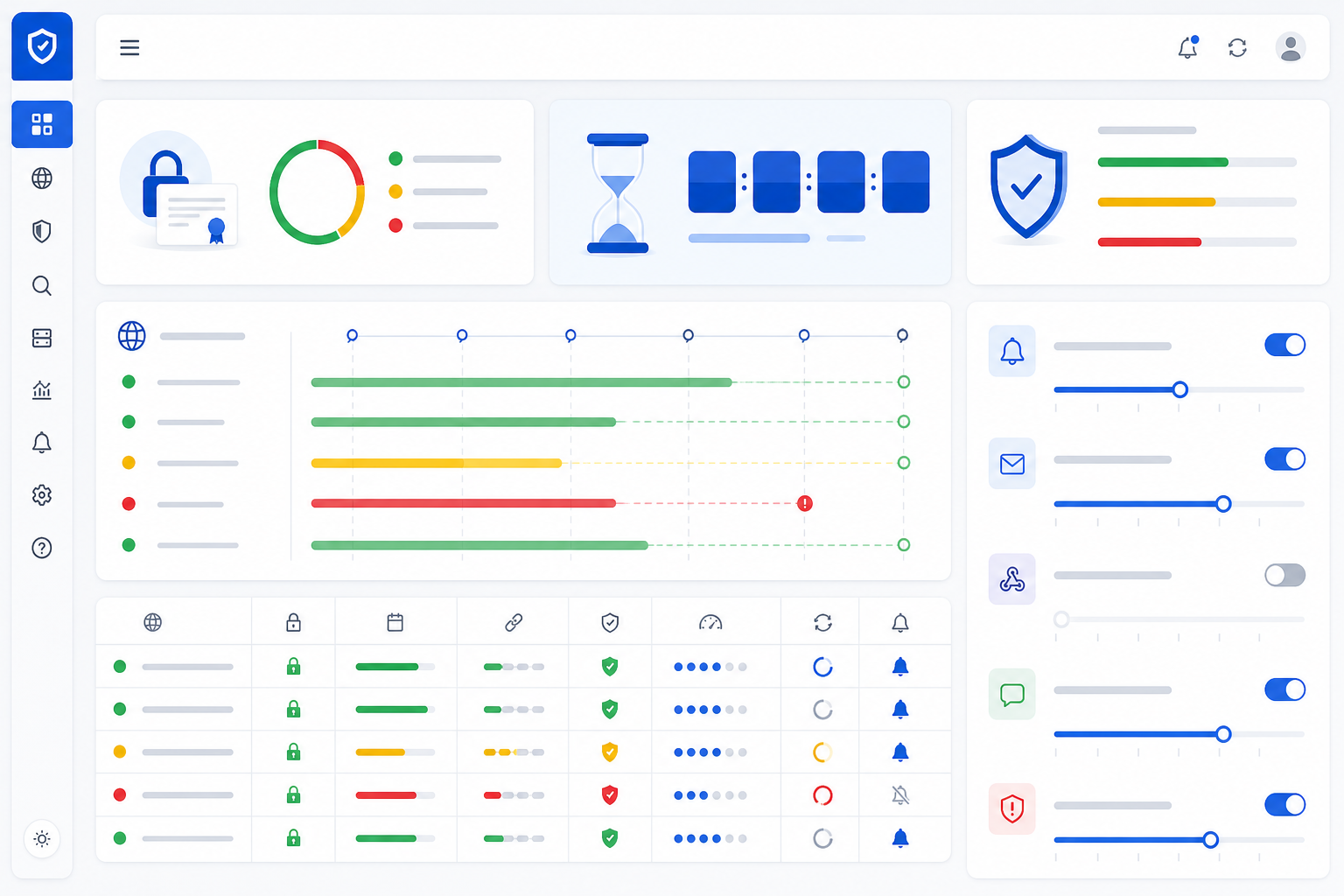
Building a light routine goes a long way. A weekly or monthly review of your monitoring dashboard, folded into your regular operations hygiene, catches configuration drift long before it becomes an incident. It's a bit like checking the oil in your car: nobody loves doing it, but skipping it consistently is how you end up stranded.
The real value comes from combining certificate monitoring with other infrastructure checks: DNS monitoring to catch unexpected record changes, cron job monitoring to make sure scheduled renewal scripts actually ran, and API monitoring to confirm your integrations are still completing TLS handshakes correctly. Whether that lives in one dashboard or several purpose-built tools, the goal is the same: visibility into certificates, domains, DNS, and protocol health as separate but connected checks, so a gap in one doesn't hide behind a green light in another.
Frequently asked questions about SSL vs TLS and certificate monitoring
Is SSL the same thing as TLS?
Not technically, but in everyday conversation, yes. SSL was the original protocol, and TLS is its more secure successor, in use since 1999. When people say "SSL certificate" today, they almost always mean a TLS certificate. The naming simply never fully updated across the industry. If you want to check which protocol your server actually runs, a quick scan with SSL Labs or openssl s_client will tell you in seconds.
What certificate issues should I monitor besides expiration?
Expiration gets the most attention, but you should also watch for chain-of-trust errors, domain name mismatches, self-signed certificates in production, wildcard coverage gaps, weak cipher suites, outdated TLS protocol versions, and domain expiration itself. Certificate monitoring tools typically catch the first few; a separate TLS configuration scan is needed for cipher and protocol issues.
How do I get warned before a certificate causes an outage?
Set up automated certificate monitoring that checks your domains regularly and alerts you well before expiration, not just on the day it happens. Tools such as Moonitor can notify you 30, 14, and 7 days out via Slack, email, or webhook. Multi-region checks also help confirm that an alert is a genuine problem rather than a one-off network blip, giving your team time to renew without a scramble.